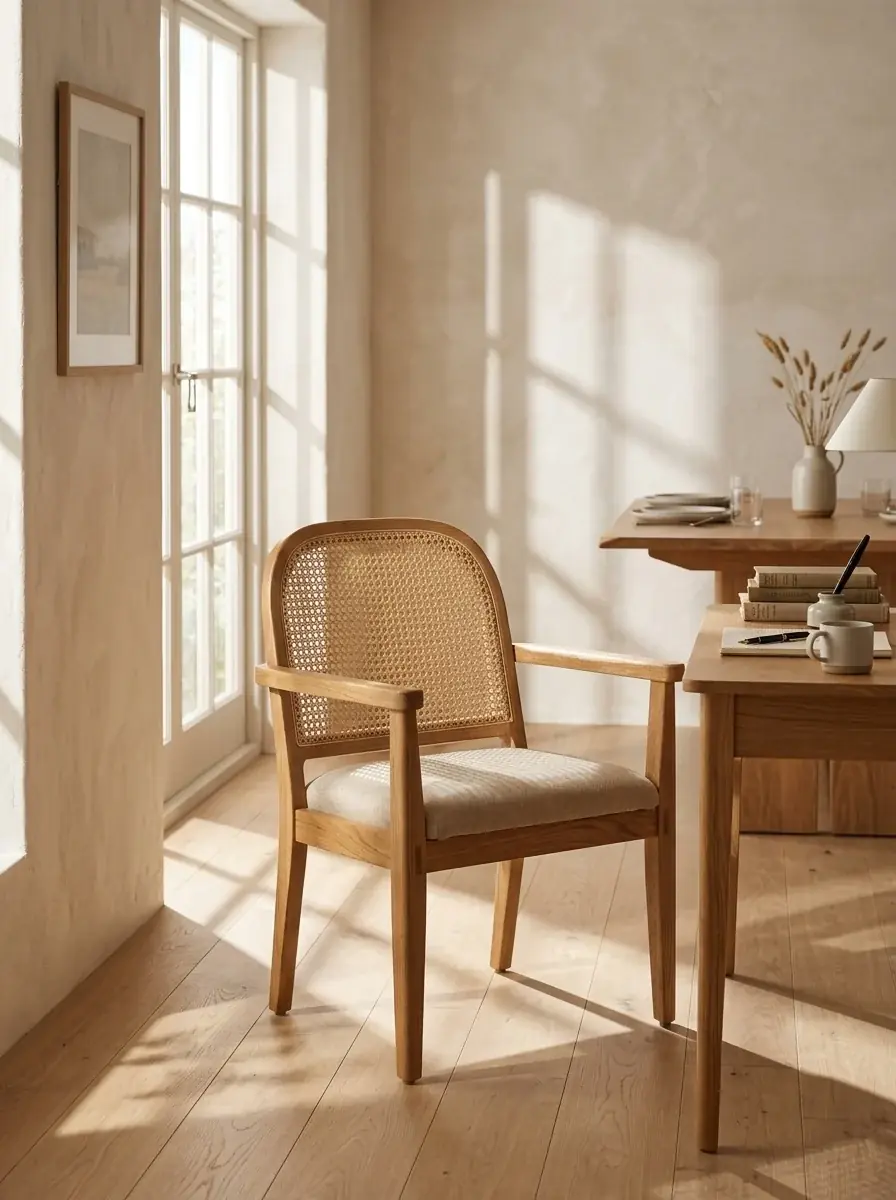
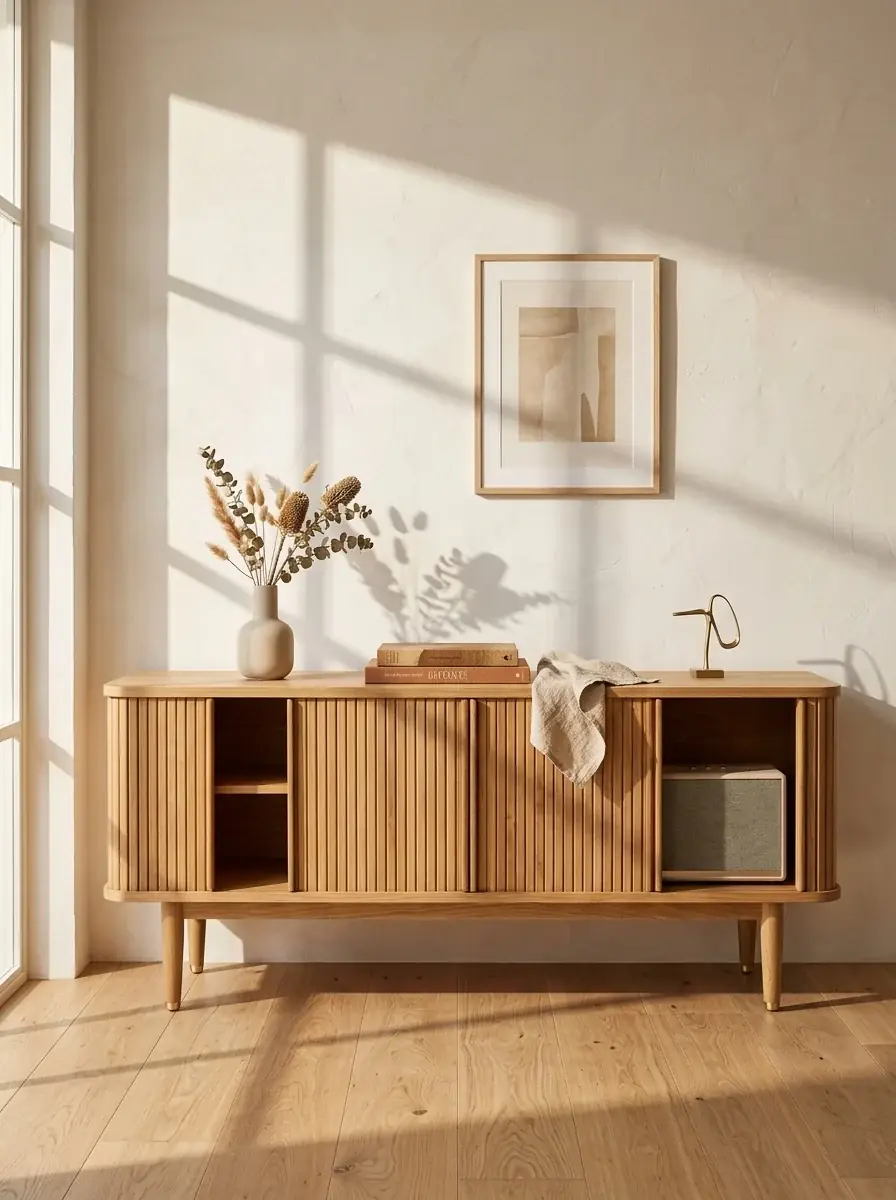
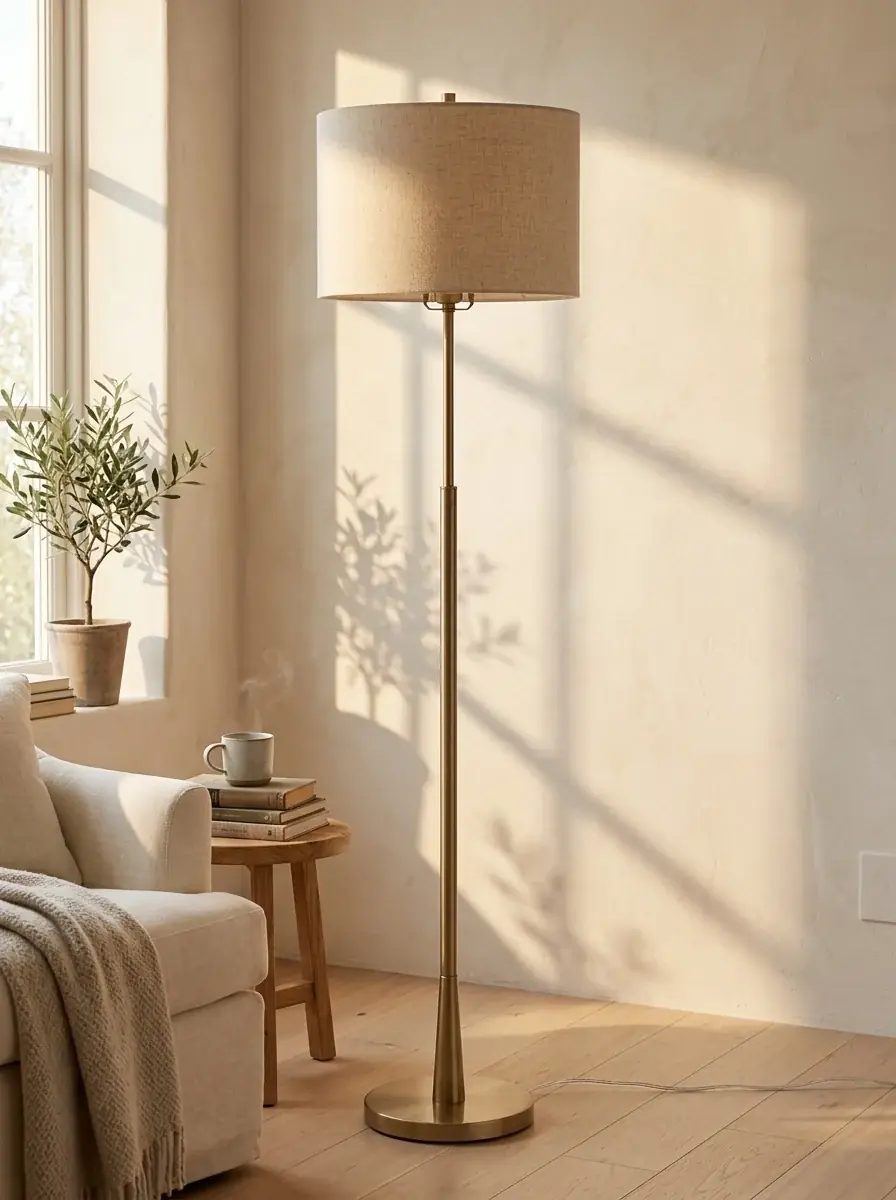
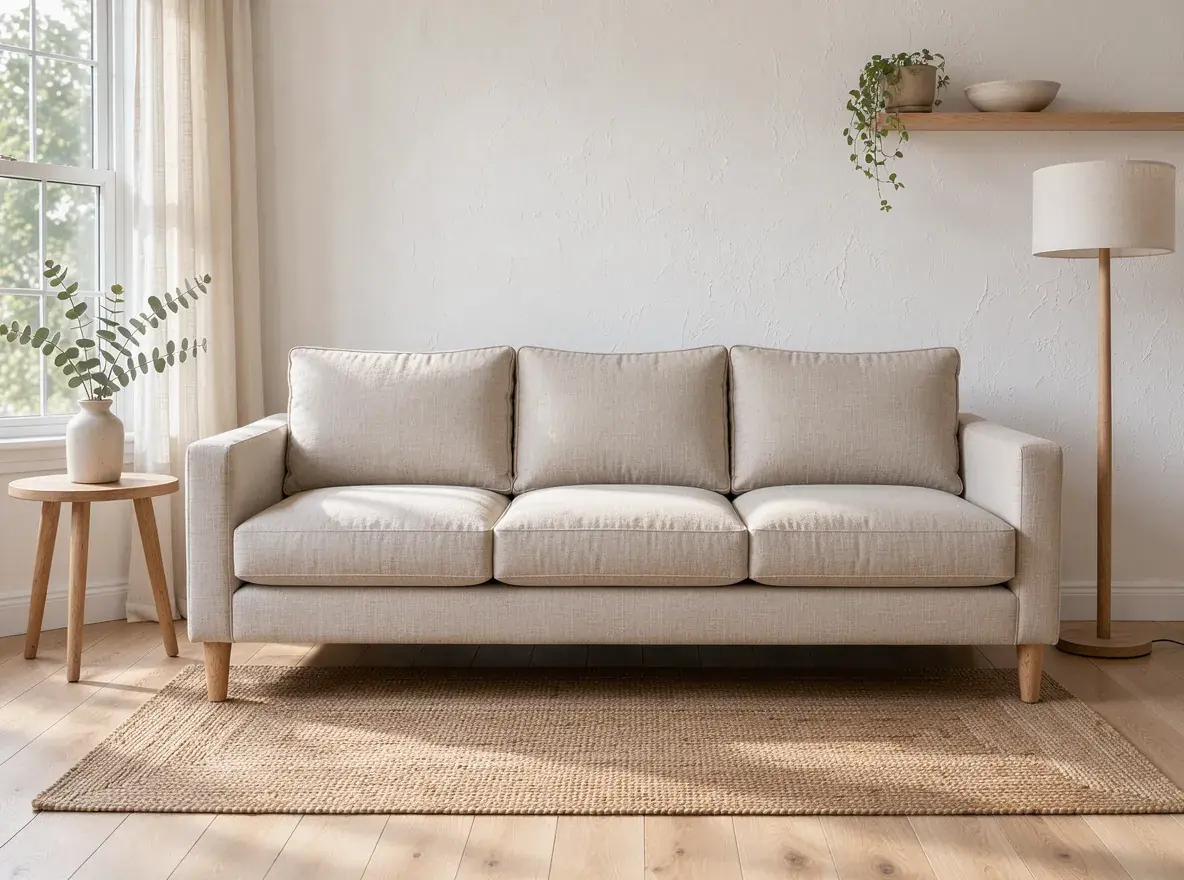
Keep the piece exactly: shape, wood, fabric and size. Place it in a sunlit room with warm white plaster walls, a light oak floor and soft afternoon shadows from a window on the left, styled for what the piece is for
Nano Banana 210 credits
 AI fabricAI room set
 AI fabric
 AI room set
 AI room set
It puts the pieces you sell into rooms and fabrics you never photographed. In Batch Banana you attach a catalog photo, describe the room around it, and edit a copy for each fabric or finish. Nano Banana 2.1 reads up to 14 reference images per prompt and costs 10 credits per image.
Room sets
One phone photo of a sofa on the warehouse floor and one instruction on Nano Banana 2. The arms, cushions, seams and legs stay. Drag the divider to compare.
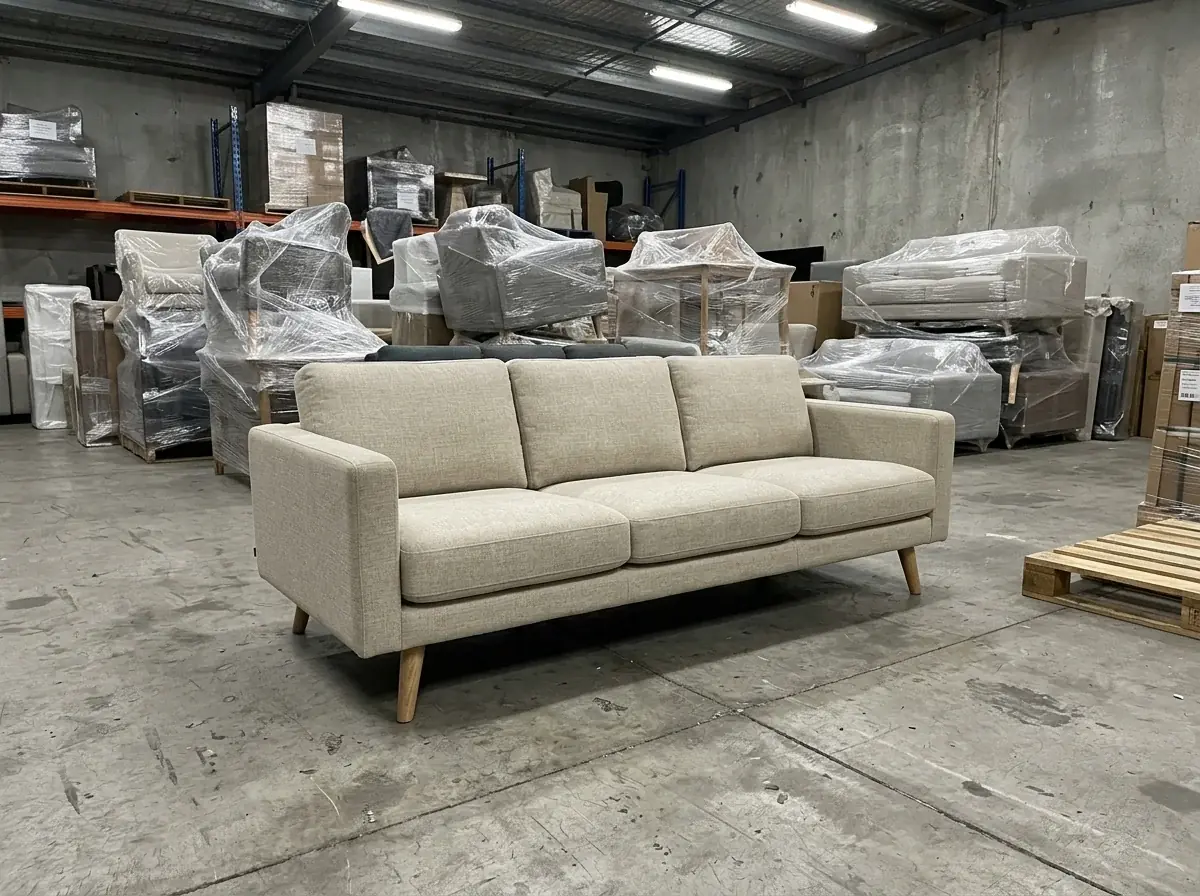
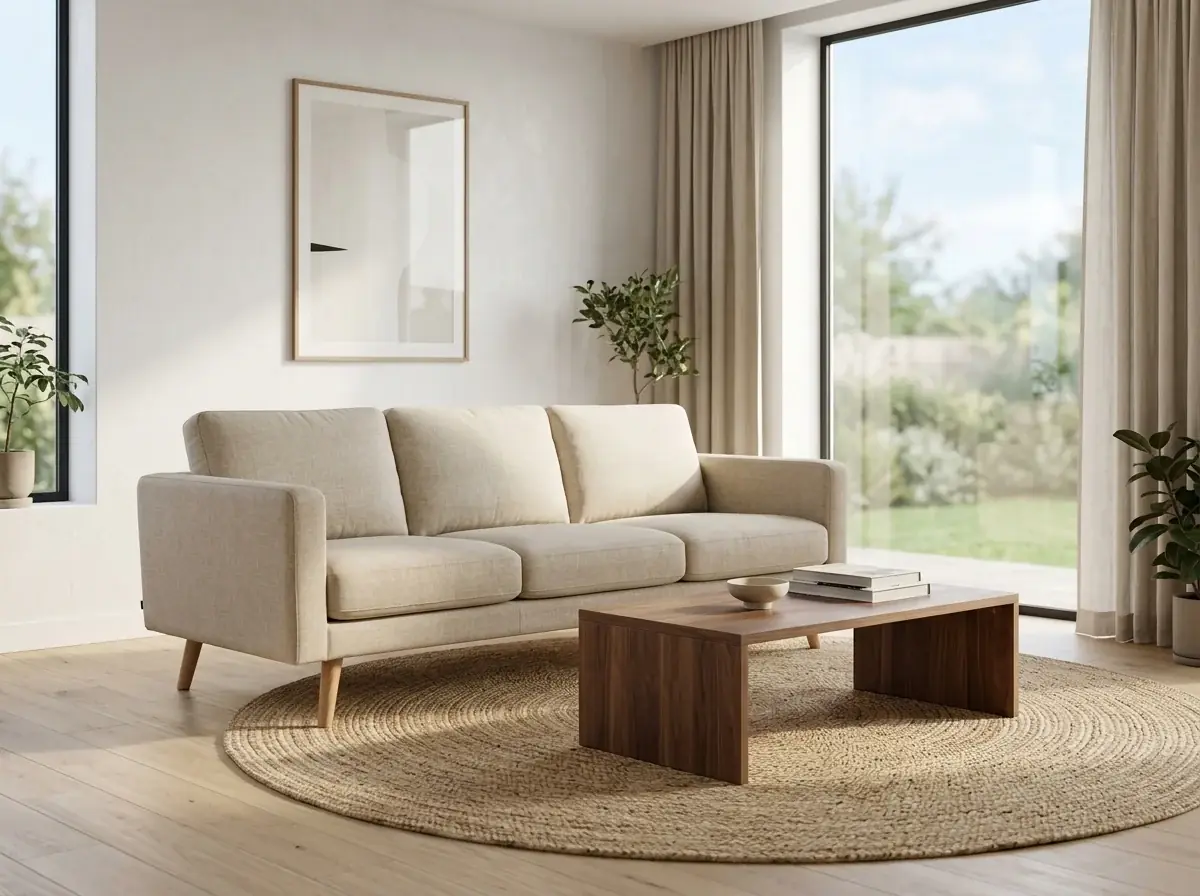
Keep the sofa in Image 1 exactly: its shape, arms, cushions, seams, legs and oat linen fabric. Place it in a bright living room with white plaster walls, a light oak floor, a jute rug, a low walnut coffee table and a tall window with linen curtains, soft afternoon light, eye-level camera. Photorealistic interior photo, no people, no text
Fabrics
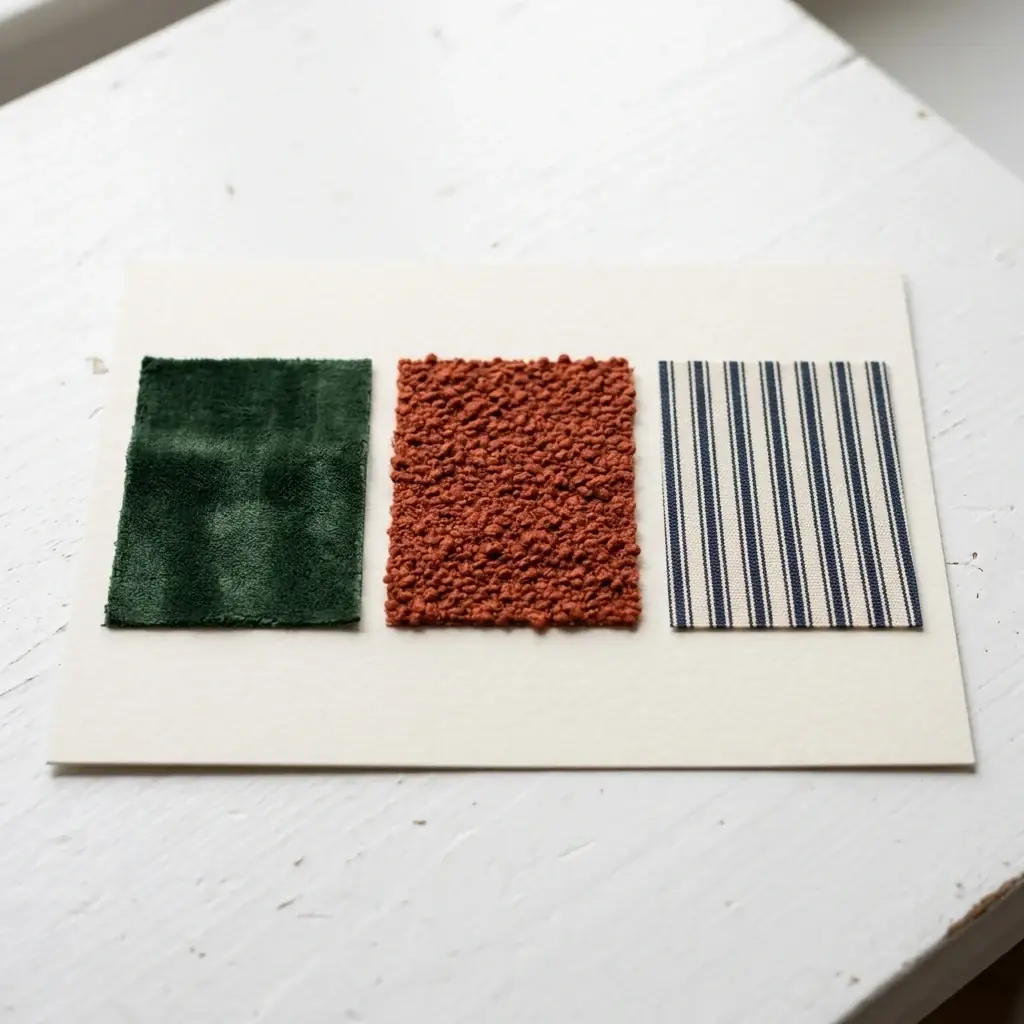
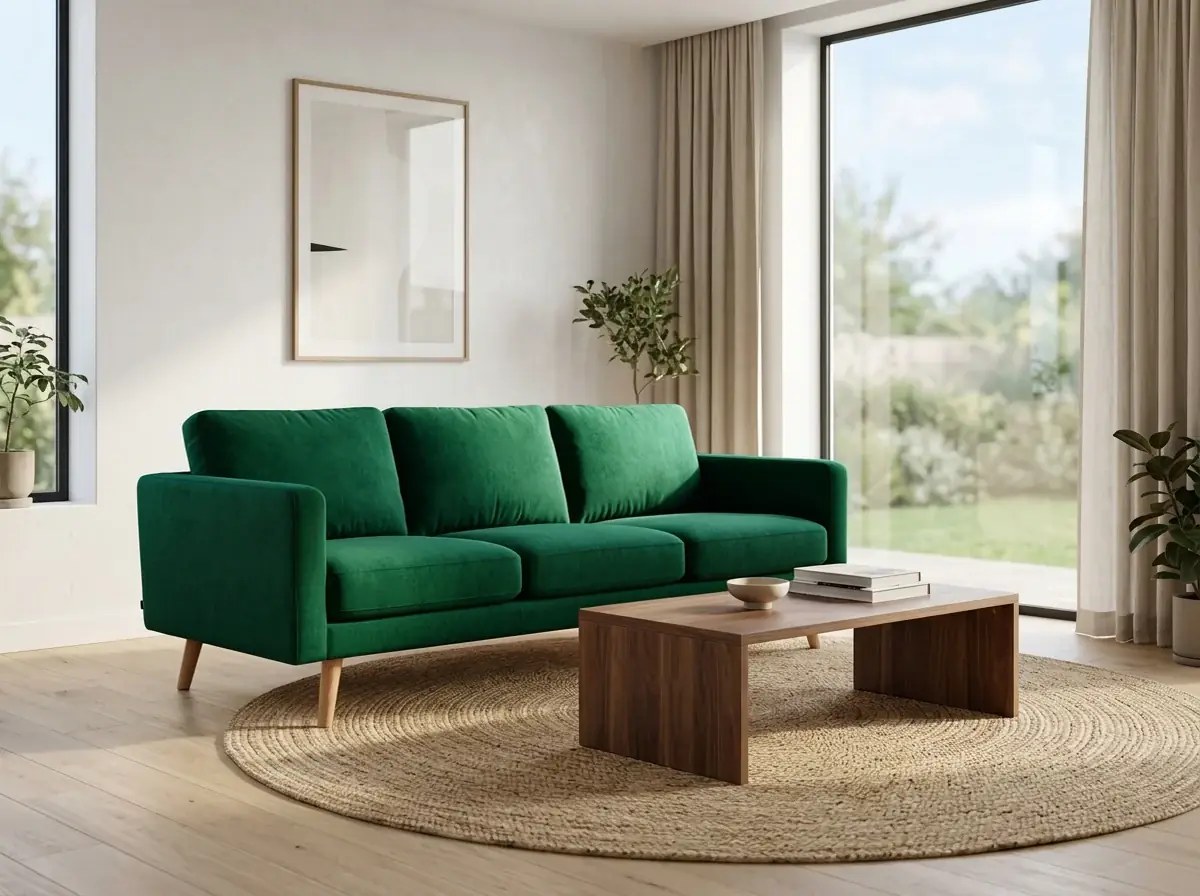
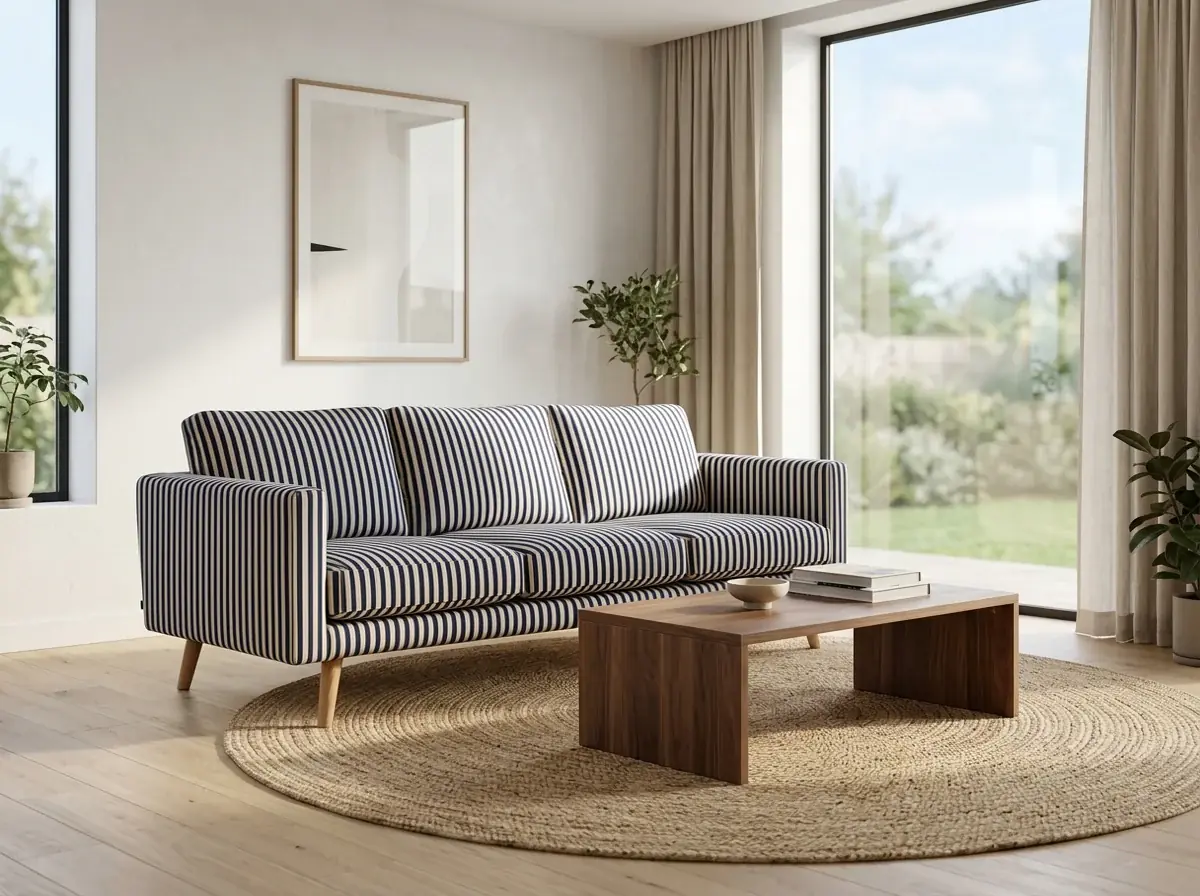
Ideogram Edit repaints the upholstery and leaves the rest of the room as it was, at 14 credits per image. The stripe used the swatch photo as a reference. Check every seam: a pattern can bend the wrong way on a curved cushion.
make the sofa upholstery forest green velvet
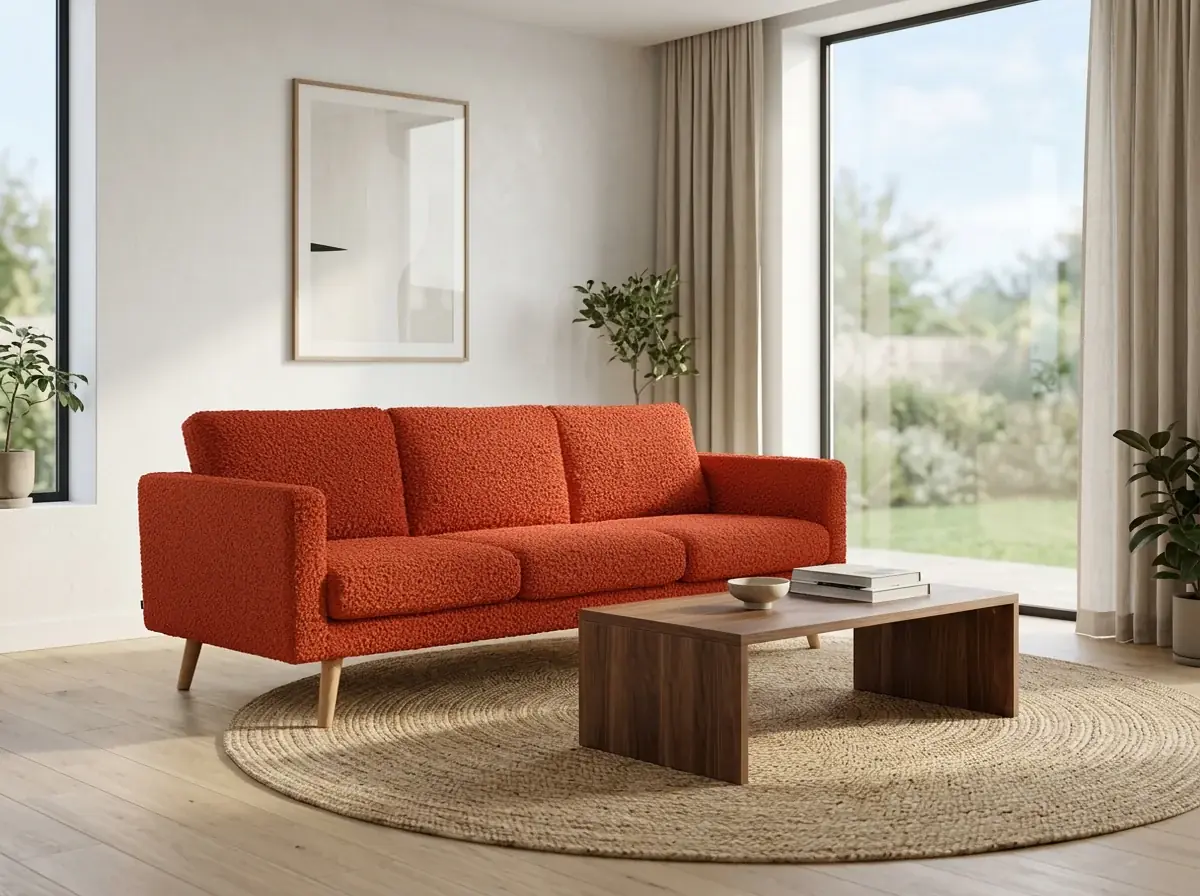
make the sofa upholstery rust boucle
make the sofa upholstery the navy and cream ticking stripe from the swatch
Furniture stores
Build and style a room set in the studio for each hero piece.
Attach the catalog photo and describe the room. The prompt says what stays: the shape, the legs, the fabric.
Order a sample in each fabric and photograph them one by one.
Ideogram Edit changes the upholstery and leaves the rest. Add a photo of the swatch as a reference.
Shoot each piece on a different day and match them in post.
Attach every catalog photo and choose Multi-image edit. One prompt puts each piece in the same room and light.
Wait for the first unit from the factory.
Show the concept as a sketch or a render for a preorder page, and label it as a concept.
Collections
Four catalog photos on white and one Multi-image edit on Nano Banana 2. Each piece keeps its shape and wood, and every room has the same plaster, floor and light.
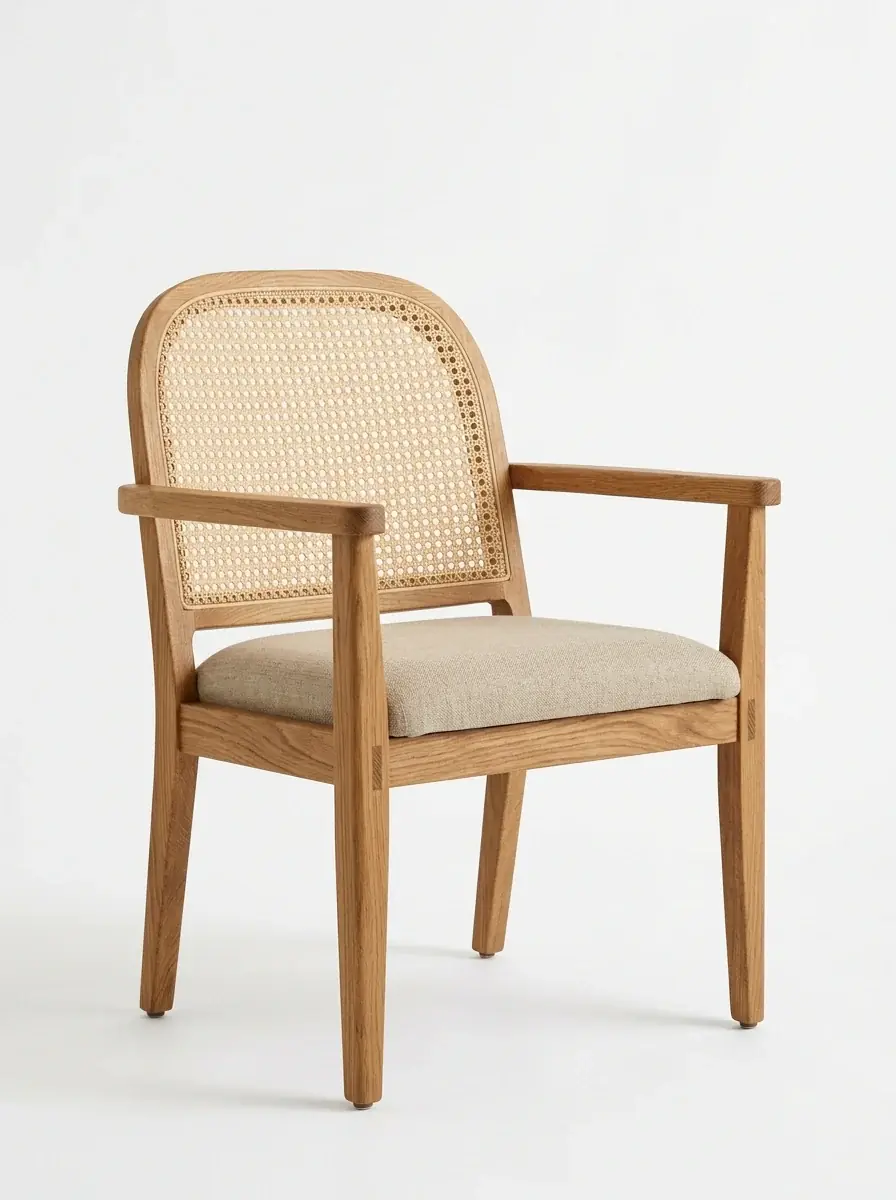
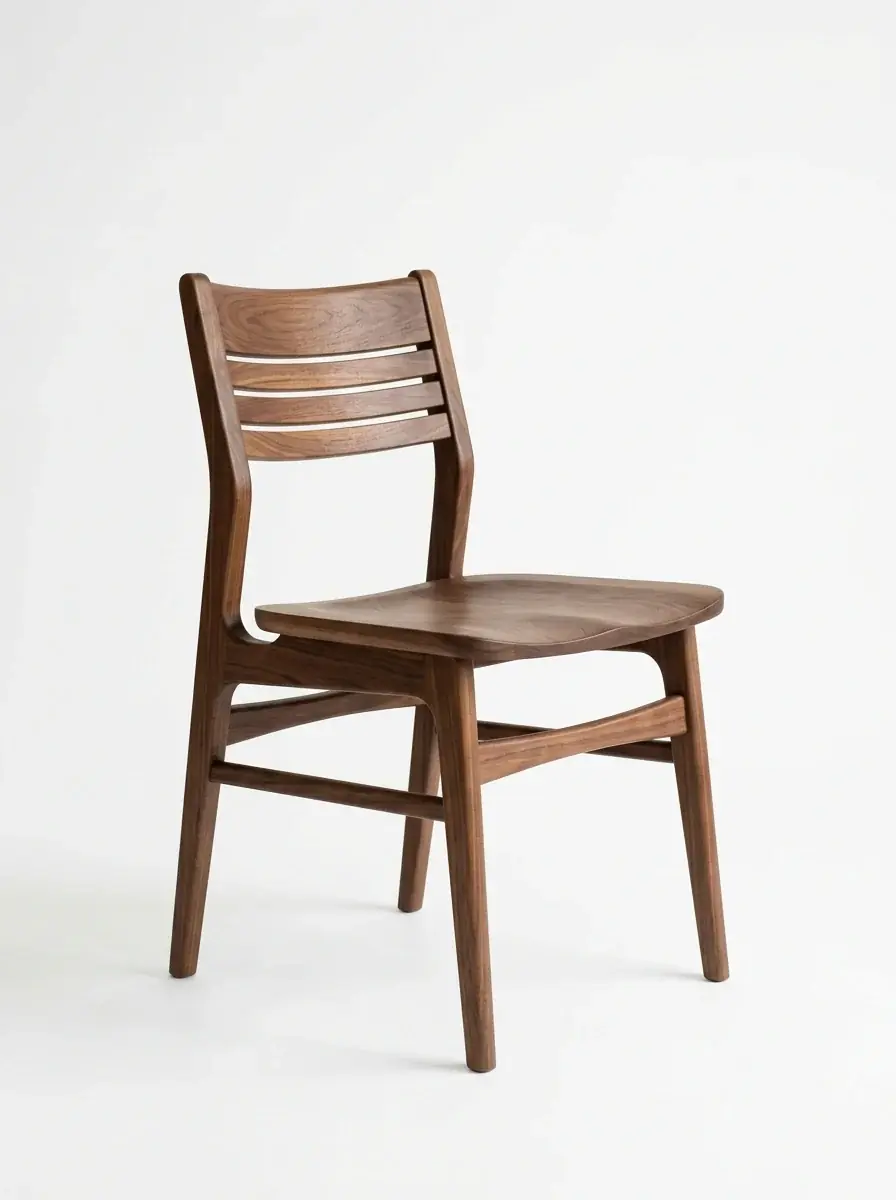
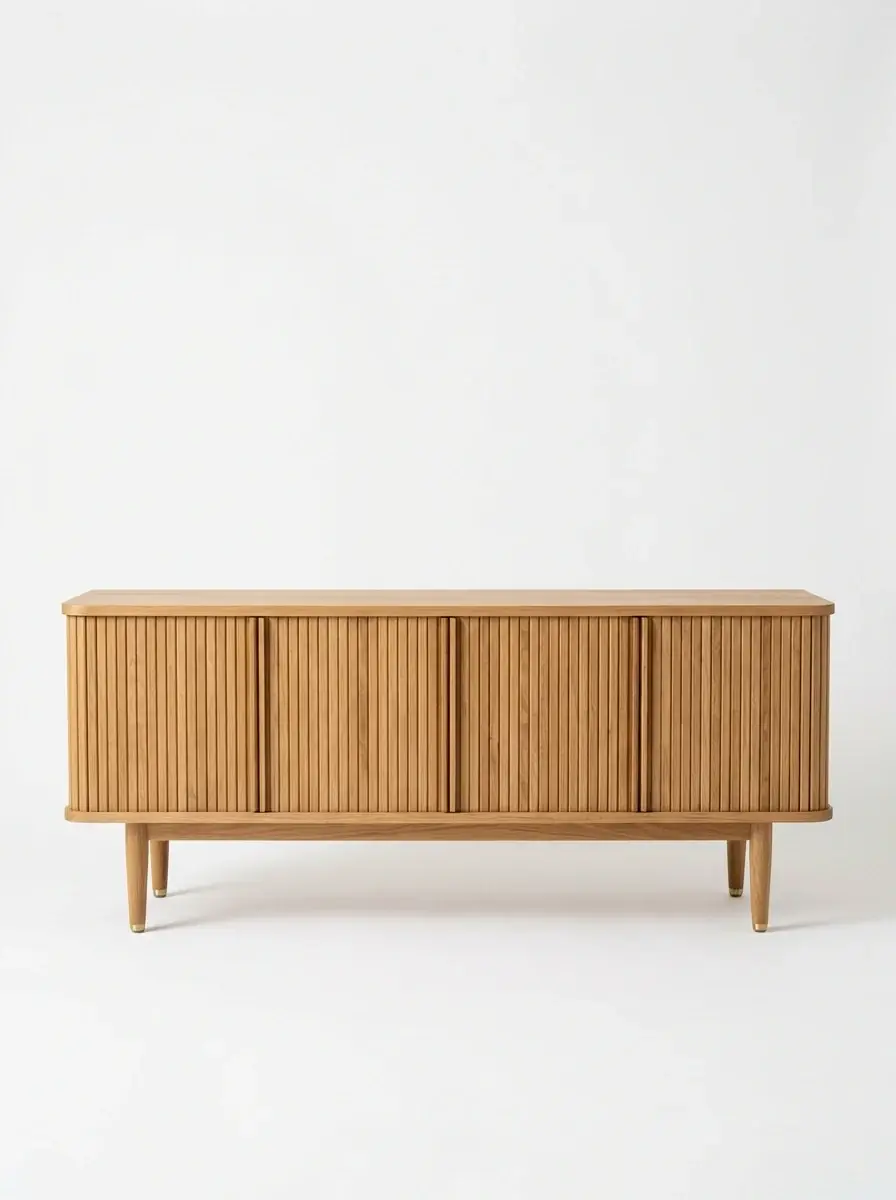
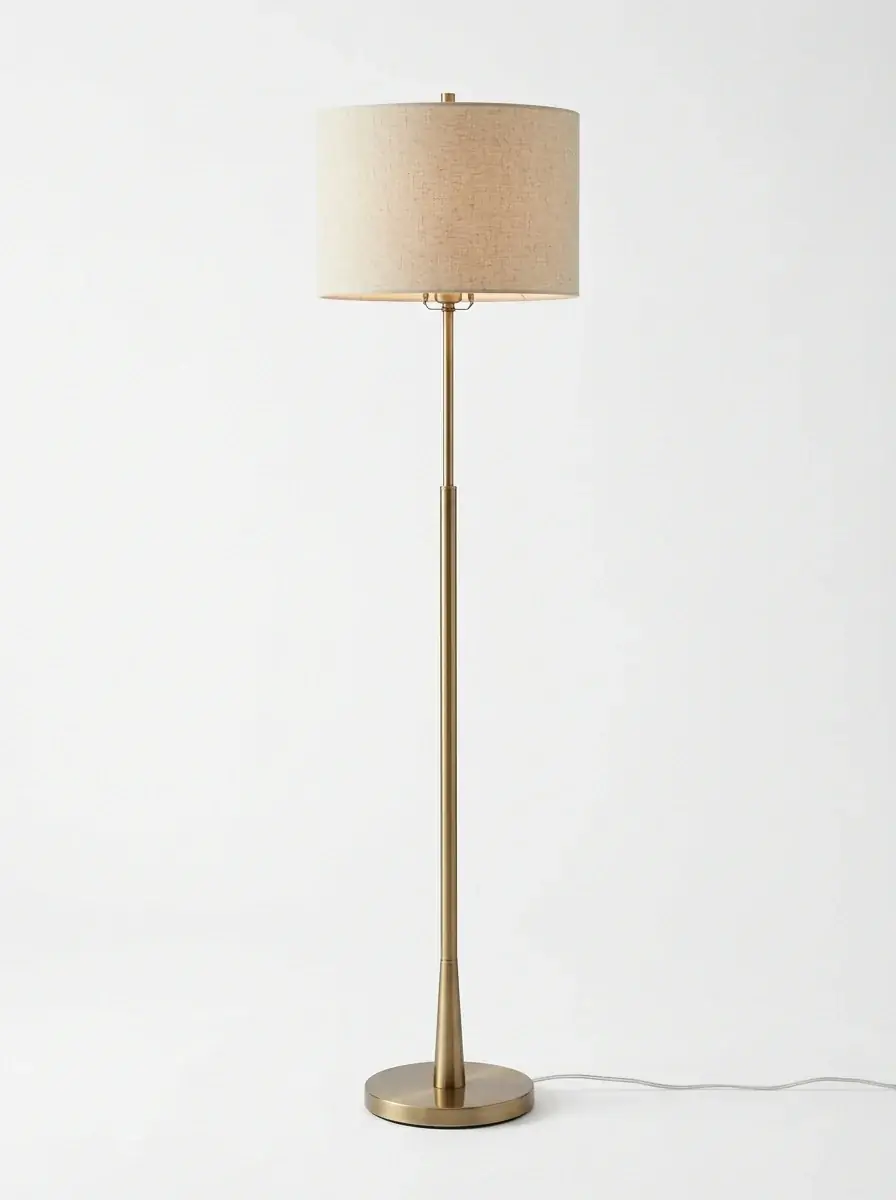
Keep the piece exactly: shape, wood, fabric and size. Place it in a sunlit room with warm white plaster walls, a light oak floor and soft afternoon shadows from a window on the left, styled for what the piece is for
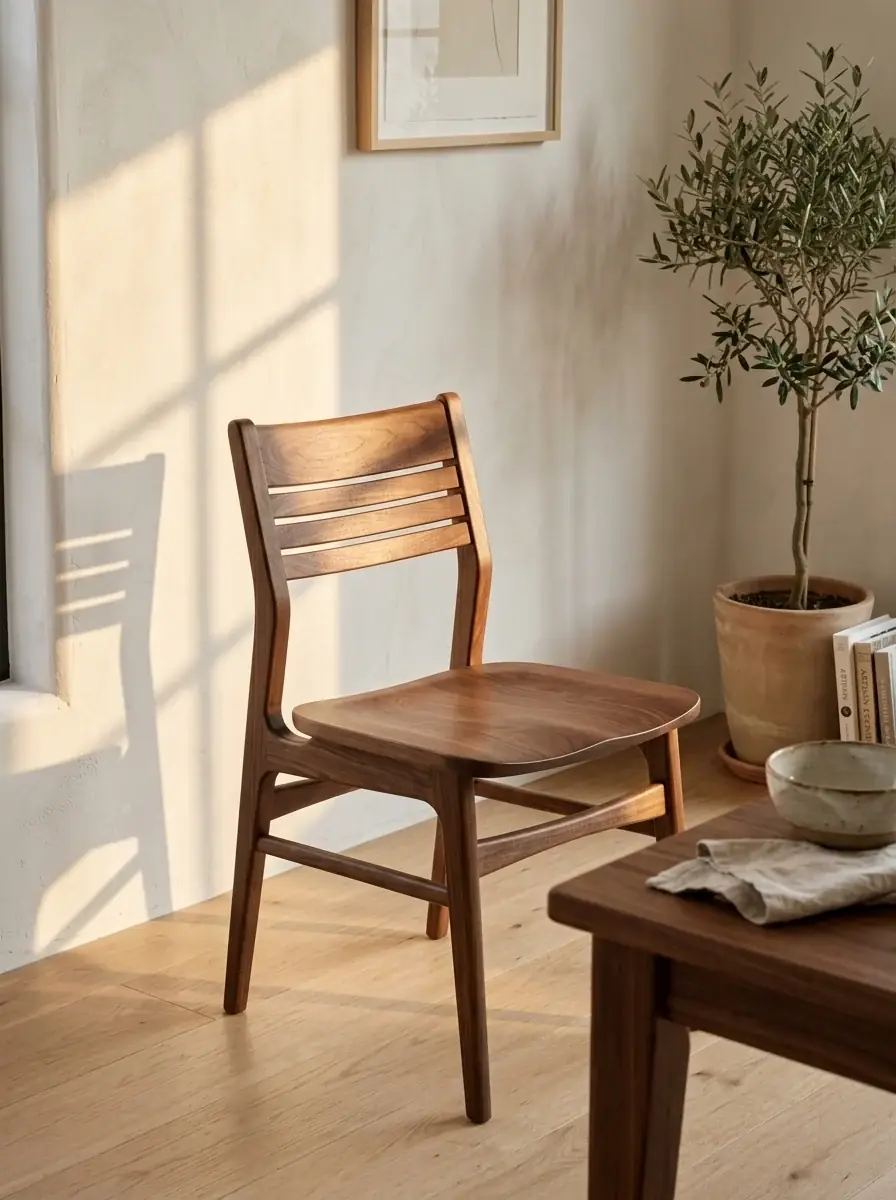
Room sets for a collection and the catalog shots they started from. Each card shows the prompt, the model and the credits it took.
Keep the piece exactly: shape, wood, fabric and size. Place it in a sunlit room with warm white plaster walls, a light oak floor and soft afternoon shadows from a window on the left, styled for what the piece is for
Keep the piece exactly: shape, wood, fabric and size. Place it in a sunlit room with warm white plaster walls, a light oak floor and soft afternoon shadows from a window on the left, styled for what the piece is for
Keep the piece exactly: shape, wood, fabric and size. Place it in a sunlit room with warm white plaster walls, a light oak floor and soft afternoon shadows from a window on the left, styled for what the piece is for
Keep the piece exactly: shape, wood, fabric and size. Place it in a sunlit room with warm white plaster walls, a light oak floor and soft afternoon shadows from a window on the left, styled for what the piece is for
Catalog photo on a plain white background, soft studio light, of an oak armchair with a woven cane back. Full piece in frame, no text, no logos
Catalog photo on a plain white background, soft studio light, of a low oak sideboard with ribbed doors. Full piece in frame, no text, no logos
Model comparison
The same text prompt with no reference photo, and the credits each run took. Each model draws its own sofa, so start from your catalog photo when the piece must match.
Same prompt, every model
A three-seat oat linen sofa with tapered oak legs in a bright living room with white plaster walls, a light oak floor and a jute rug, soft afternoon light from a tall window, catalog photo, no text
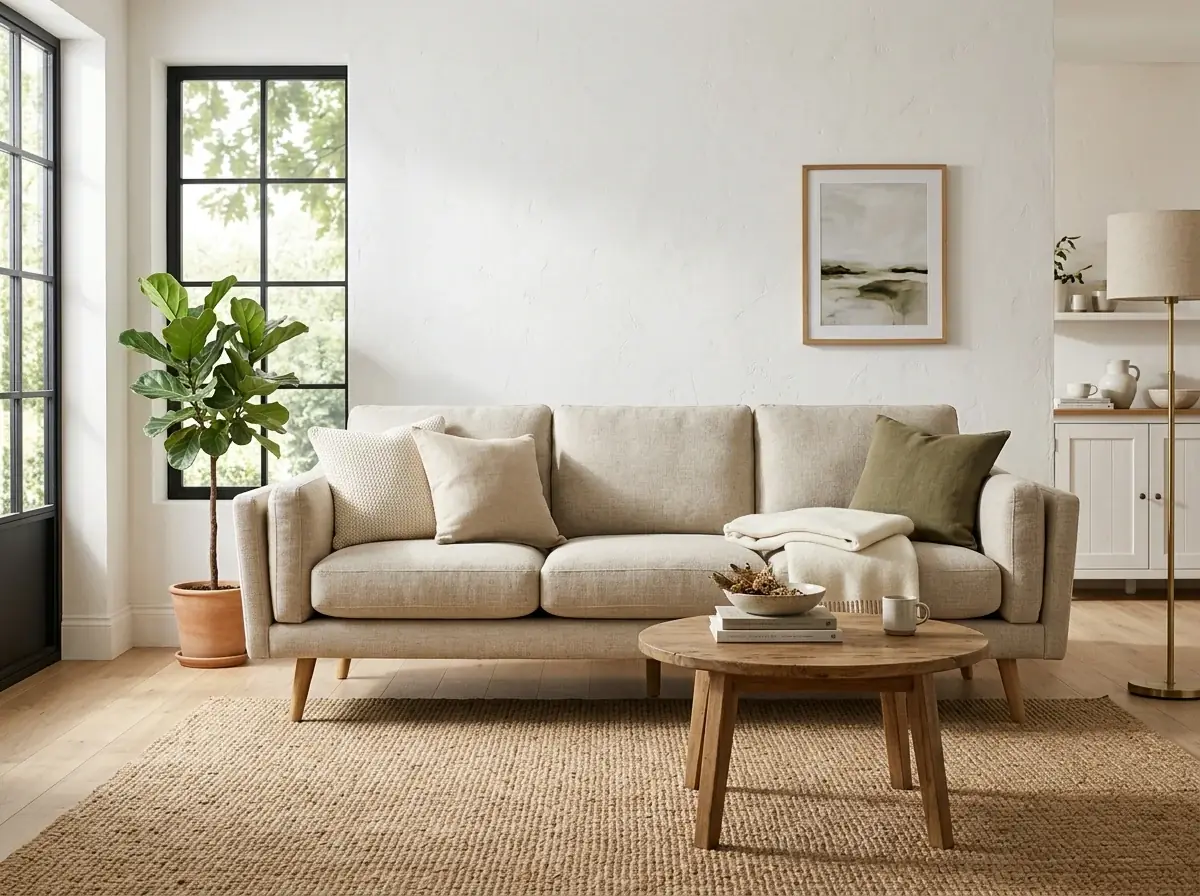
10 credits
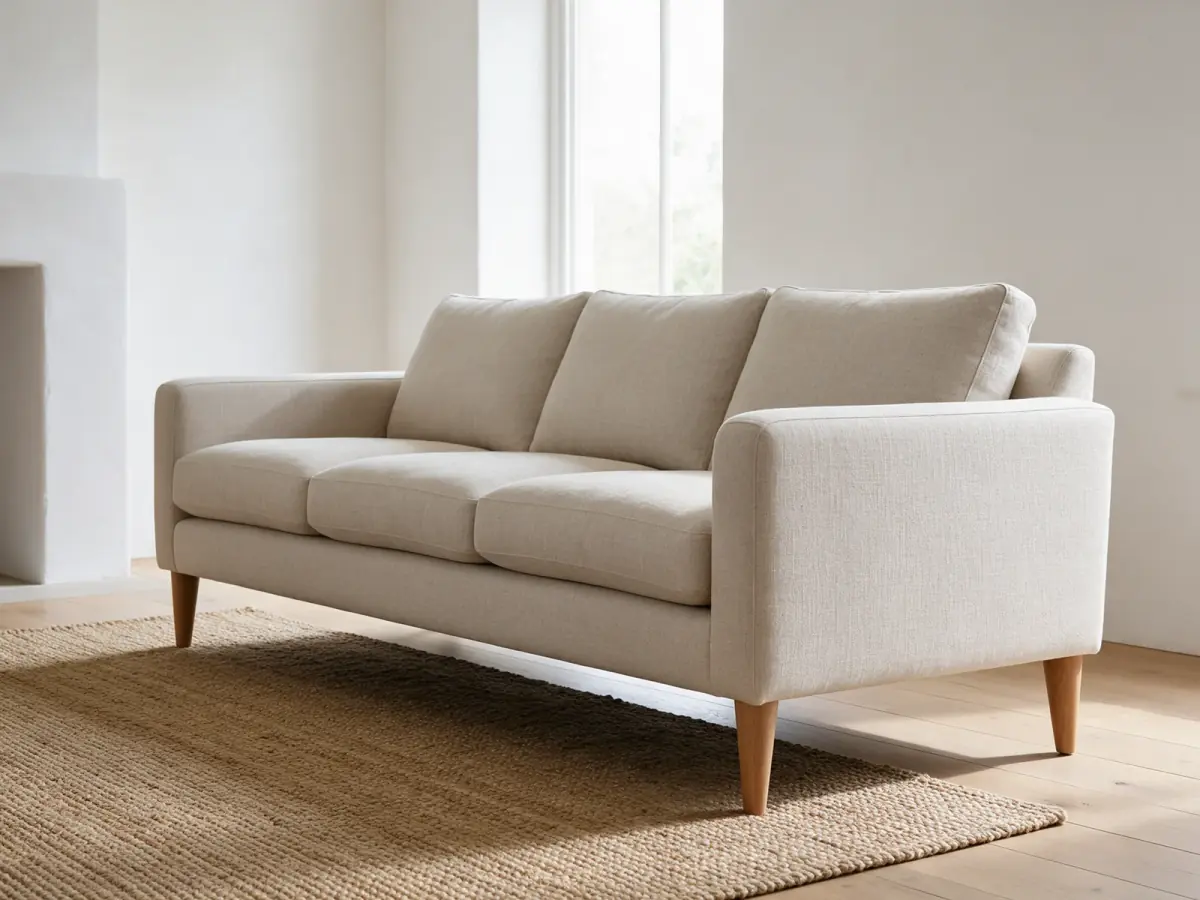
11 credits
6 credits
Use the photo you already have of the piece, shot square to the camera on a plain floor.
Describe the room and the light around the piece. Then edit a copy for each fabric or finish, with the swatch as a reference.
Compare each piece with its spec sheet: the arm height, the leg style, the seams. Keep the ones that match.
Furniture work uses no agent skill here. The generator opens with this preset, and fabric changes go to the editor.
No. A clear, level photo of the whole piece is enough, even one taken on the warehouse floor. Say in the prompt what must stay: the shape, the arms, the seams, the legs and the fabric.
The prompt says what stays, but a model can change proportions, leg style or seams when it redraws a piece. Compare each result with the spec sheet, label generated rooms as styled visuals, and give real dimensions in the listing text.
Open the room shot in the editor and run Ideogram Edit once per fabric, with a sentence that names it. Add a photo of the swatch as a reference, up to 4, to show the weave or pattern. Each run costs 14 credits at the default quality.
Not always. Stripes and checks can bend the wrong way where a cushion curves or a seam turns. Look along every seam and arm before you publish, and use a plain fabric when a pattern will not sit right.
Yes. Attach the catalog photos and choose Multi-image edit in the tray menu, and the prompt runs once on each photo. In the library, select photos and choose Edit to run Ideogram Edit on all of them.
You can make a sketch or a render from a description for a preorder page. Label it as a concept, and replace it with photos of the built piece when it arrives.
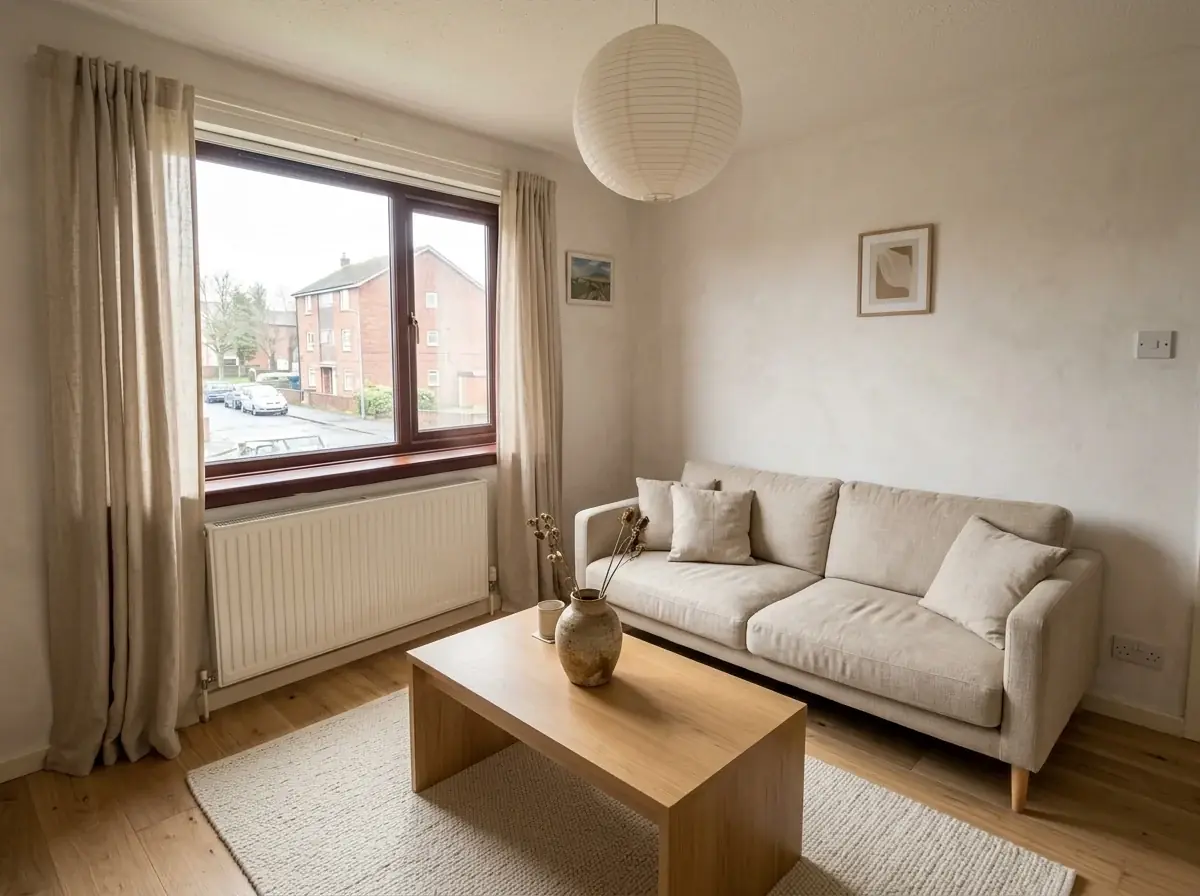 Use caseInterior designersRoom concepts, material boards and restyled photos of a client's room, before anything is ordered.Learn more
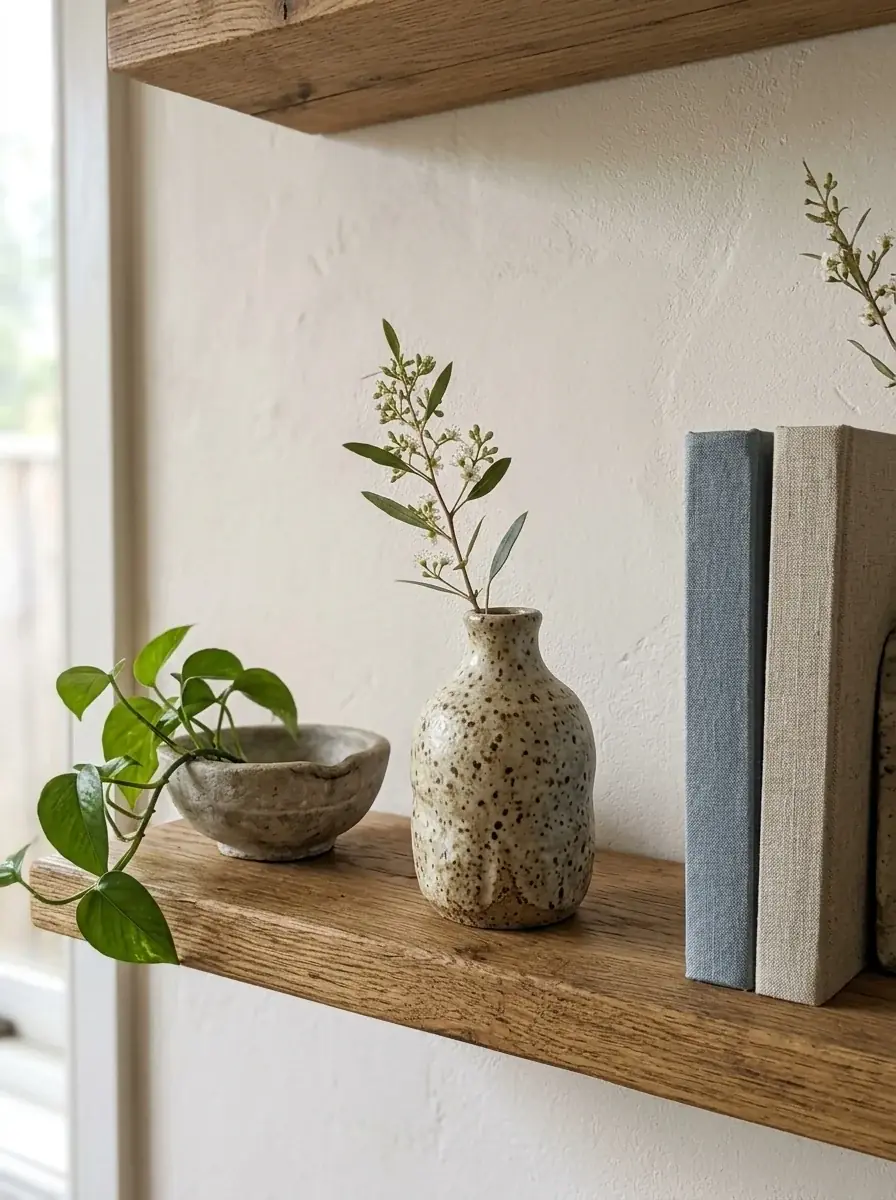 Use caseHome decorStyled shelves, seasonal tabletops and wall art scenes for vases, candles, prints and textiles.Learn more
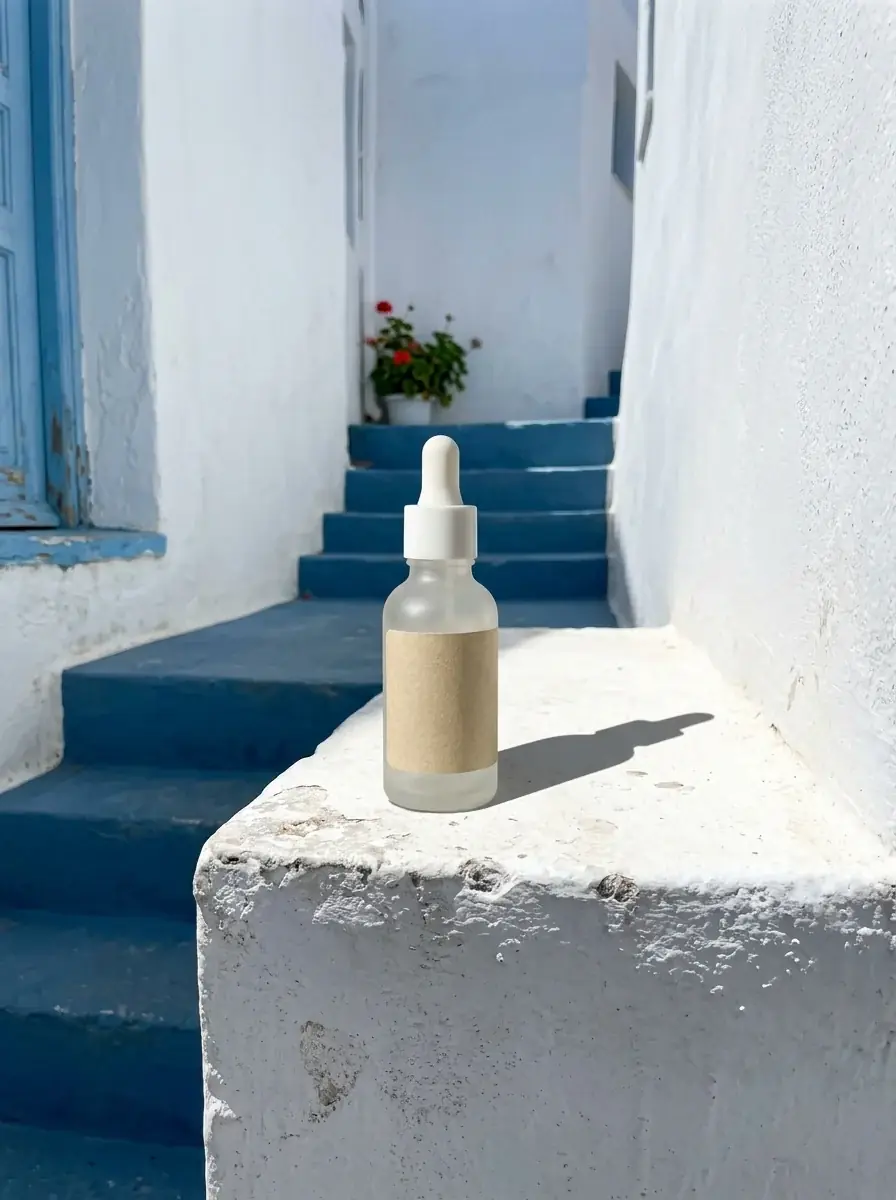 Use caseBeauty brandsProduct shots, texture close-ups and shade ranges from one photo of your bottle, jar or compact.Learn more