Collections
Keep characters and styles consistent with references
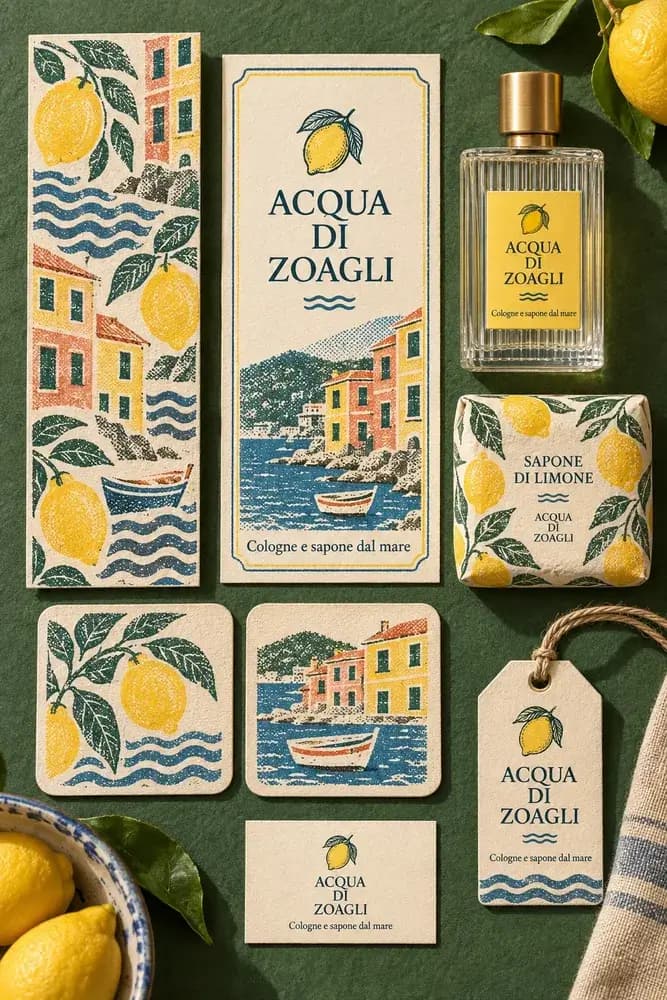
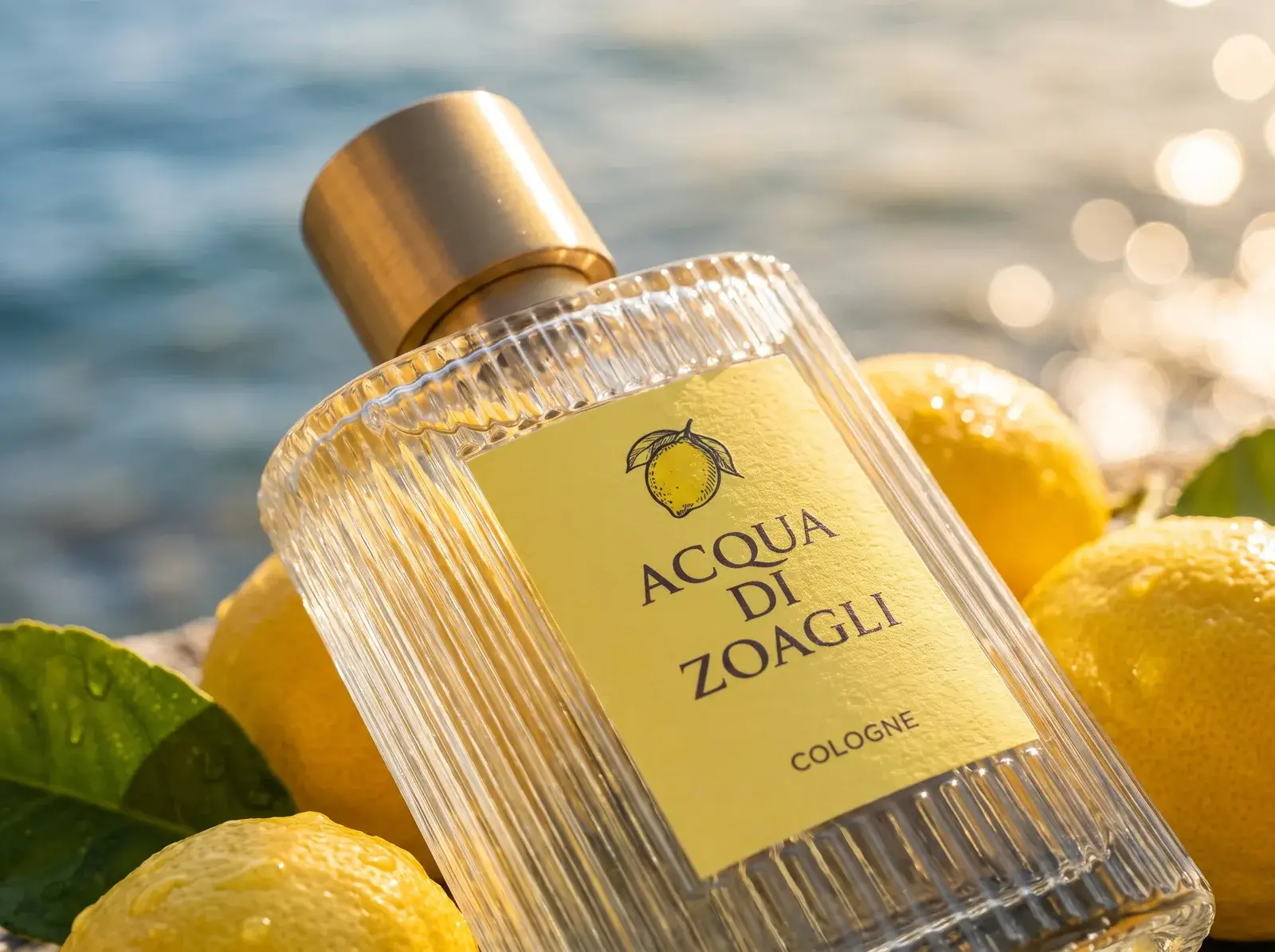
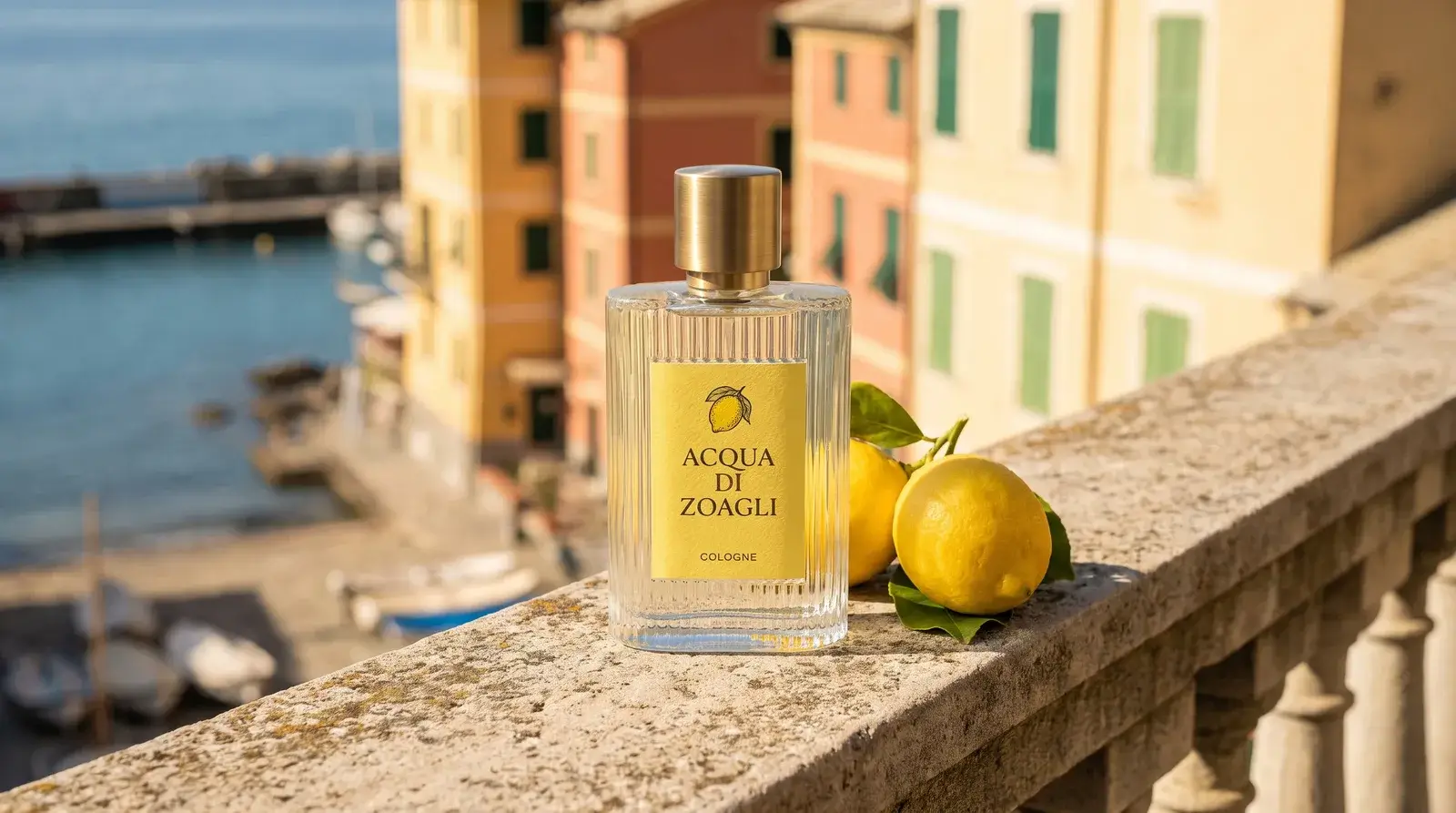

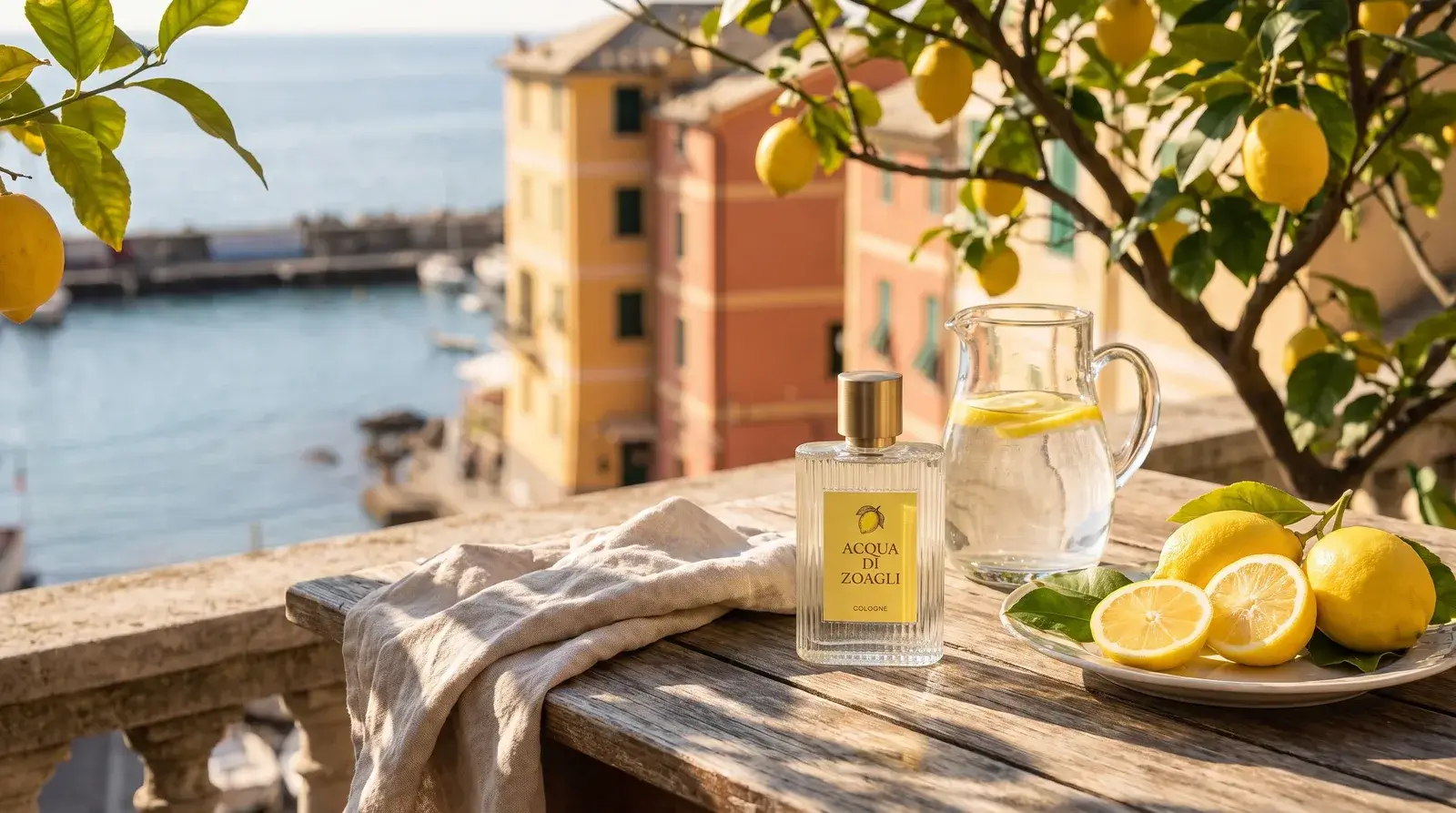

Save and reuse your references
Keep reference images and style notes in a collection, ready to use in your next generation.
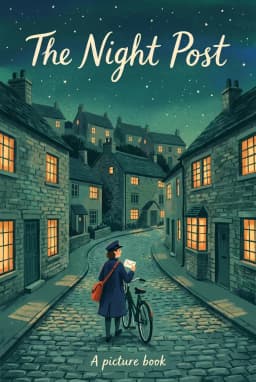
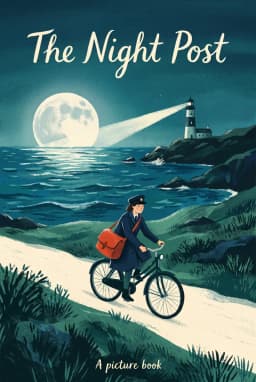
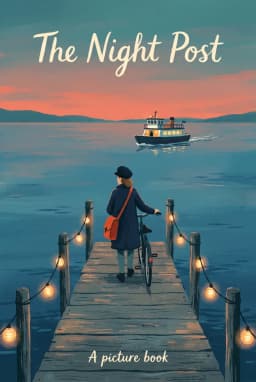
- The postwomanNavy coat, cap, red satchel
Crossing a bridge at dawn @Po
Use a collection in your prompt
Type
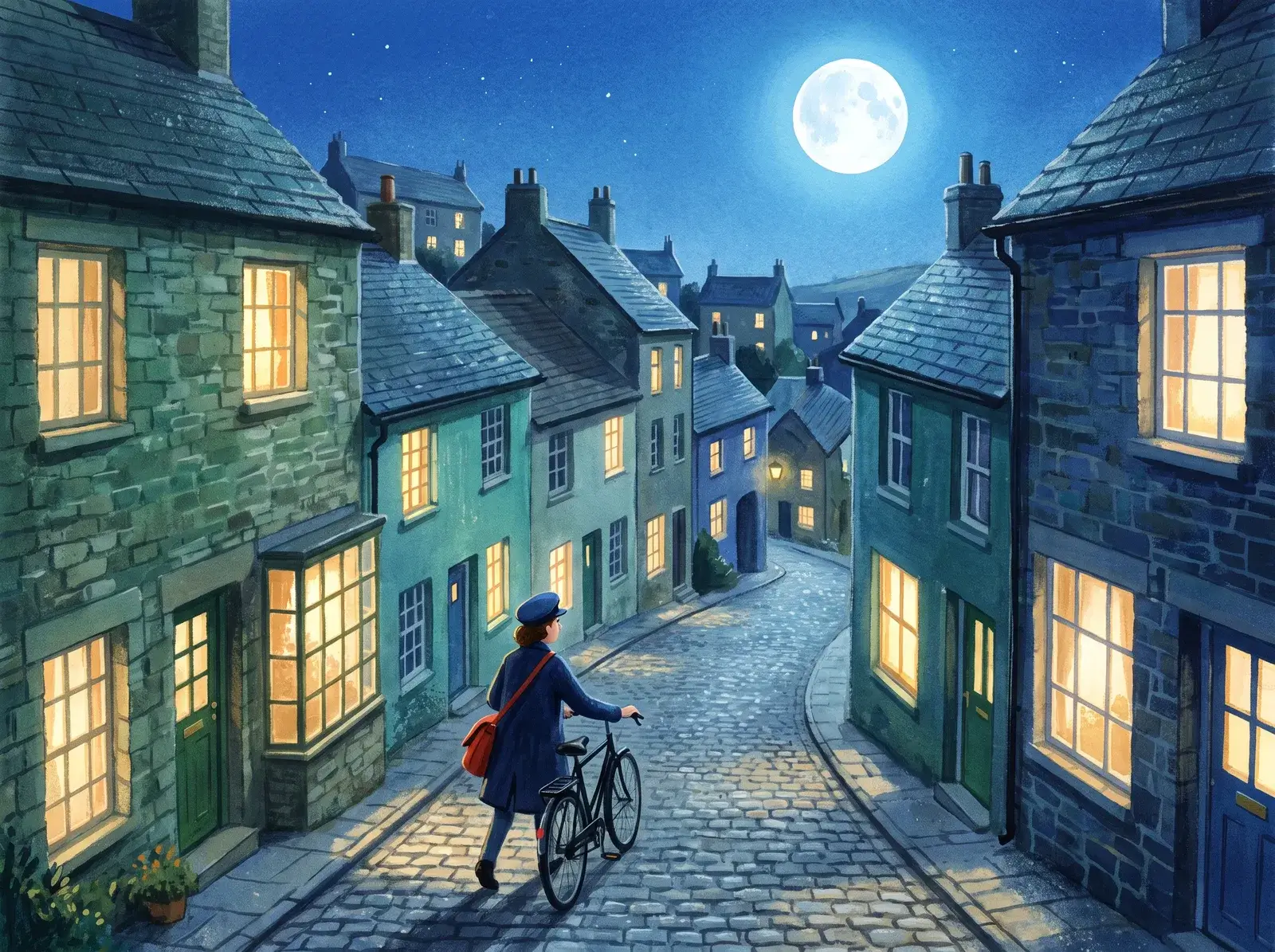
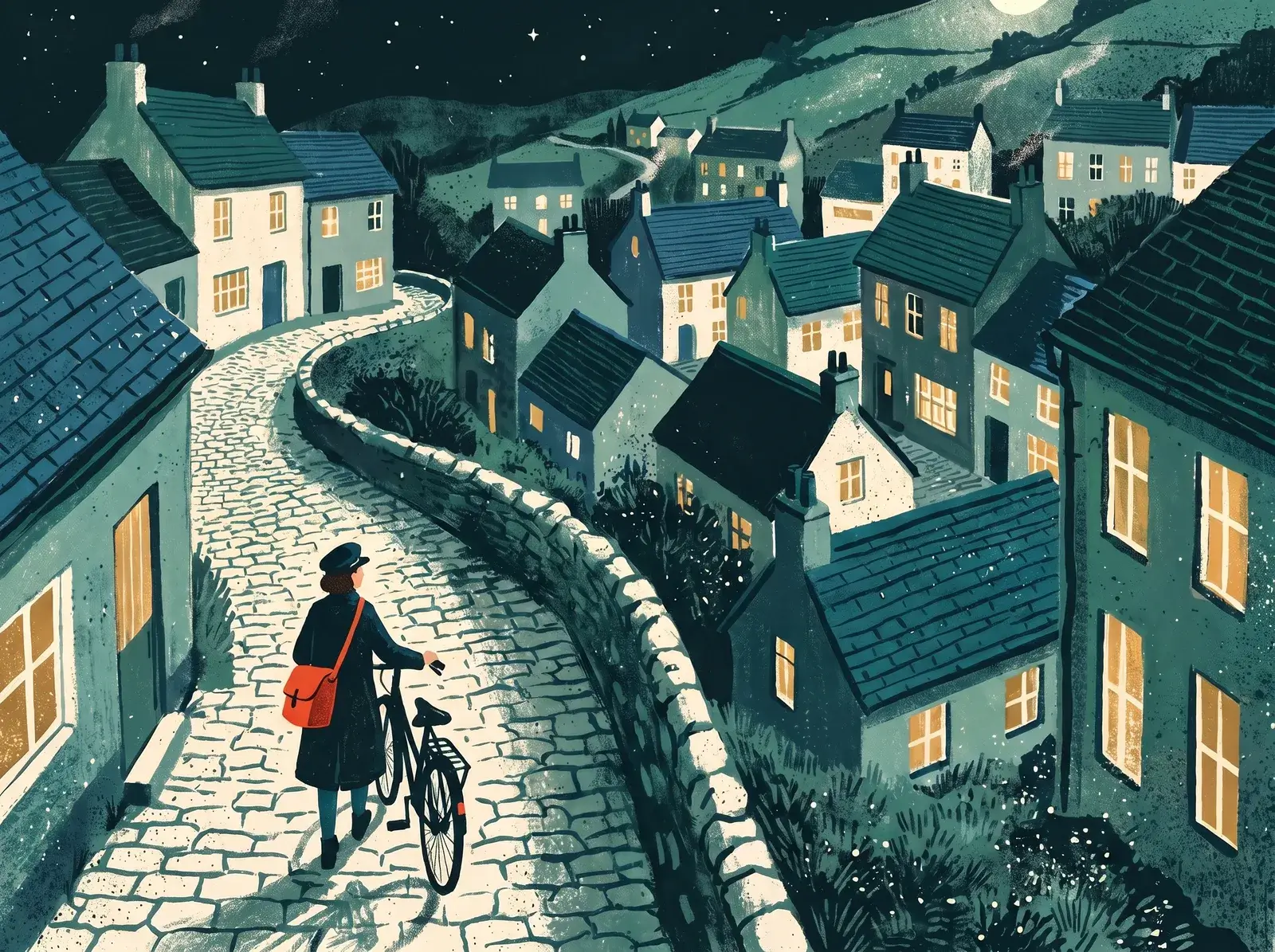
@to add a collection’s images and notes to your prompt. - MiraUse The postwoman for two moonlit village scenes
Share references with your team
Your team and the agent can use the same collections to keep your work consistent.


Questions
Common questions about reference collections.
Save uploaded or generated reference images in a collection and add a note explaining what to preserve, such as a character's details or a color palette. The images and note accompany each prompt that uses the collection. Results vary by model, so refine the references if the look drifts. See collection notes.
A collection holds up to 12 images, and a project can have up to 10 collections. You can attach multiple collections, such as one for a character and another for style. Models have different reference limits, and some do not support references. Check the model options.
Yes. Everyone in your workspace can use the project's collections. Attach one to an agent chat and it stays in use for new images until you remove it. Learn about the creative agent.
Yes. Duplicate a collection into another project, or keep workspace-level collections for references used across your work. See organizing collections.
Related
- ProjectsGive each client, campaign, or game its own project. Keep images, references, and agent chats together so your team can pick up where the work left off.Learn more
- AgentExplore ideas faster with the best image and video models. Your creative agent uses your brief and references to guide the style as you refine the results.Learn more
- EditDescribe a change, remove backgrounds, upscale, or add effects. Refine images you upload or create here, with tools for individual edits and bulk editing.Learn more