Edit
Edit images with AI, one at a time or in bulk
Finish your images faster
Make changes to a single image or apply an edit across a selection. Work with images you've generated in Batch Banana or bring your own.
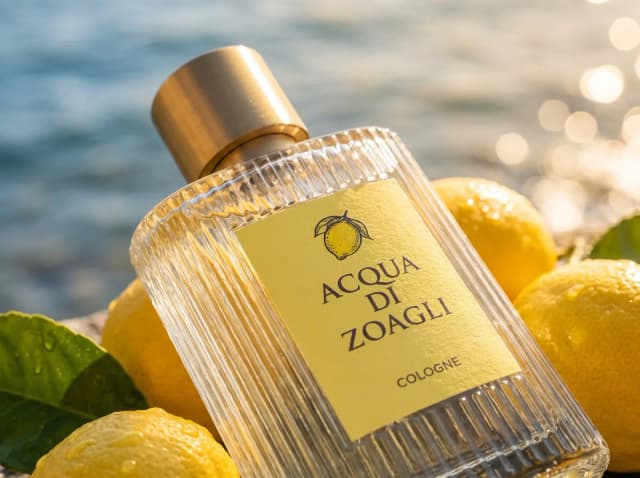



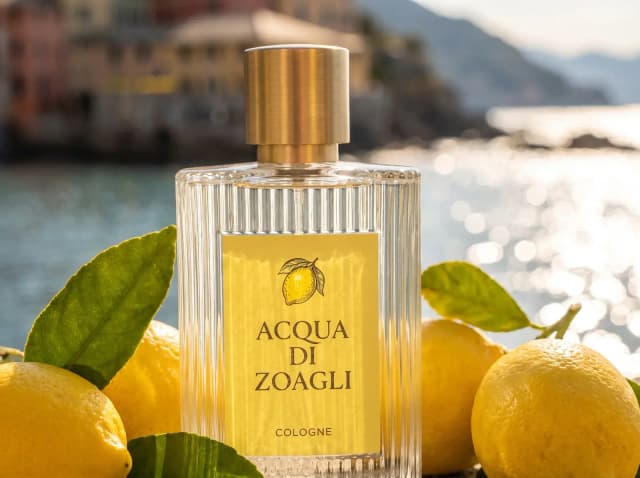



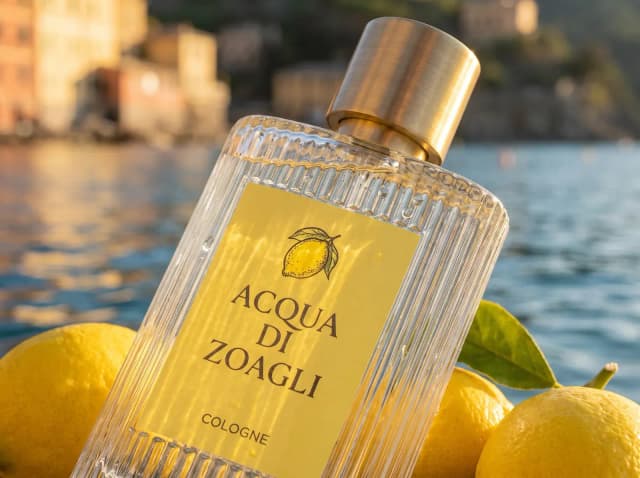

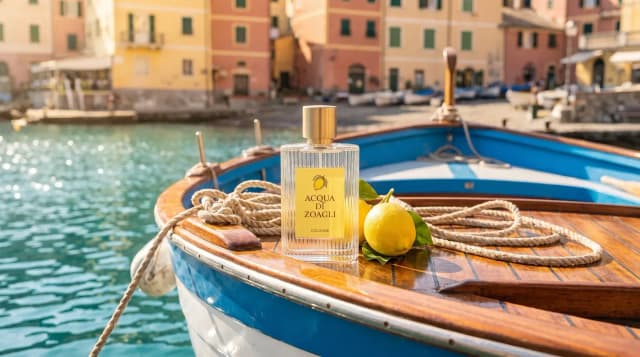
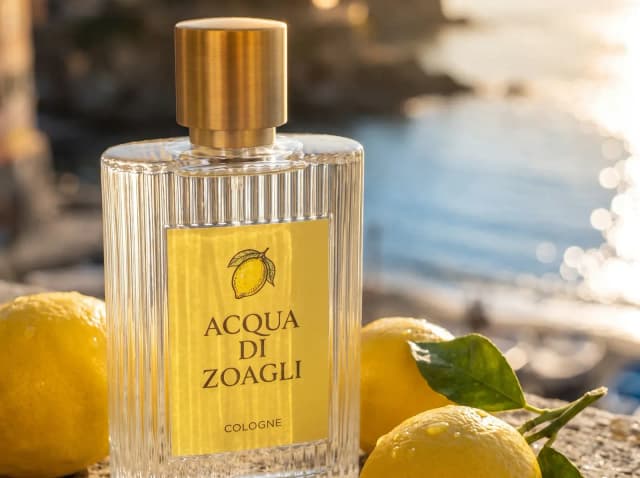




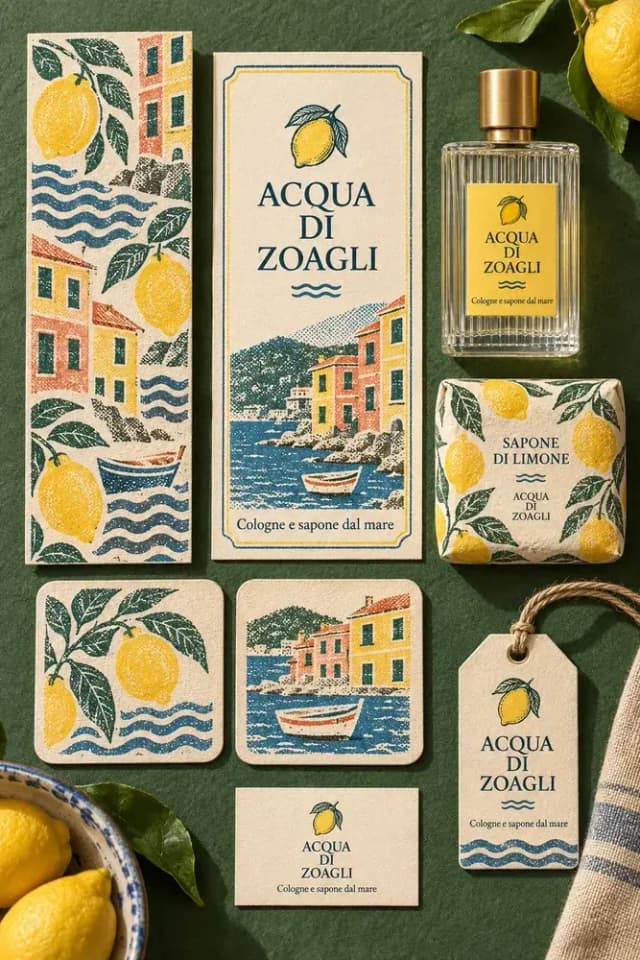
Edit 18 images
One edit for each image, made together as one stack.
Edit images in bulk
Apply a prompt, upscale, or remove backgrounds from several images at once.

Give your brand a distinct look
Style your images with 18 free effects, including Film Grain and Risograph.
Edit
Remove background
Describe
Copy image
Download
Turn images into reusable assets
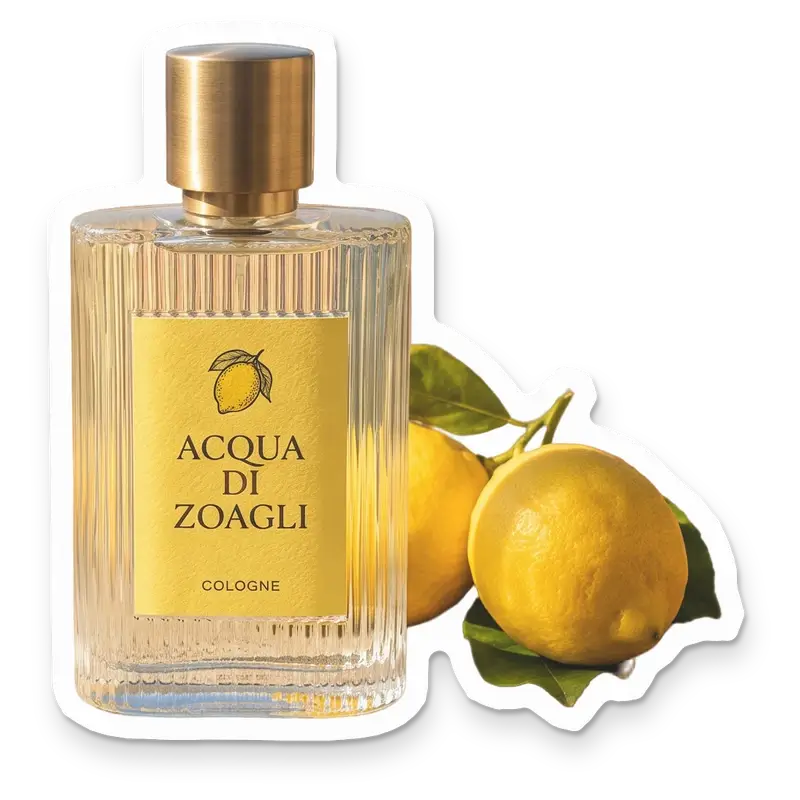
Remove backgrounds for product shots and game assets, or turn your images into stickers.
Questions
Common questions about image editing.
Yes. Upload an image or choose one you've generated in Batch Banana. Edits in the editor create new versions, keeping the original and earlier results available. See image editing.
Yes. Ideogram Edit, Upscale, Remove background, and Sticker support bulk editing. Paid edits accept up to 40 images per request; supported free edits accept up to 256. Effects work on one image at a time. See bulk editing and limits.
Effects, sticker finishes, and sprite sheet slicing are free. Slice can separate a sheet into up to 256 assets. Background removal, AI edits, and upscaling use credits, with the cost shown before you start. Making a sticker uses credits if its background needs removing first. See credit costs.
Yes. Ask it to find images, make changes, or run several steps, such as removing backgrounds and making stickers. It can work on multiple images in the same chat. Learn about the creative agent.
Yes. Everyone in your workspace can see your edits and keep working on them through the shared library.
Related
- BatchTurn a list of prompts into images in one run. Import a CSV or build your batch in a table, then refine and rerun as your ideas develop.Learn more
- AgentExplore ideas faster with the best image and video models. Your creative agent uses your brief and references to guide the style as you refine the results.Learn more
- CollectionsSave reference images and notes in collections. Reuse them in prompts and agent chats so you and your team can build on the same look.Learn more