Batch
Generate AI images in bulk
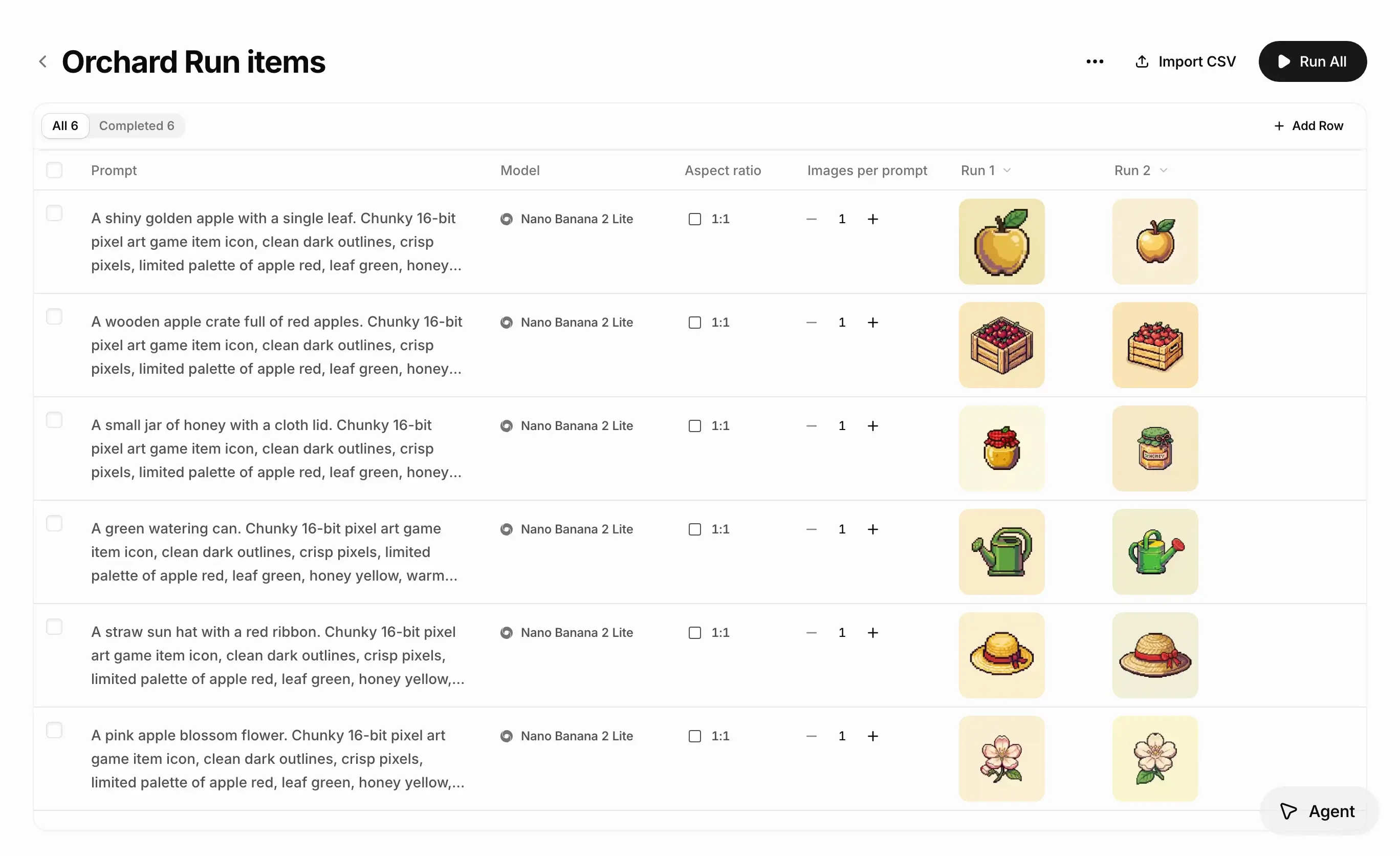
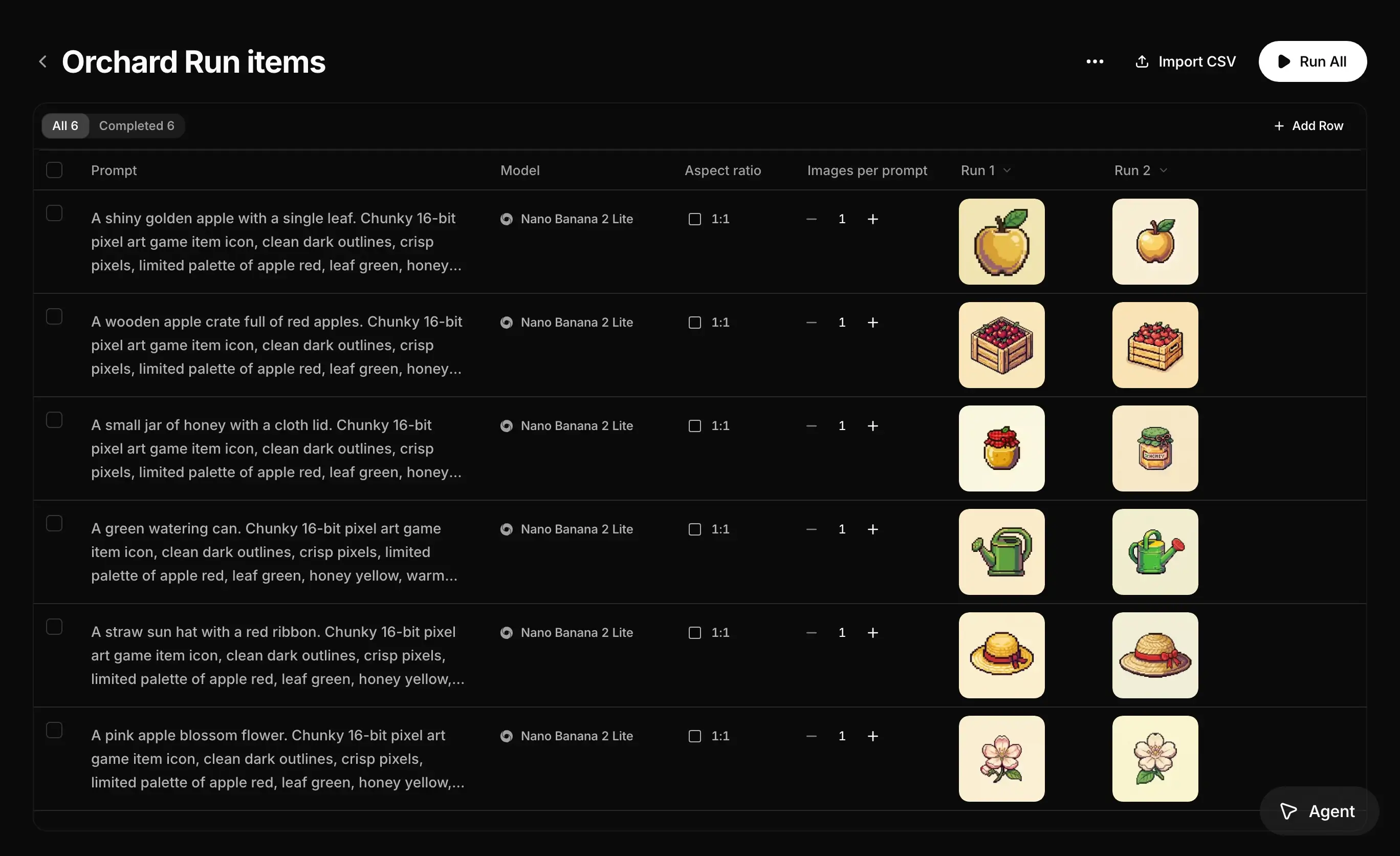
Run your prompts together
Create game items, product variations, or a set of social images from a list of prompts. Run up to 1,000 prompts from one table. Batch is included in the Max plan.
- PromptModelImages
A postwoman cycles a moonlit coast road past the lighthouse
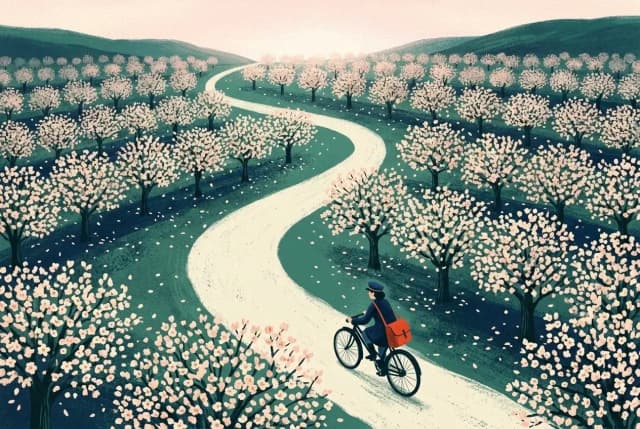
2A postwoman rides through an orchard in full blossom at dawn
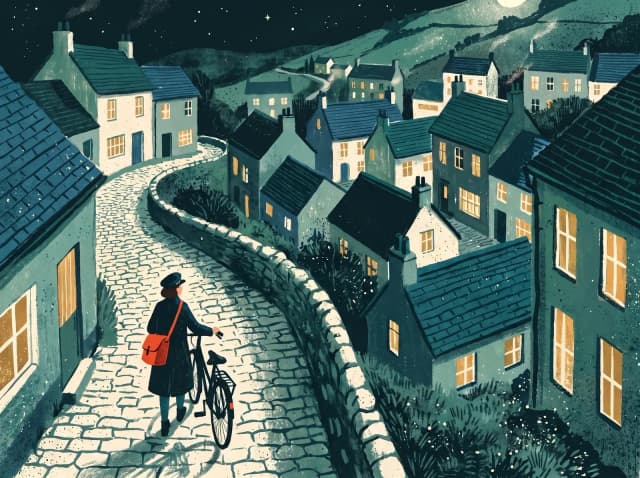
2A postwoman walks her bicycle up a village lane at night
4Picture book cover: The Night Post, a postwoman by the sea
1Set up your batch
Add your prompts or import a CSV, then choose the model, aspect ratio, and image count for each row.
- Prompt
A postwoman cycles a moonlit coast road past the lighthouse
A postwoman rides through an orchard in full blossom at dawn
A postwoman walks her bicycle up a village lane at night
Run 1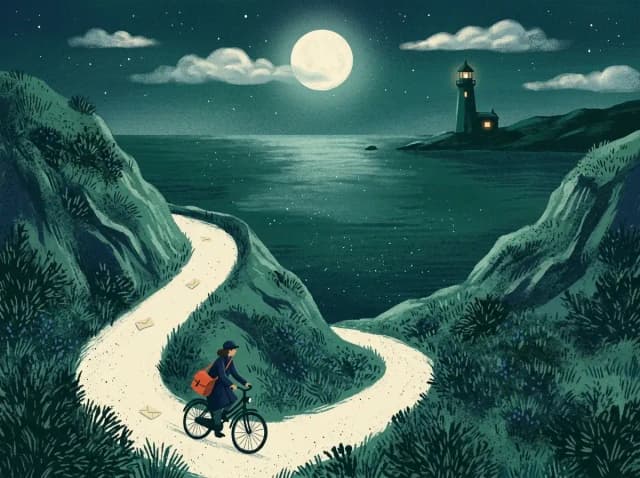
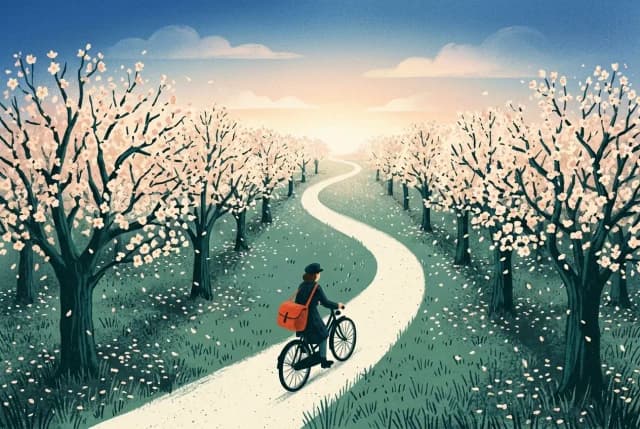
 Run 2
Run 2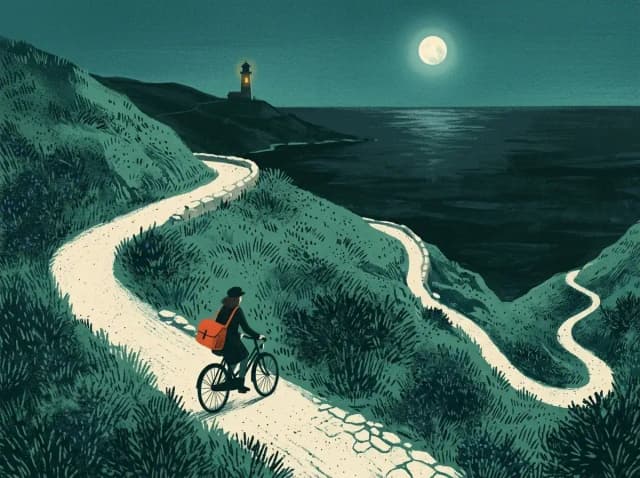
Refine and run again
Adjust your prompts or settings and run again. Each run saves its results in a new column.
Questions
Common questions about bulk image generation.
Batch lets you generate AI images from a list of prompts, such as game assets, product variations, or campaign content. Submit the list in one action instead of running each prompt separately. Batch is included in the Max plan.
No. Write prompts directly in the table or import a CSV or TSV. Imported files need a prompt column; model, aspect ratio, and image count are optional. Use Export prompts as CSV to get a template in the right format. See CSV imports.
A batch holds up to 1,000 prompt rows, each with its own model, aspect ratio, and image count from 1 to 8. Run All submits every row that has a prompt. See running a batch.
Credits for the run are set aside when it starts. The total depends on each row's model, settings, and image count. Start with a small batch to refine your prompts before running a larger set. See credit costs.
Yes. Each run adds a new results column and keeps earlier images available. Use Re-run failed rows to retry only failures. You can download one run or all images from the batch. See batch results.
Related
- AgentExplore ideas faster with the best image and video models. Your creative agent uses your brief and references to guide the style as you refine the results.Learn more
- EditDescribe a change, remove backgrounds, upscale, or add effects. Refine images you upload or create here, with tools for individual edits and bulk editing.Learn more
- CollectionsSave reference images and notes in collections. Reuse them in prompts and agent chats so you and your team can build on the same look.Learn more