Agent
Your AI creative agent for images and video
Ask anything, or describe what to make
Explore several directions in one request
Describe what you have in mind. The agent writes the prompts, chooses the models, and creates several options at once. Tell it what to change and keep refining in the same chat.
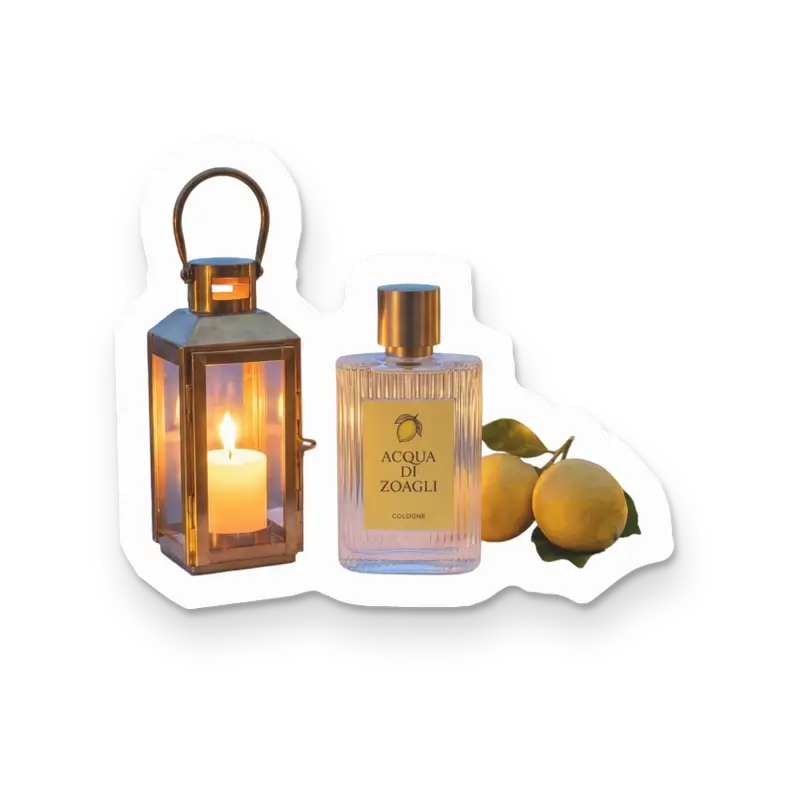
- CollectionsDusk lightLantern glow over a deep blue harbor
Four dusk versions of the campaign @Du
Keep your style consistent
Use your project brief and reference collections to guide the style as you create and refine.
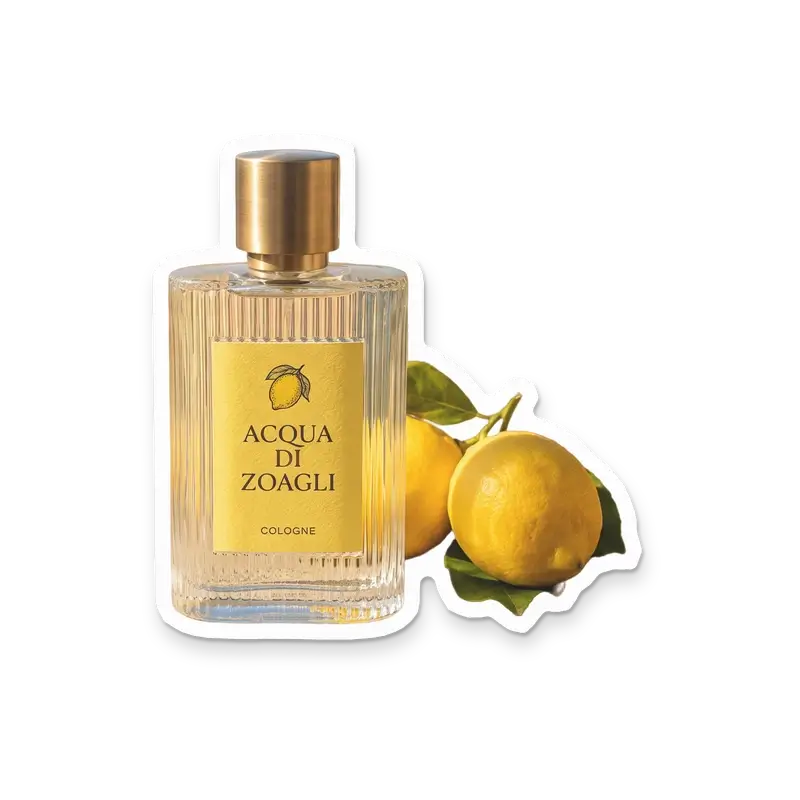
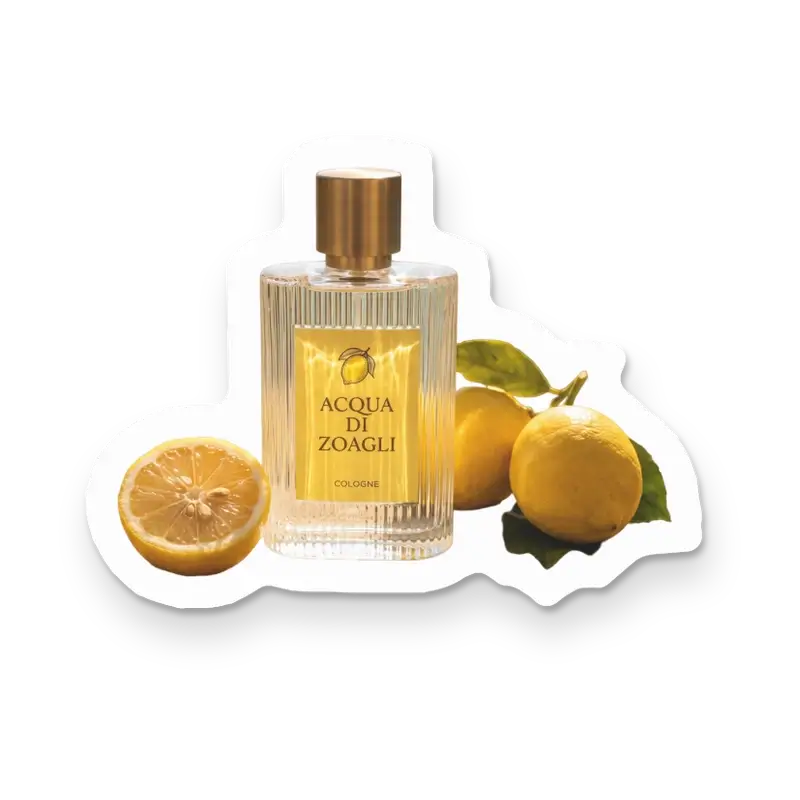
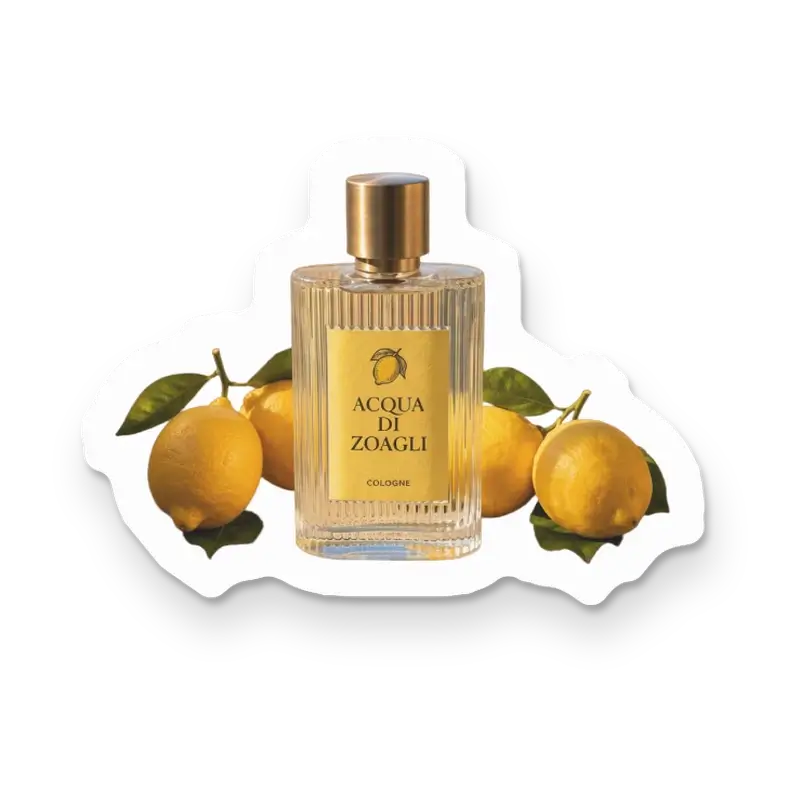
- Find the four bottle shots I made today and make them stickers
Edit images in bulk
Ask the agent to edit several images at once, from removing backgrounds to making stickers.
Save a workflow as a skill
Ask the agent to save a workflow as a skill, then reuse it for your next task.
Create together in real time
Share agent chats with your team. Anyone in the workspace can see the results and continue the conversation.






Questions
Common questions about the creative agent.
No. Describe what you want to make and the agent suggests directions, writes prompts, and creates images for you. Start with a description or reference images, then refine the results in chat. It can also turn an image into a video. See what the creative agent can do.
Save your style instructions in the project brief and attach reference collections to guide the images. The agent reads the brief before each reply. You can also save a process as a reusable skill. References guide results but do not guarantee an exact match.
Yes. Use Auto to let the agent choose for each request, or select a model yourself. It can suggest another model when one is a better fit. See model selection.
Chatting is free. Generations and paid edits use the same credits as the corresponding tools in the app. Larger requests wait for your confirmation. See agent credit costs.
Yes. Everyone in your workspace can read and continue agent chats, with the earlier requests and results available. Learn about shared chats.
Related
- ProjectsGive each client, campaign, or game its own project. Keep images, references, and agent chats together so your team can pick up where the work left off.Learn more
- CollectionsSave reference images and notes in collections. Reuse them in prompts and agent chats so you and your team can build on the same look.Learn more
- MCPCreate images and videos with the best models from your AI app. Reuse past work as references and make edits without leaving the conversation.Learn more