MCP
Create images and videos in Claude, ChatGPT, and Cursor
 Batch Banana connected
Make a close product shot of the Acqua di Zoagli bottle with lemons, sparkling sea behind it.
Batch Bananagenerate_image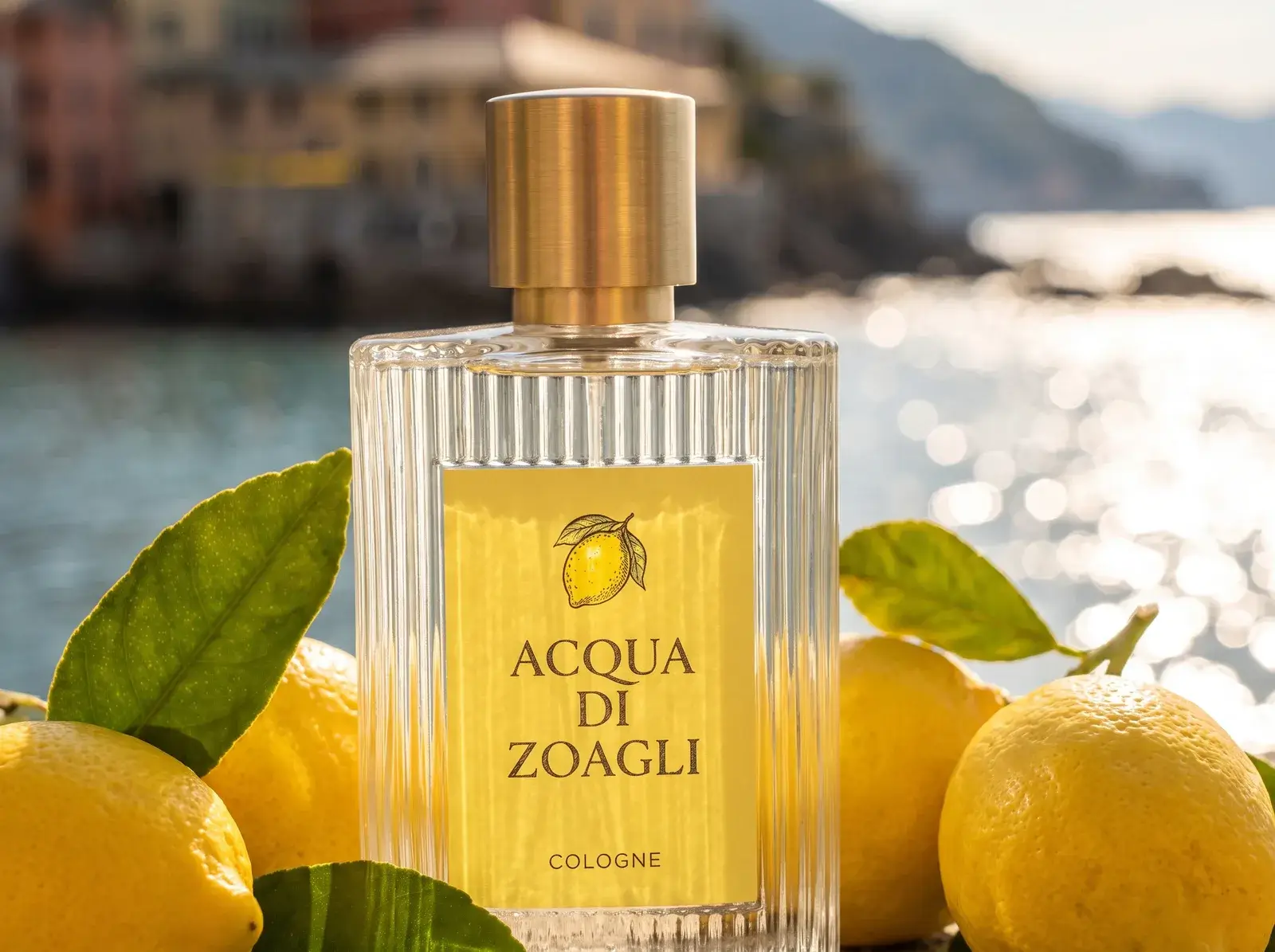
Create where you're already working
Ask for images for a website, a video for a campaign, or edits to an existing set. Your AI app uses Batch Banana's tools, and the results stay in your library.
- ChatGPT
Name
Batch Banana
MCP server URL
https://mcp.batchbanana.com/mcp
Connect your account
Add the MCP URL, sign in, and choose your workspace. No API key needed.
Make a dusk balcony shot from my Zoagli bottle photos
generate_imageFrom your library
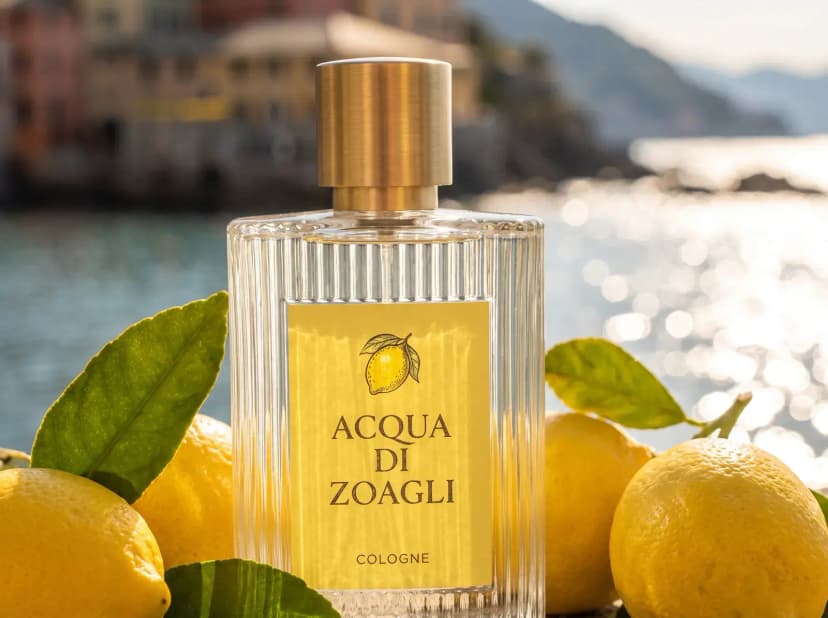
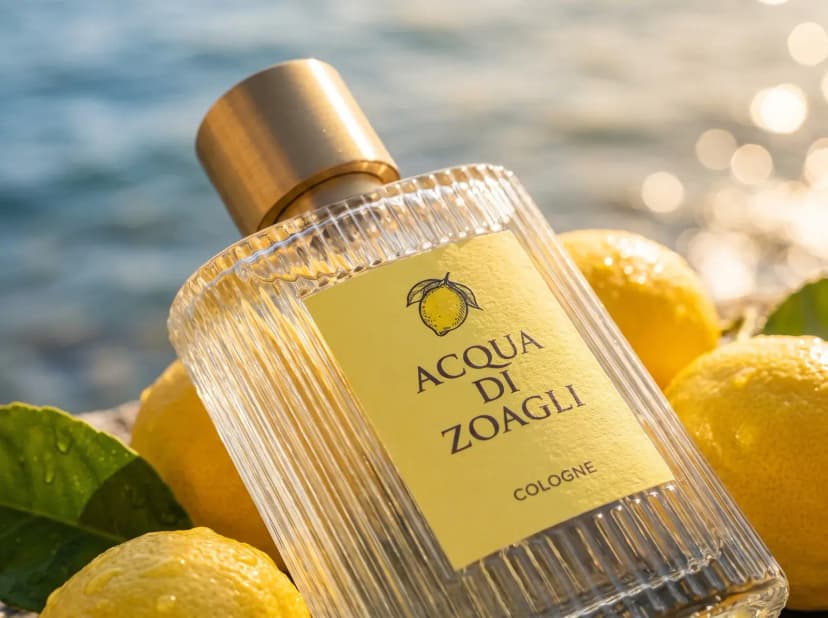

Reuse images as references
Ask your AI app to find past work and use it to guide the style of new images.
Make stickers of my Woodland book
edit_image256 / 256- operation
- "sticker"
- fileIds
- 256 files
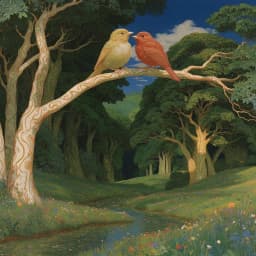



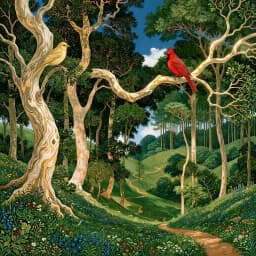

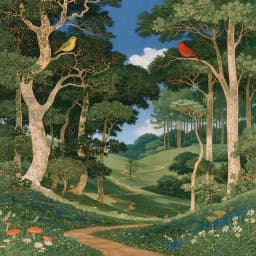

Edit images in bulk
Ask your AI app to edit, upscale, or remove backgrounds from several images in one request.
Questions
Common questions about the MCP connection.
Batch Banana uses MCP, the Model Context Protocol, to give AI apps access to its creative tools. Add https://mcp.batchbanana.com/mcp to a supported app and sign in; no API key is needed. Claude Code and Codex are also supported. Setup and availability vary by app. See the connection guide.
Generate images and videos, reuse library images as references, and edit images in bulk. You can also turn an existing image into video. Paid edits accept up to 40 images per request; supported free bulk edits accept up to 256. See the tools and limits.
Connecting, browsing models, searching your library, and checking prices are free. Generations and paid edits use your connected workspace's credits at the same prices as in Batch Banana. Ask your app for a price before starting. See credit costs.
Results go to your Batch Banana library and to a project if you name one in the request. Your AI app may display them inline or as file links. Coding agents that can run commands can download the files into your codebase. See using your AI app.
It can generate, edit, search, and import images, and create videos in the workspace you authorize. It cannot delete your work, access other workspaces, or manage your account or billing. Disconnect it under Settings > MCP. See connection permissions.
Related
- AgentExplore ideas faster with the best image and video models. Your creative agent uses your brief and references to guide the style as you refine the results.Learn more
- ProjectsGive each client, campaign, or game its own project. Keep images, references, and agent chats together so your team can pick up where the work left off.Learn more
- EditDescribe a change, remove backgrounds, upscale, or add effects. Refine images you upload or create here, with tools for individual edits and bulk editing.Learn more