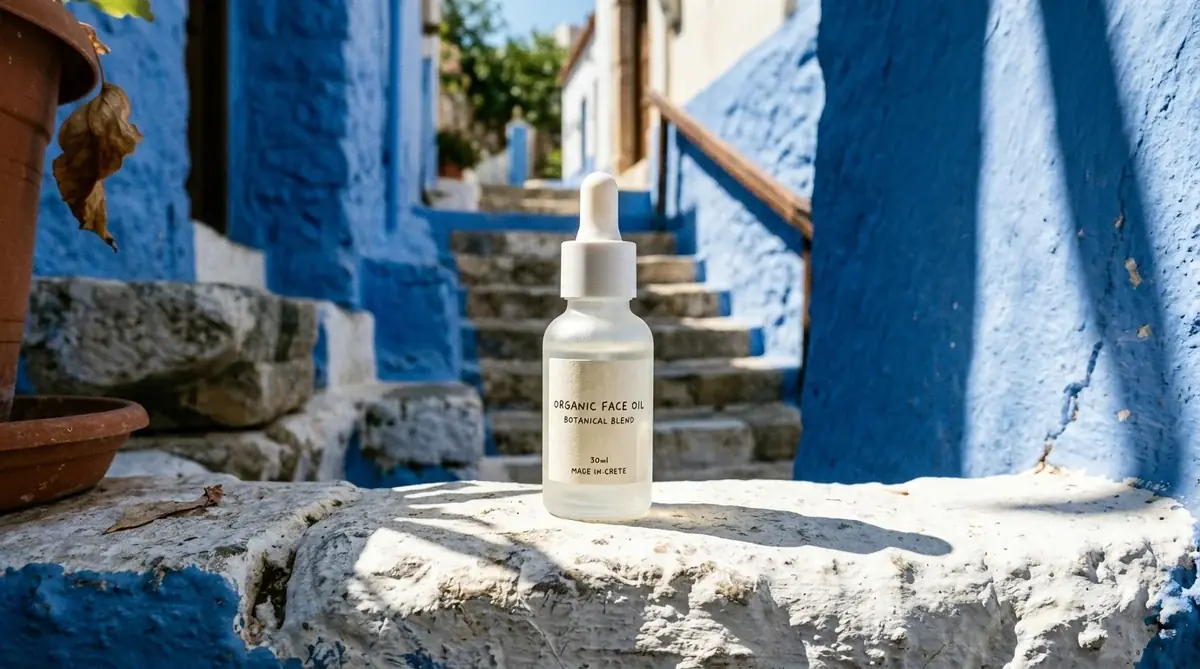
A frosted glass serum bottle with a white cap and a plain paper label on a whitewashed ledge in a blue stairway alley, hard midday sun, a long shadow to the right
Nano Banana 210 credits
 Launch
 Texture
 On model
 Night
Night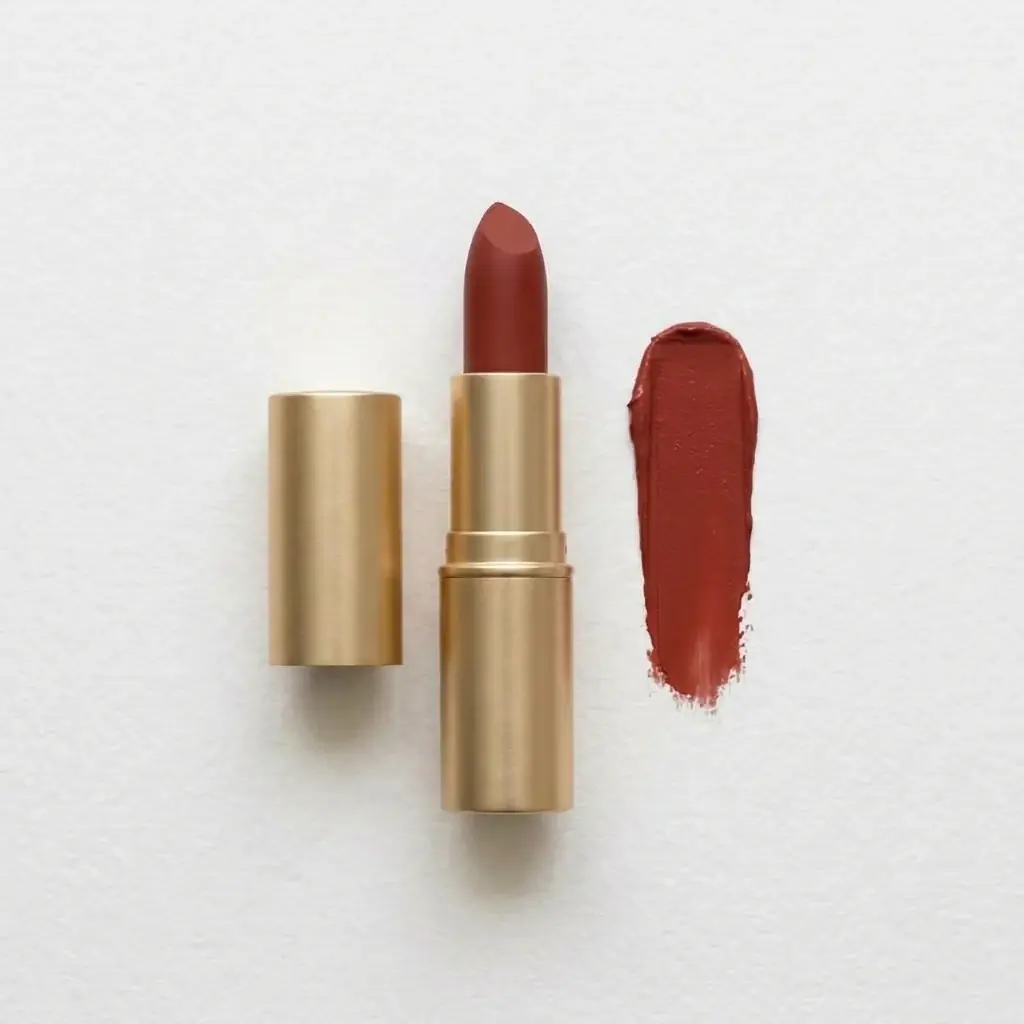 Shade
ShadeIt makes product images for skincare, makeup and fragrance from a photo of the real product. In Batch Banana you attach the photo, say what stays, such as the bottle, cap and label, and describe the scene, close-up or model shot. Agent loads the Product shots skill for this work. You can start for free.
Shade range
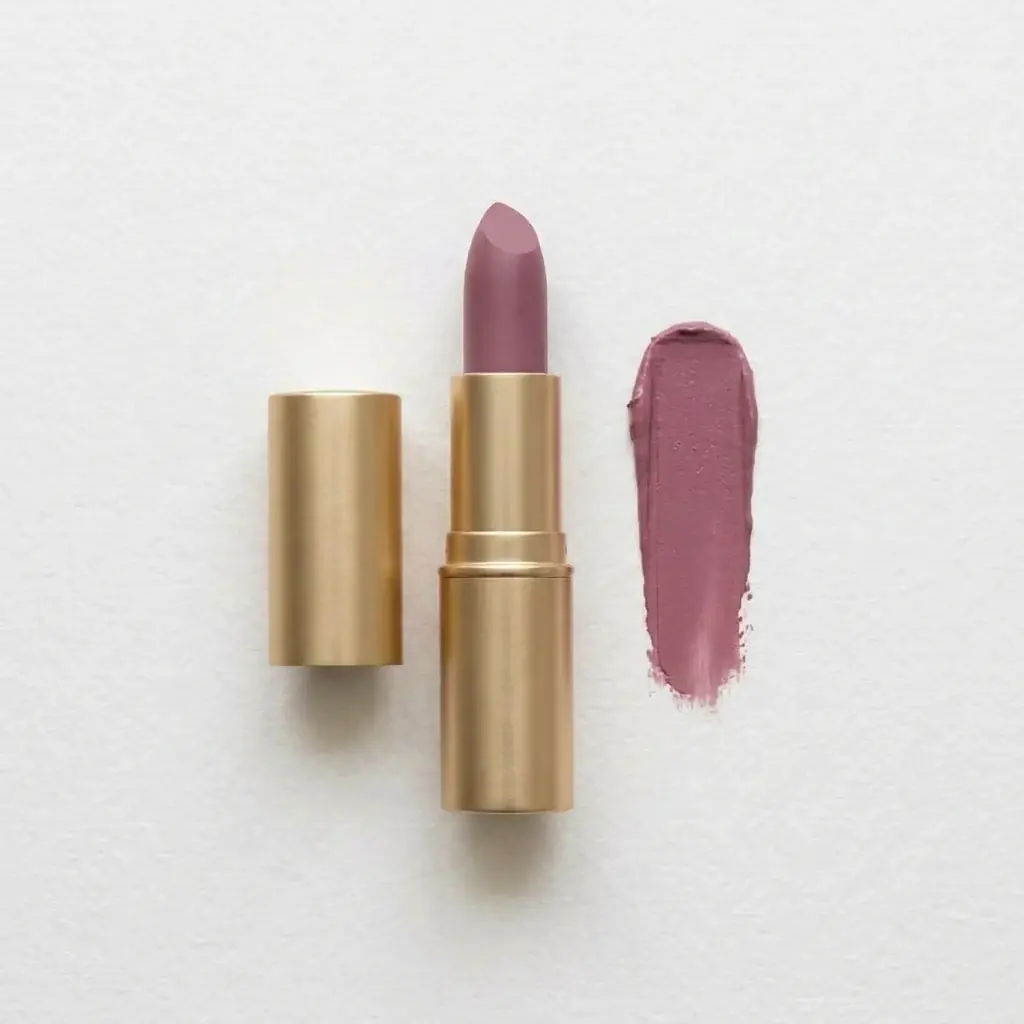
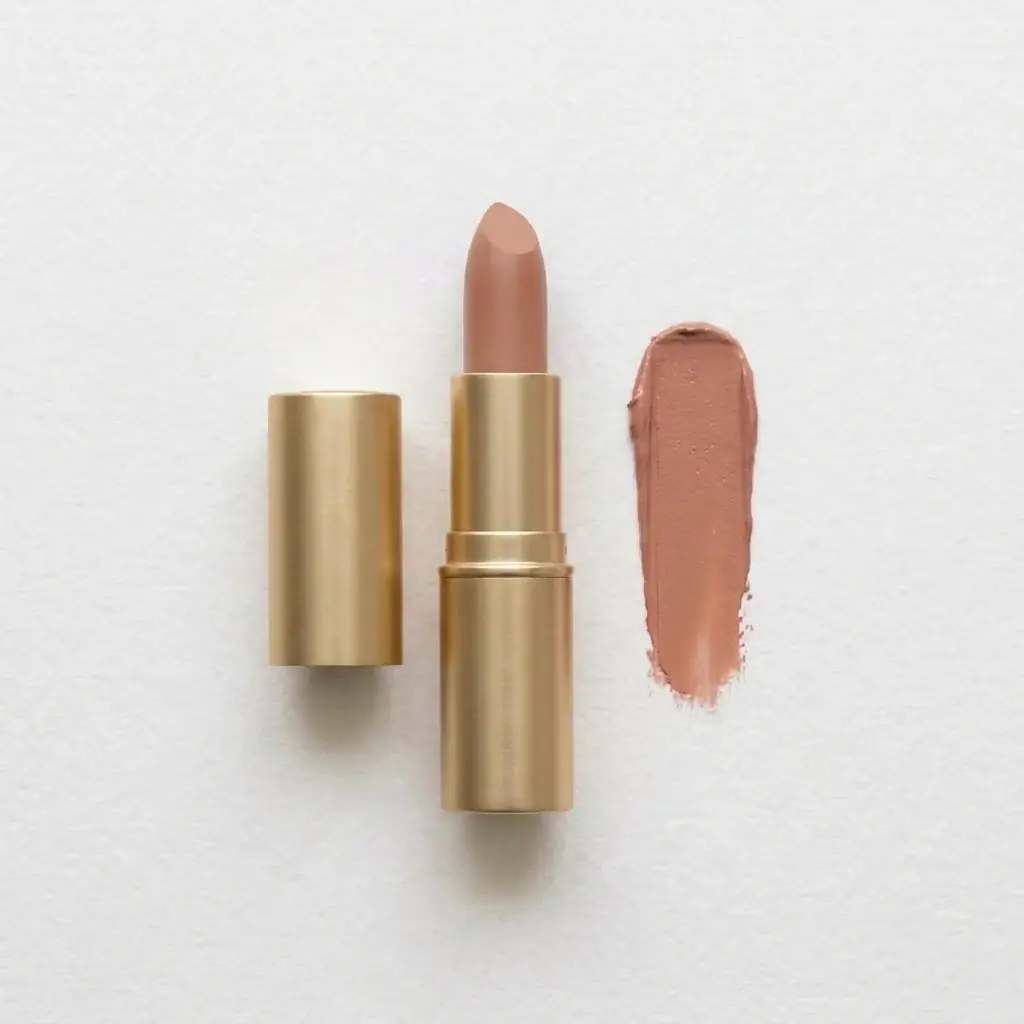
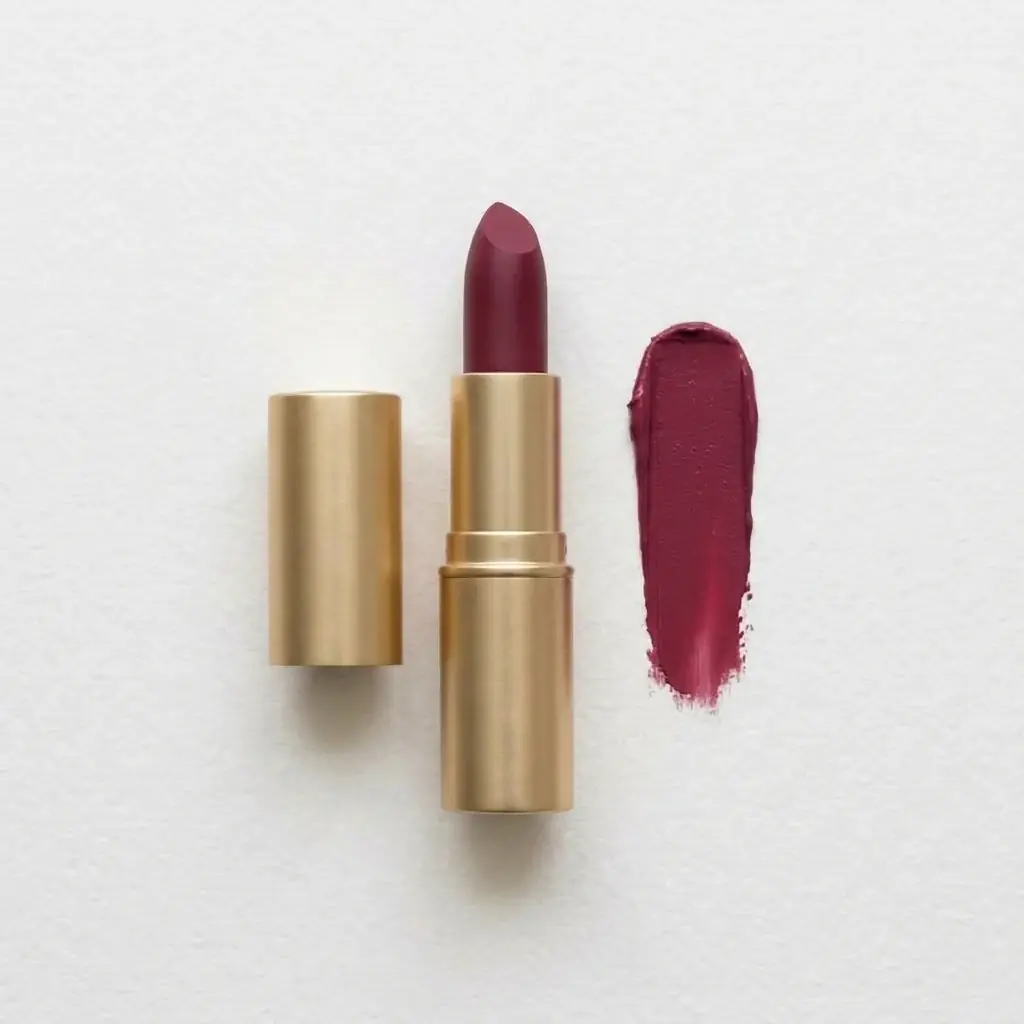
One lipstick photo, edited once per shade on Nano Banana 2 with the prompt below and that shade's hex. The case, the paper and the light stay; only the color changes. The photo was made in Batch Banana to stand in for yours, and screen color is not a swatch, so check each shade against the real product.
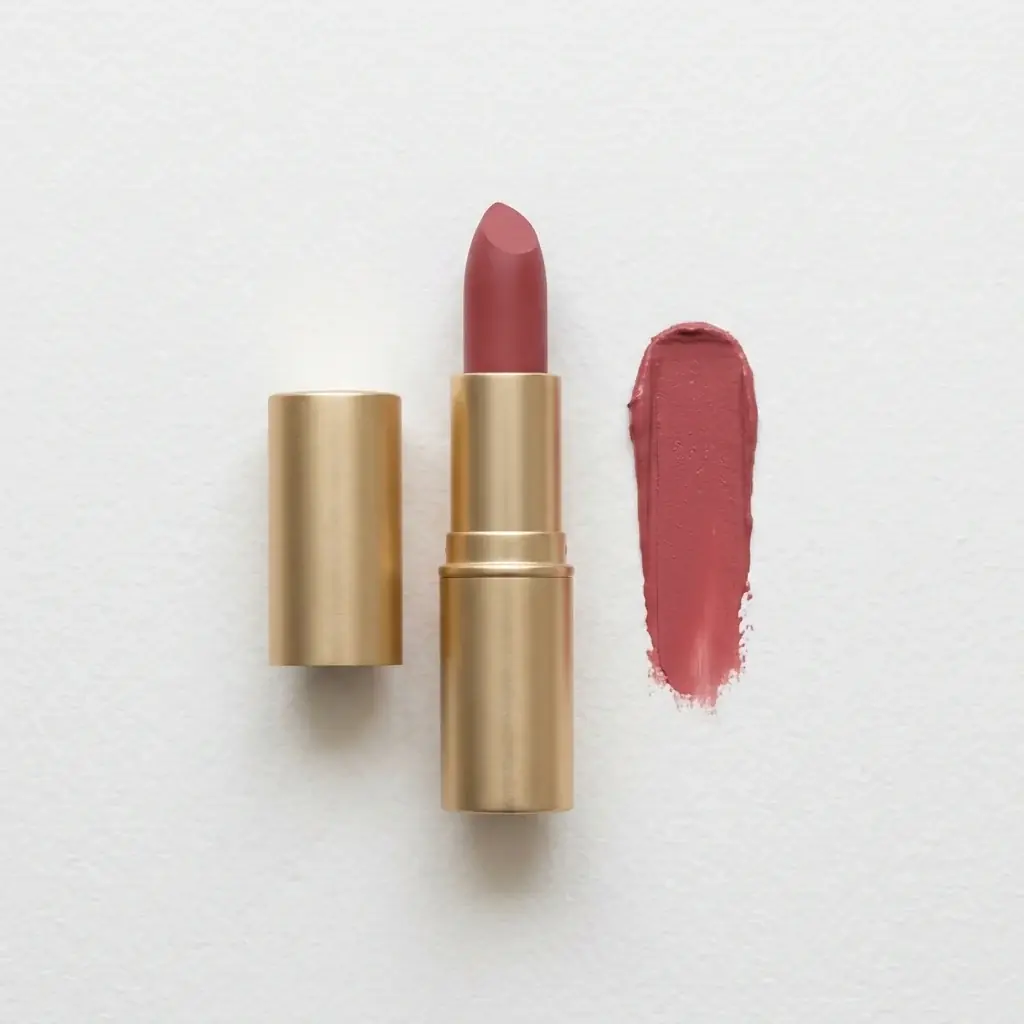
Change only the color of the lipstick bullet and the paper swatch to deep brick red #8E2F25. Keep the case, the cap, the paper texture, the shadows, the framing and the light exactly as they are.
Beauty
Build a set for each mood, then shoot and retouch every frame.
Attach the product photo and describe each scene. The photo stays the reference while the set changes.
Book a macro day to film swatches, smears, drops and pours.
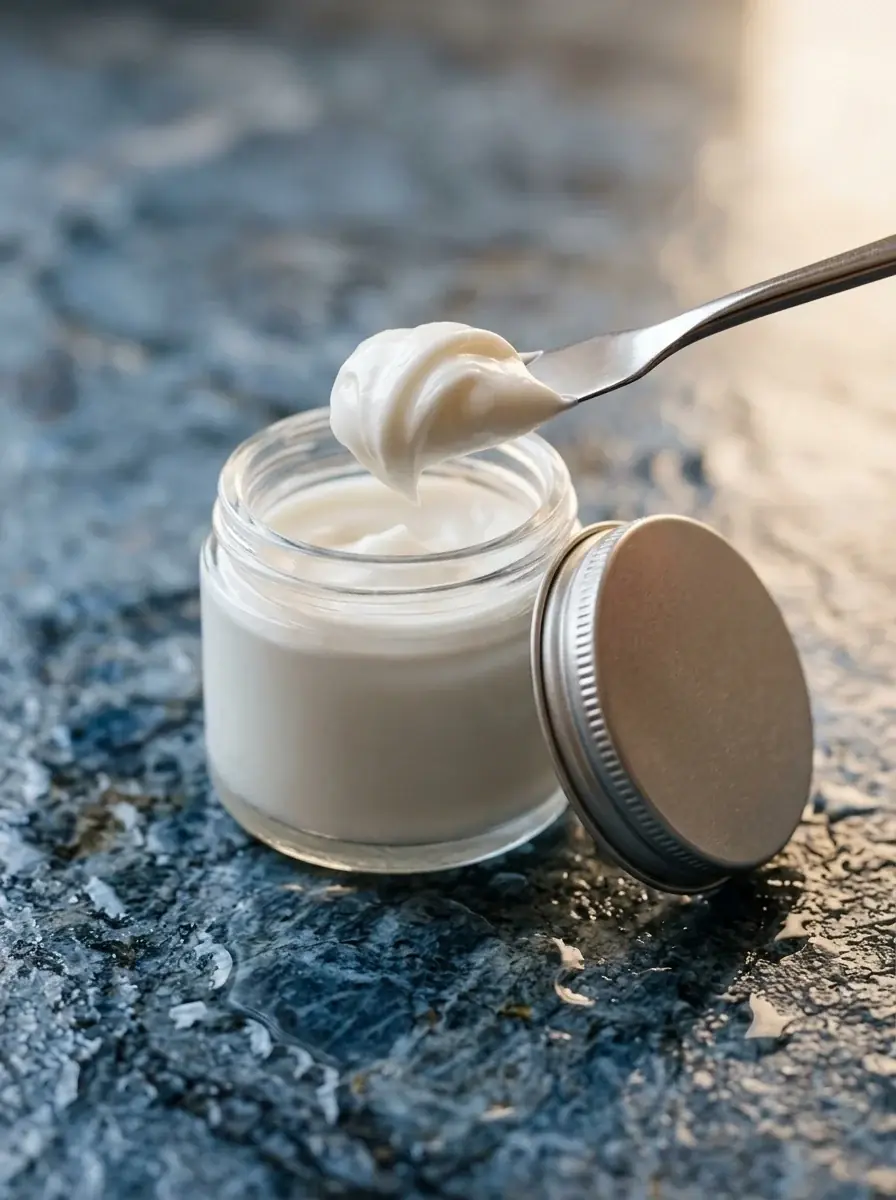
Describe the texture next to the product: a cream swirl, a serum drop, a pressed powder edge.
Photograph each shade, or recolor each file by hand and hope it matches.
Edit one photo once per shade. Name the shade as a hex code and what stays: the case, the paper, the light.
Cast a model, book a studio and pay for usage.
Describe the model, the hand position and the light, with your product as the reference.
Edits
Each after is an edit of the photo beside it on Nano Banana 2, with the photo attached. The bathroom and desk photos were made in Batch Banana to stand in for yours. Drag the divider to compare.
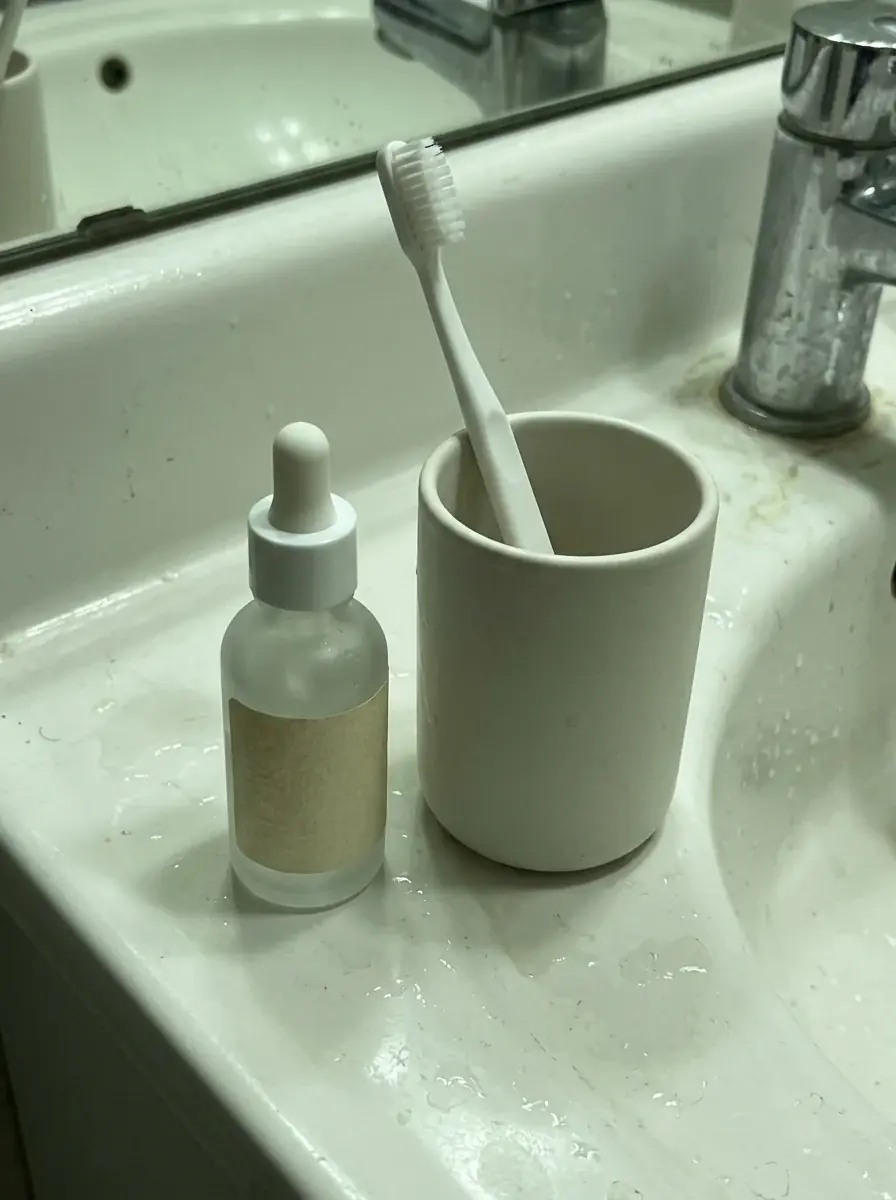
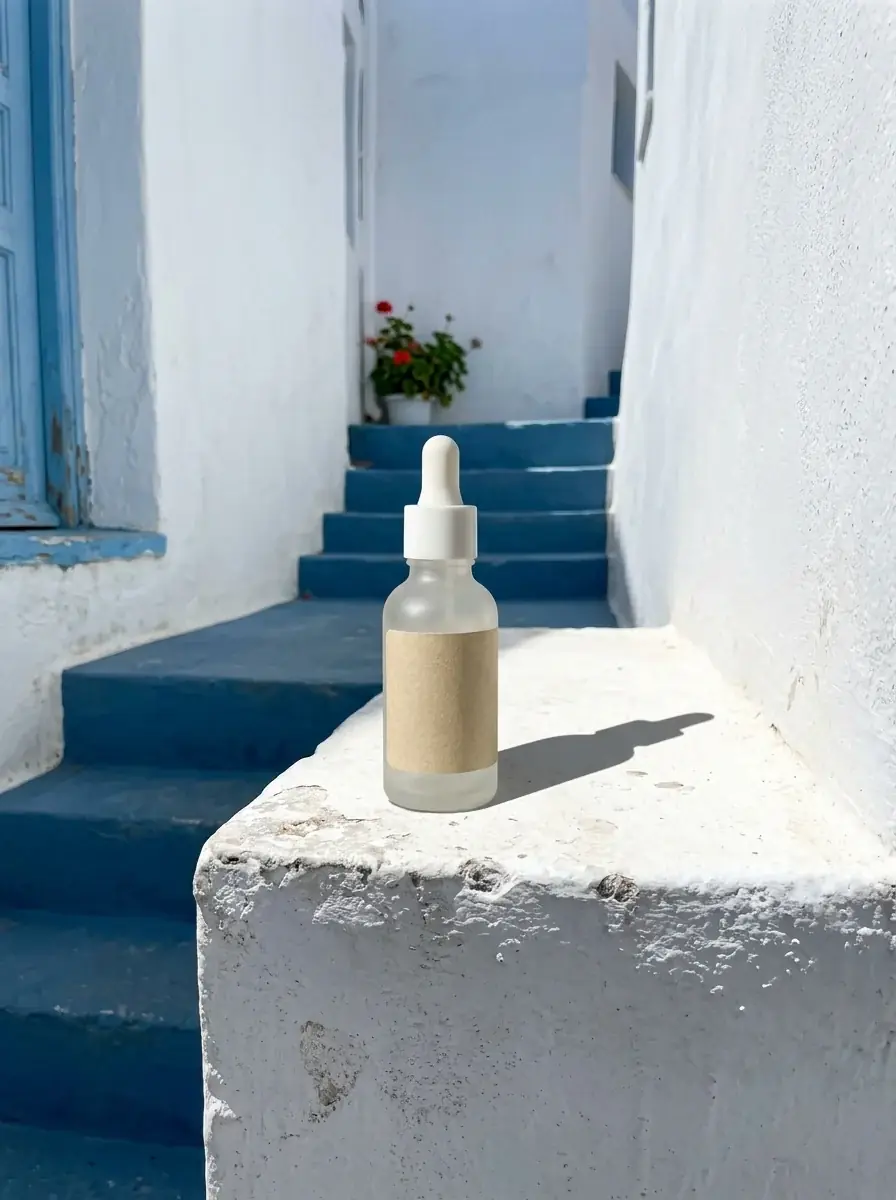
The serum moved from a stained sink to a whitewashed ledge in hard sun. The bottle, cap and blank label stayed.
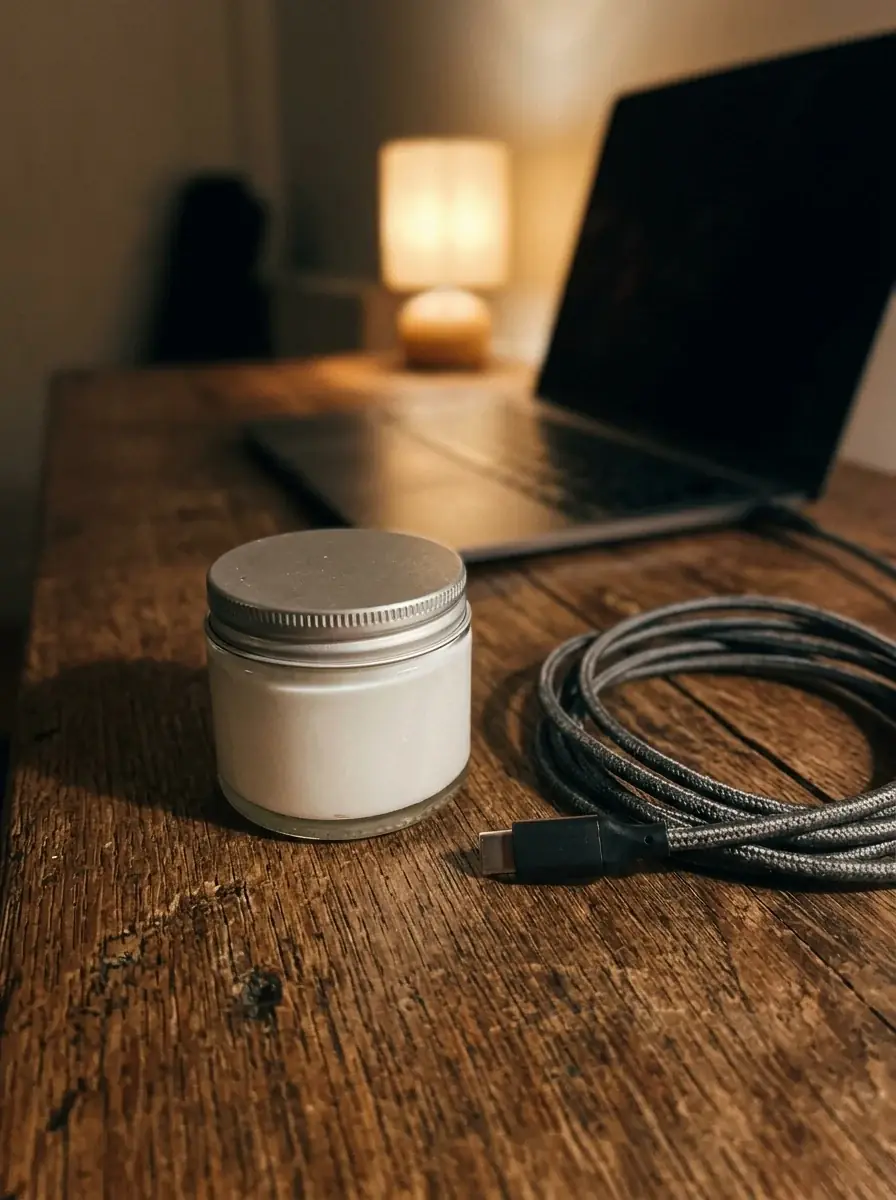
The jar opened on wet blue stone, with a swirl of cream lifted on a spatula and the silver lid beside it.
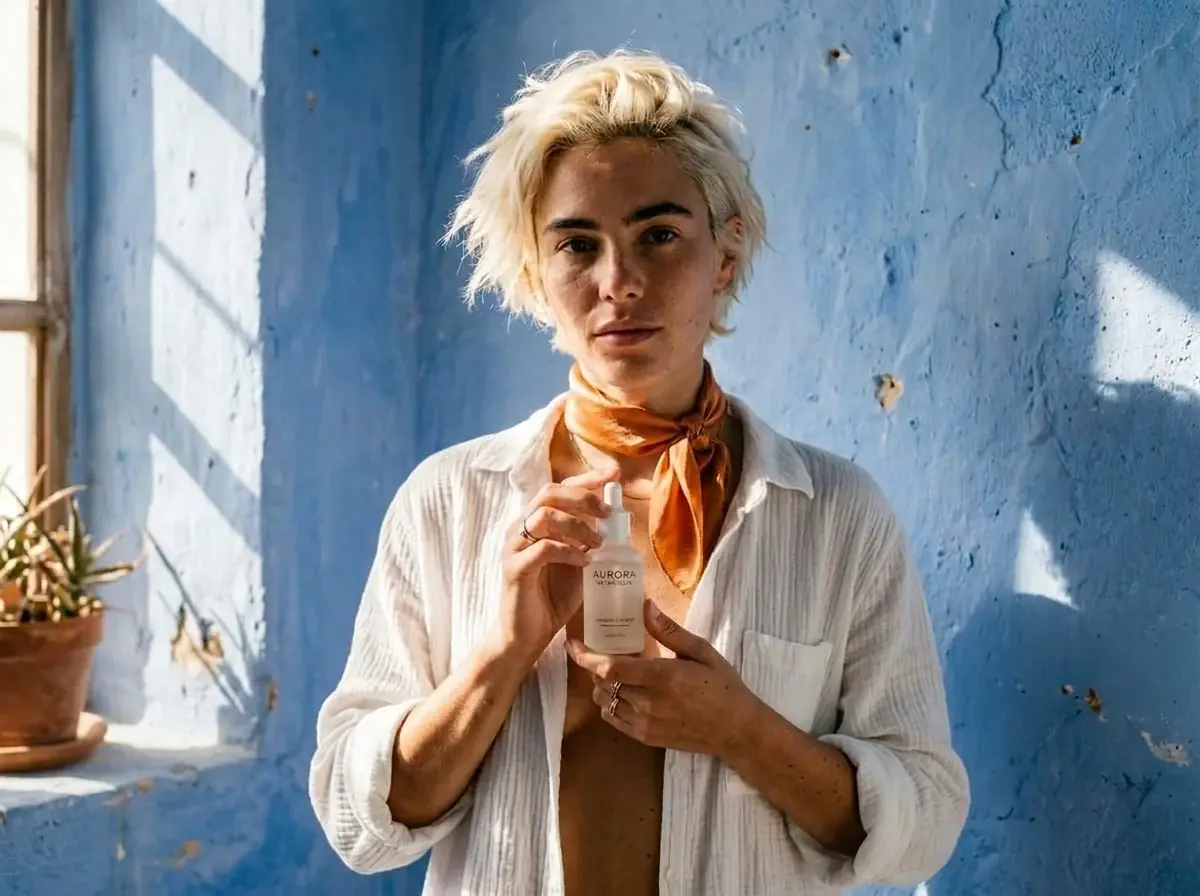
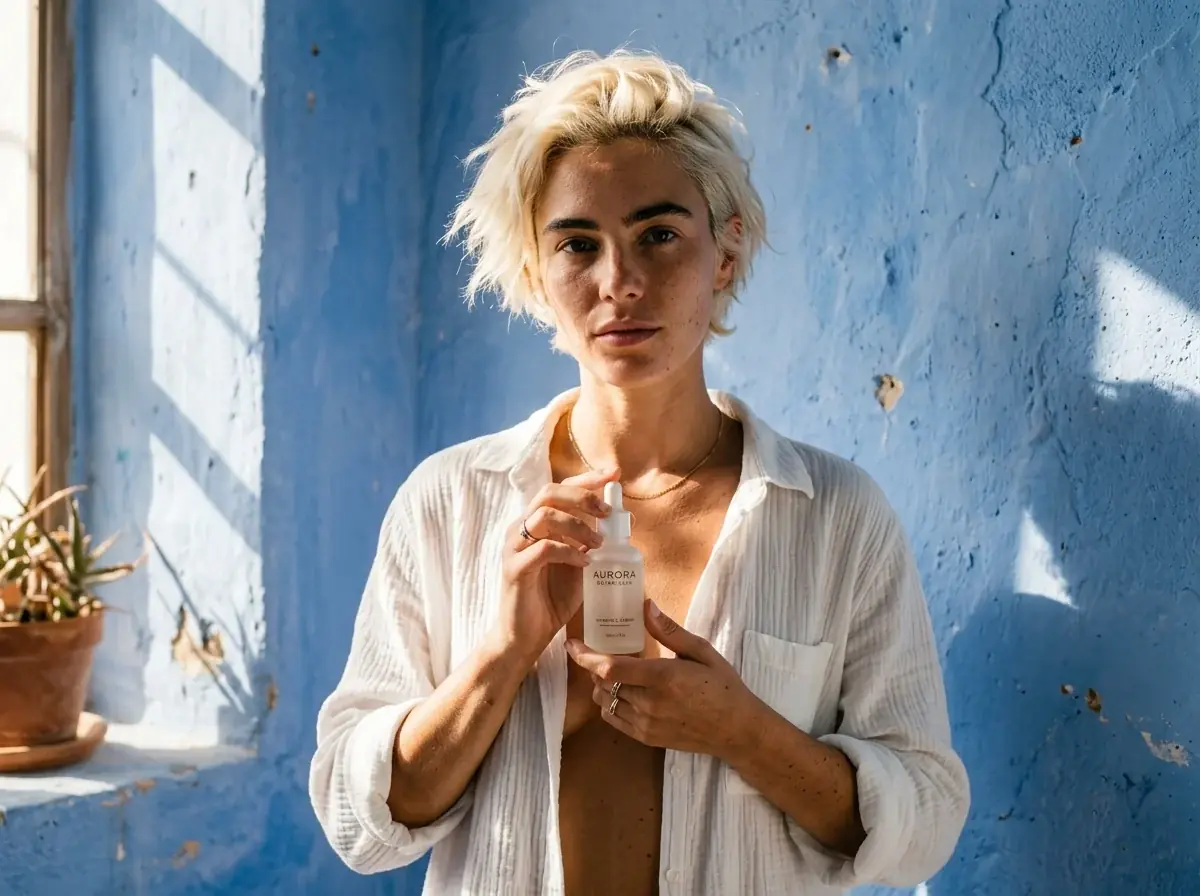
One sentence added an orange silk scarf. Her face, the bottle, the shirt and the wall stayed.
Each card shows the prompt, the model and the credits it took.
A frosted glass serum bottle with a white cap and a plain paper label on a whitewashed ledge in a blue stairway alley, hard midday sun, a long shadow to the right
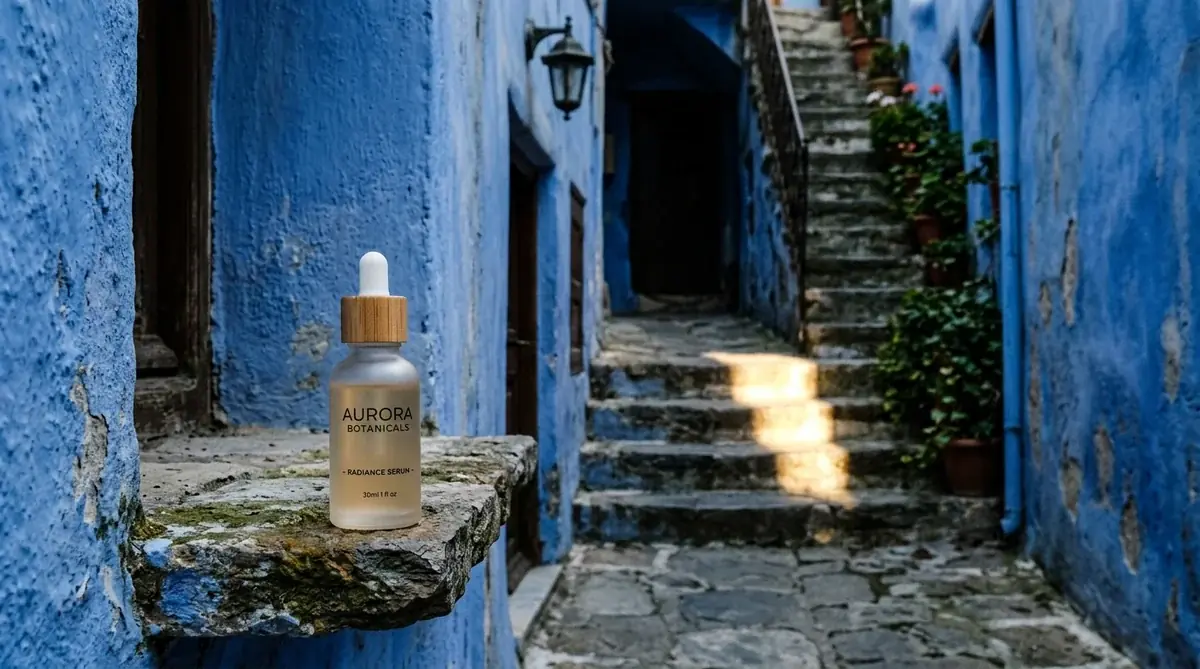
A frosted glass serum bottle on a ledge at the end of a narrow blue alley, deep shade, one strip of sun across the steps behind
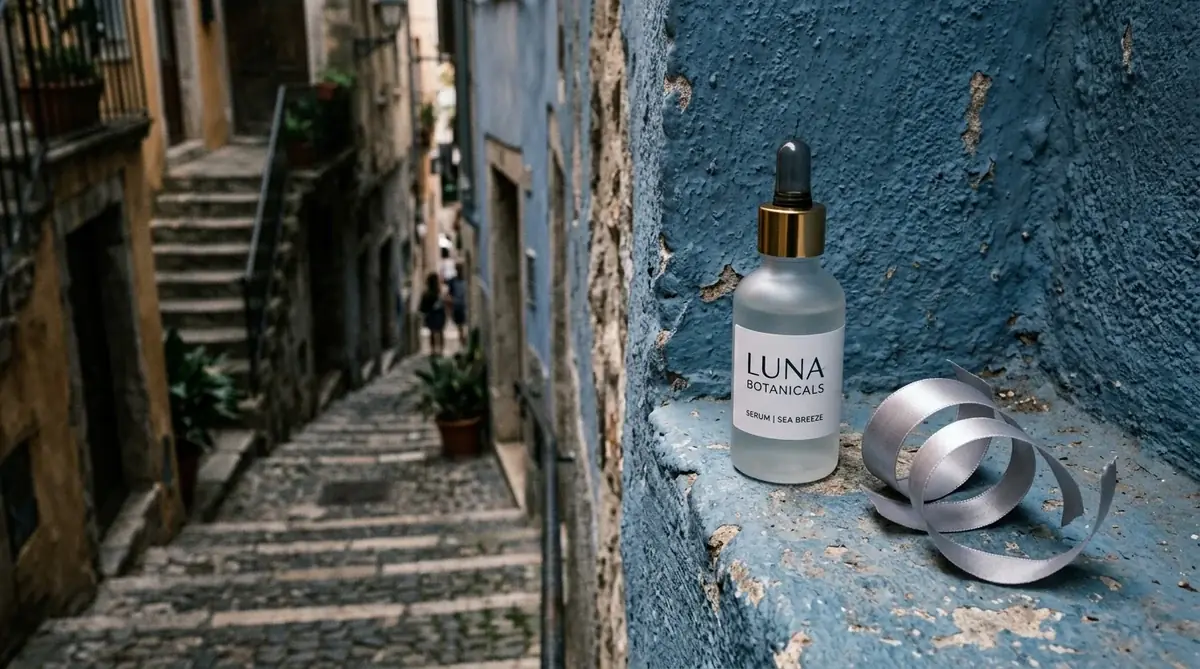
A frosted glass serum bottle on a rough blue wall ledge beside a curl of silver ribbon, a shaded stairway alley falling away out of focus on the left
A model with short bleached hair and bare skin in a white cotton shirt holds a frosted glass serum bottle at chest height, blue plaster wall, hard sun, real skin texture
Add an orange silk scarf tied loosely at her neck. Keep her face, the bottle, the shirt and the wall.
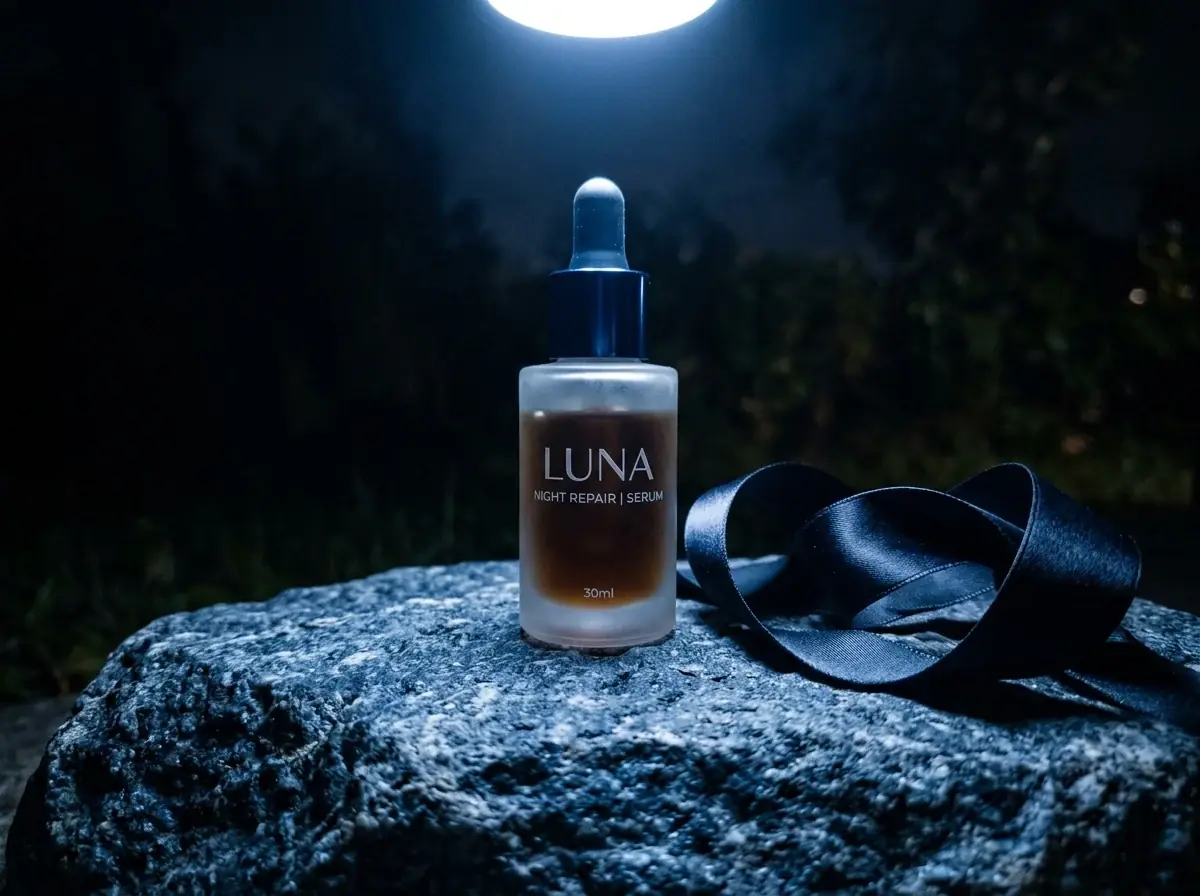
A frosted glass serum bottle on rough blue stone at night, one cold spotlight from above, a dark satin ribbon curled beside it
Model comparison
The same prompt with the bathroom photo attached, and the credits each run took. Nano Banana Pro came closest to a macro; Flux 3 Image barely moved from the phone photo.
Same prompt, every model
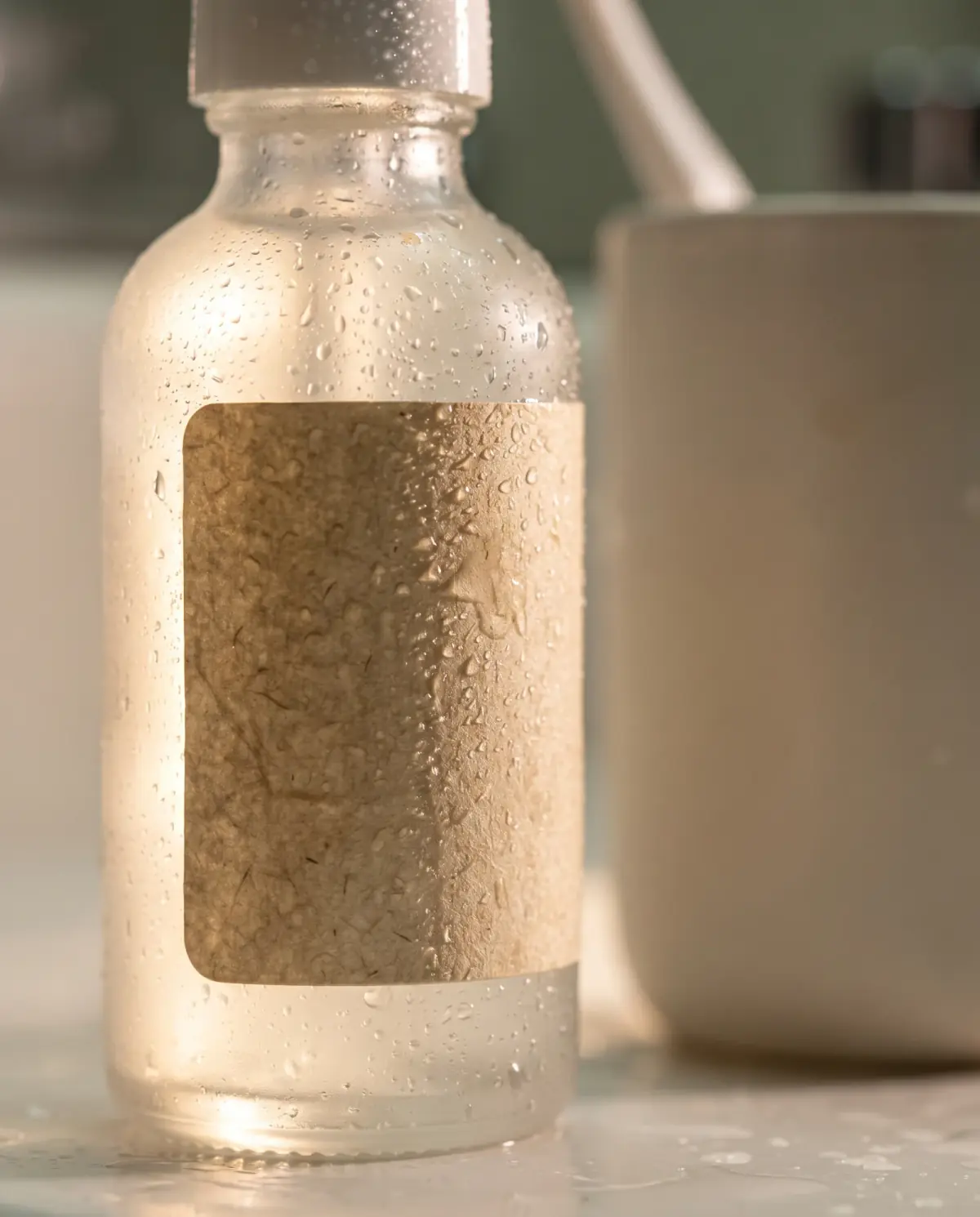
Macro of the serum bottle in Image 1 covered in fine water drops, the label in sharp focus, frosted glass glowing in side light, shallow depth of field.
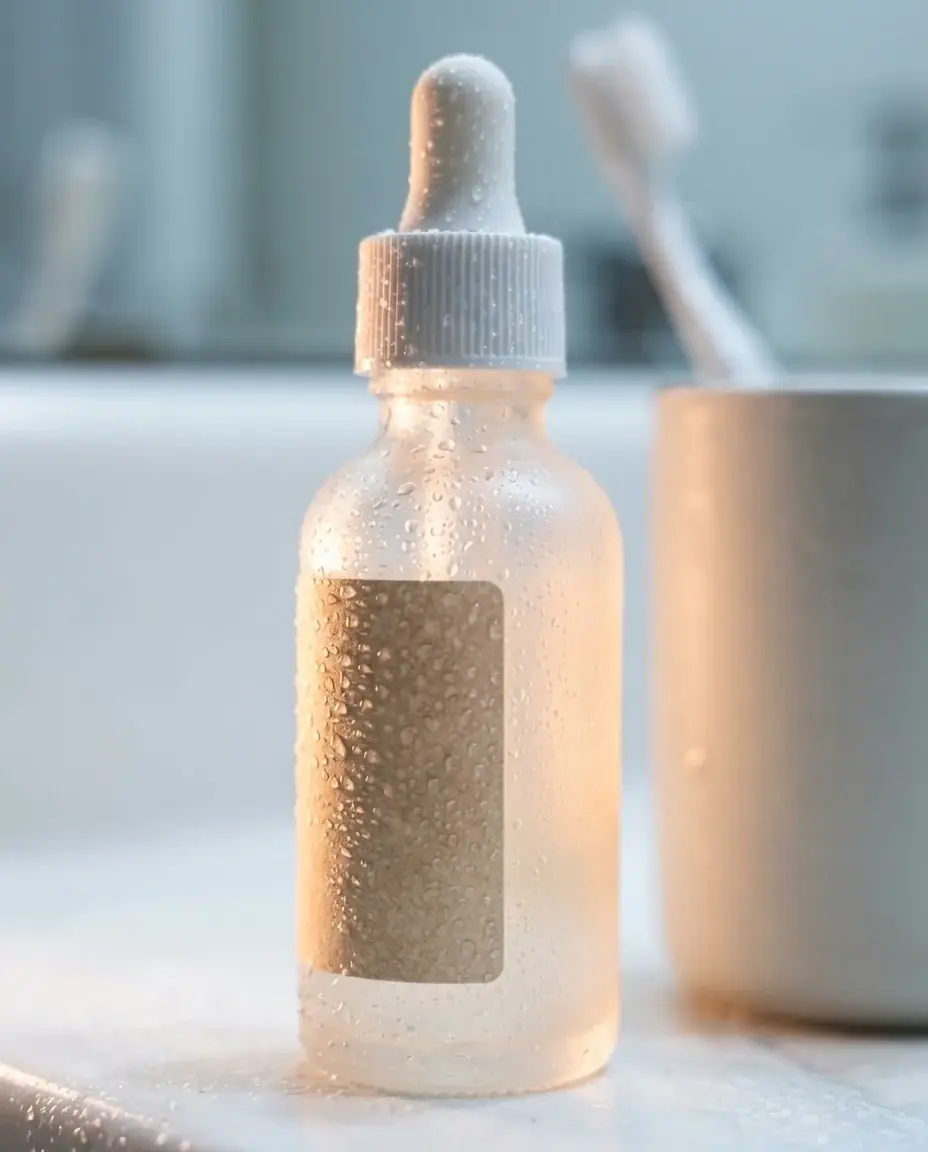
10 credits
32 credits
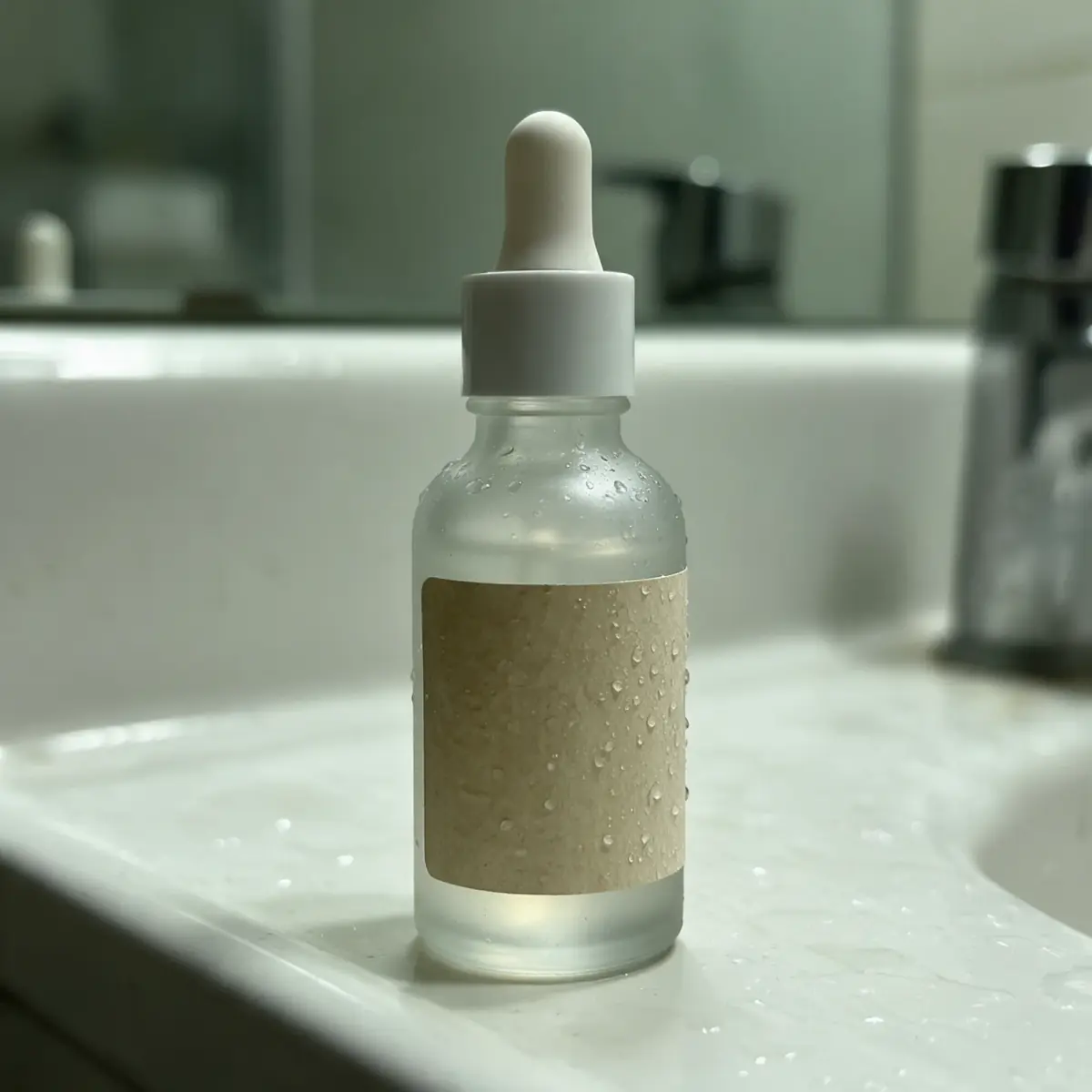
11 credits
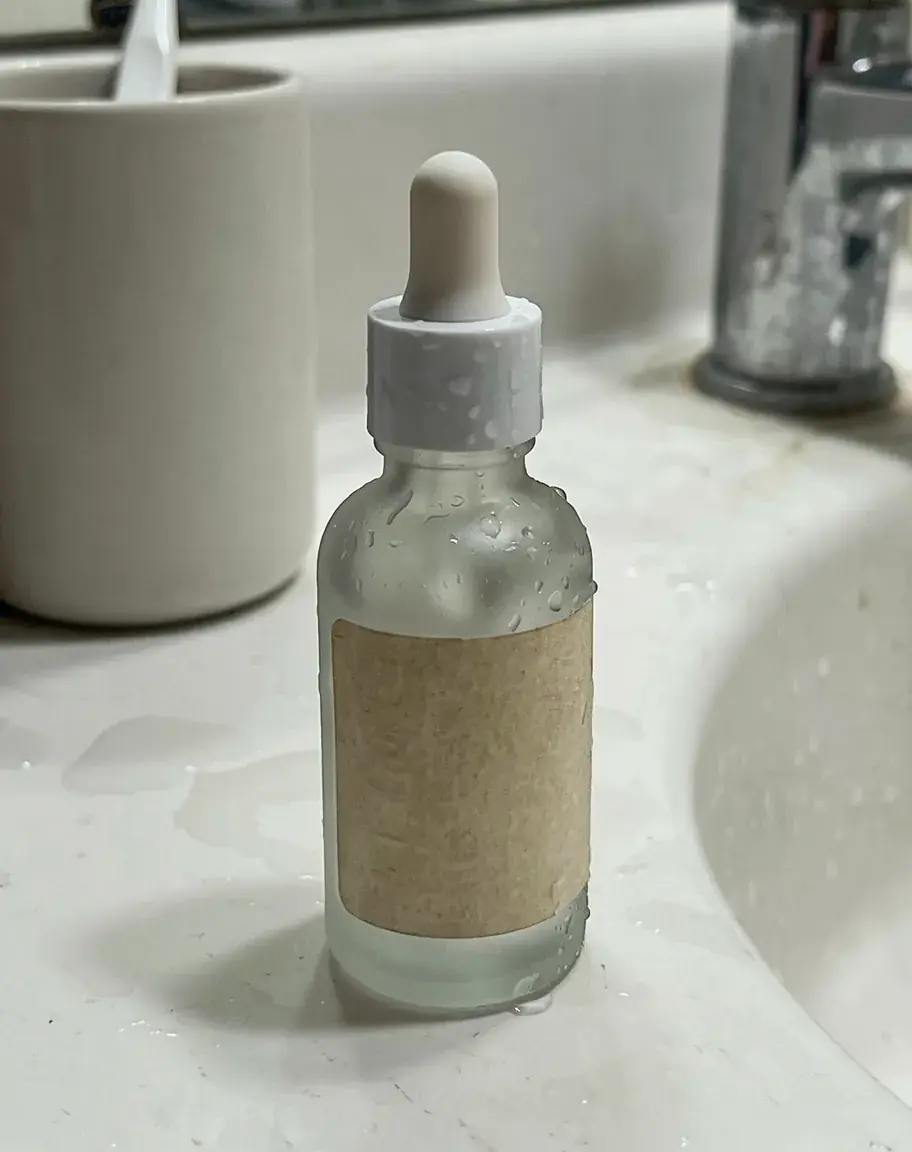
6 credits
Real runs made for this page in Batch Banana, one per model. Nothing is retouched.
Upload a sharp, evenly lit photo of the bottle, jar or compact. Save the range as a collection so every shade is one click away.
Name the surface, the light and the texture beside the product, and say what must not change: the pack, the cap, the label.
Zoom in on small type and ingredient lists before you publish. Edit the picks, then download them.
Agent loads the Product shots skill for beauty work. It keeps your photo as the reference, treats each shade as an edit of that photo, and sets up two-image mockups for packaging.
Agent skill
Puts your product in shots, listings, and mockups
Scenes · Colorways · Mockups · Marketplace images
See the skillYour photo goes in as the reference and the prompt names what stays. Models can still misdraw small type, so check the brand name, claims and ingredient list in each image before it goes live.
Edit one product photo once per shade. Give the shade as a hex code and name what must not change. Screens differ, so compare each image with a real swatch in daylight before you publish.
Yes. Select the photos in your library and choose Edit. Ideogram Edit runs the same instruction on each one and returns the results as one stack.
Yes. Describe the texture beside the product, as in the cream swirl above: a smear on paper, a serum drop on glass, a pressed powder edge.
Yes, as model shots. Some ad platforms and regulators set rules for retouched or generated images in beauty ads, especially ones that show a result on skin. Check the rules for your market, and never show a result the product does not give.
It depends on the model. The composer above shows the price per image on Nano Banana 2.1, and each example card shows what its run took. You can start for free.
 Use caseSocial media and adsFeed posts, stories, thumbnails and ads, each made in the frame its app shows it in.Learn more
 Use caseInterior designersRoom concepts, material boards and restyled photos of a client's room, before anything is ordered.Learn more
 Use caseHotelsSeasonal campaigns, room details and social posts for hotels, from your own photos or a description.Learn more