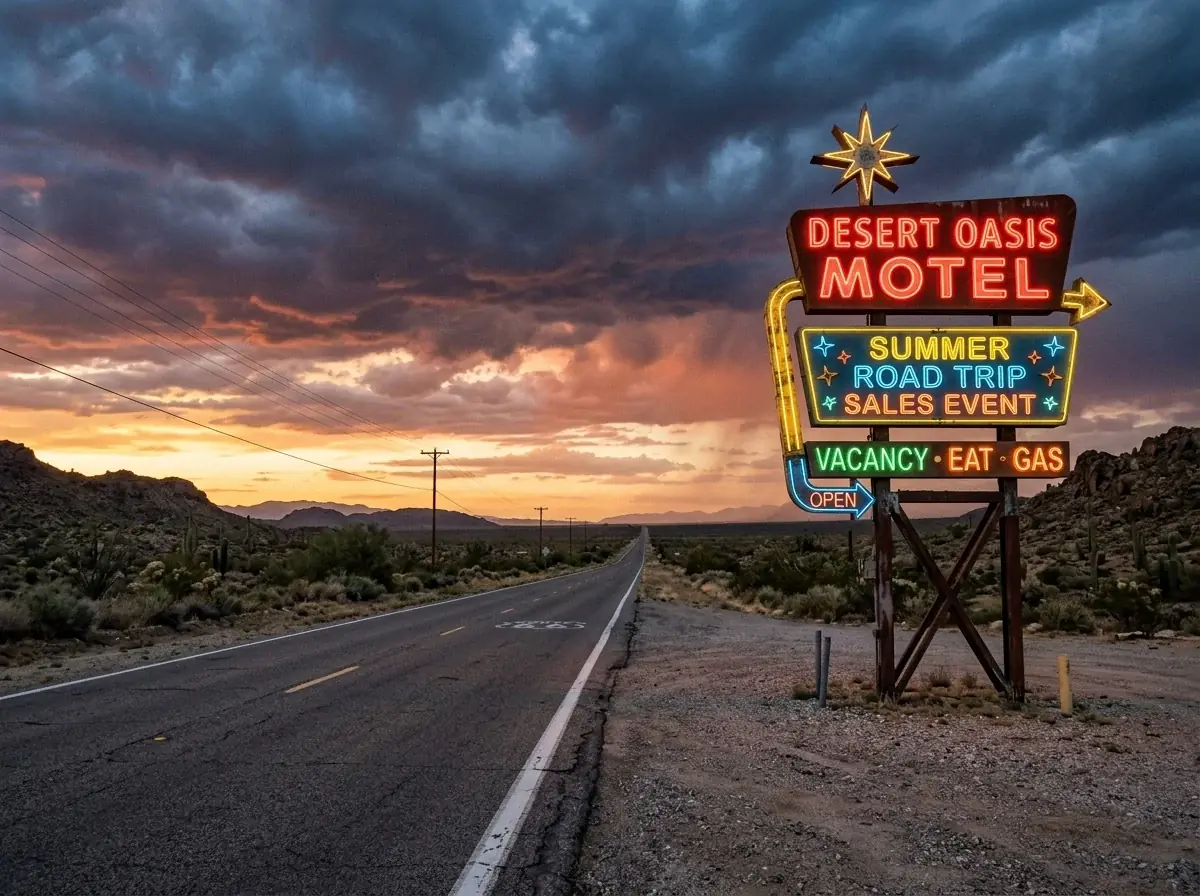
A neon roadside sign beside an empty desert highway at sunset, storm clouds over the horizon, the road running to the vanishing point, backdrop for a summer road trip sales event
Nano Banana 210 credits
 Clean lot
 Cone gone
 Clear skySales event
 Service promo
It cleans up the lot photos you already take. One Ideogram Edit clears the cars around a vehicle, removes a cone or swaps a gray sky, and repaints only what you name. For sales events, describe a backdrop and pick from four. One Ideogram Edit costs 14 credits at the default quality.
Ideogram Edit
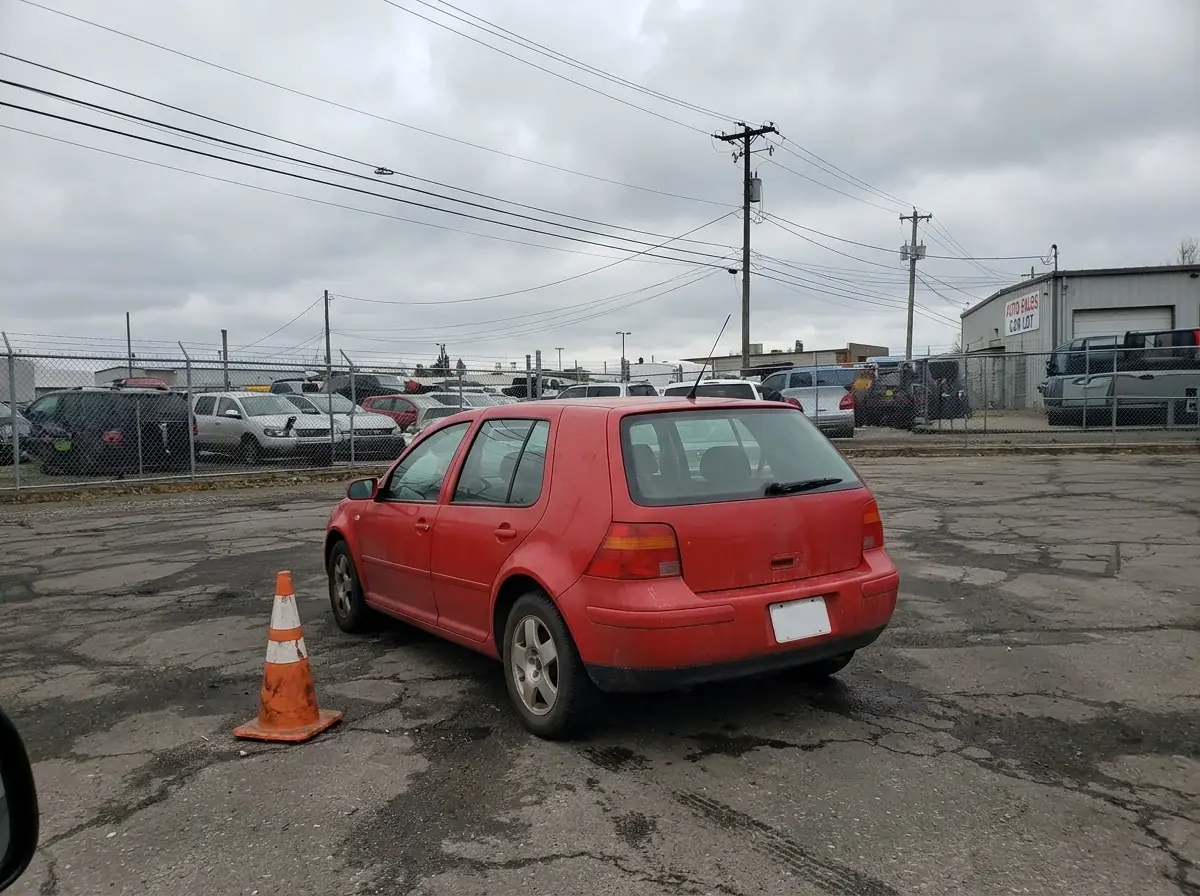
One instruction removed the cars parked on both sides. The hatchback, its plate and the cone stayed where they were. The lot photo was made in Batch Banana to stand in for yours. Drag the divider to compare.
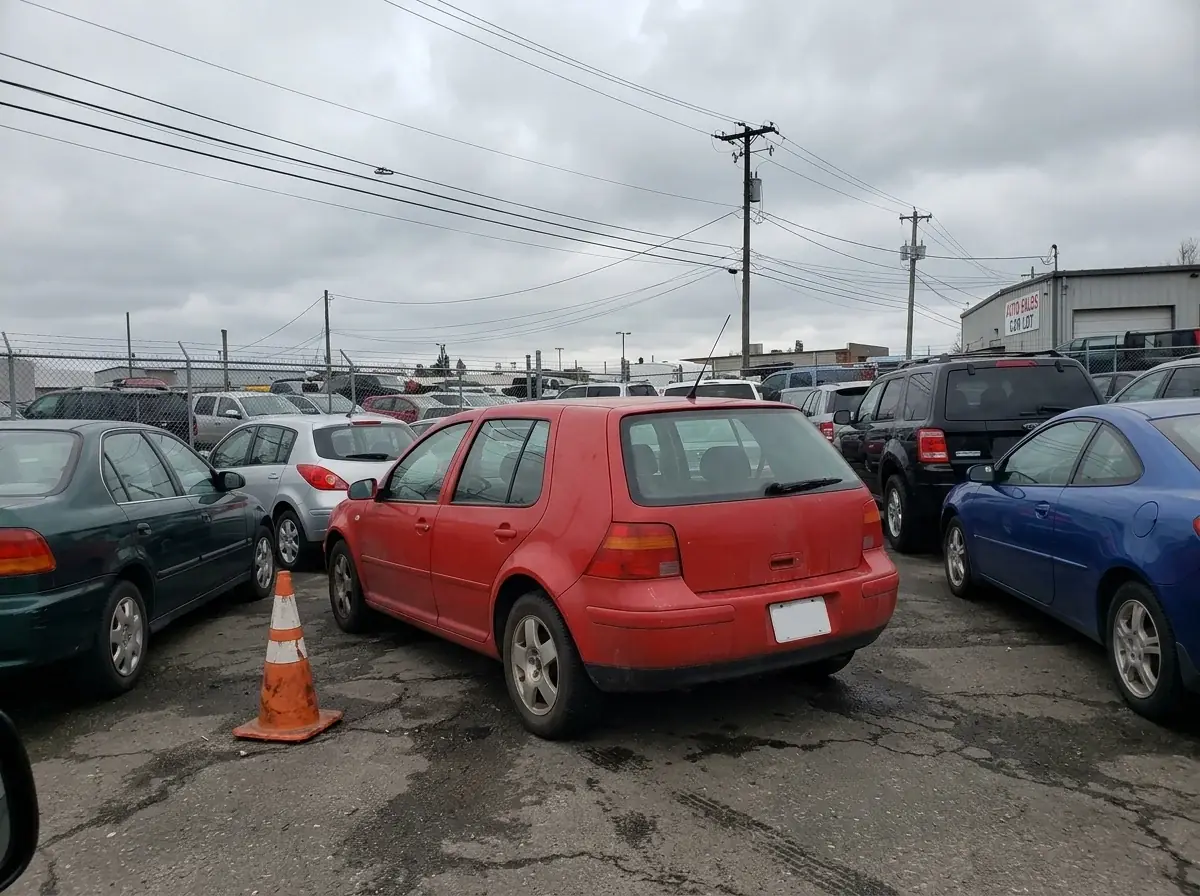
Remove the parked cars on both sides of the red hatchback and leave empty parking spaces there. Keep the red hatchback and the rest of the lot.
More edits
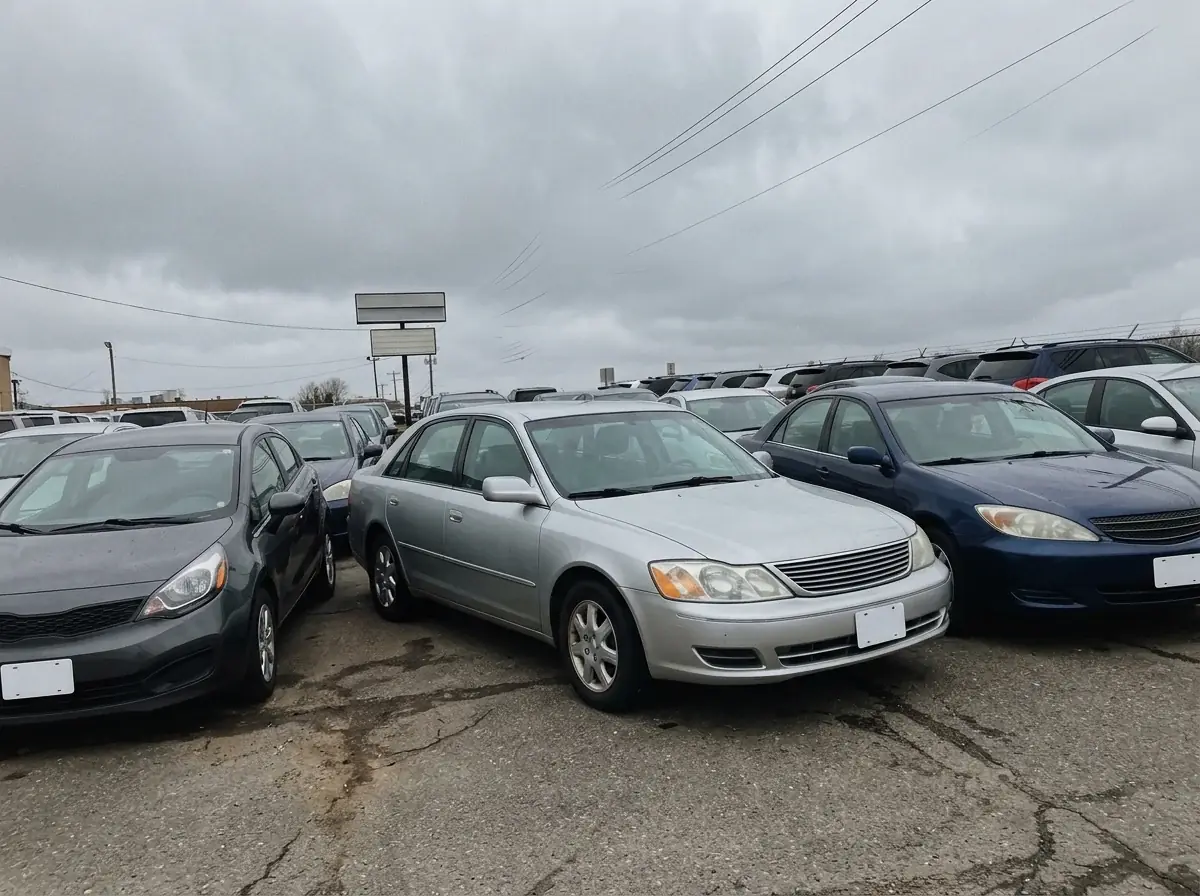
Each after is one Ideogram Edit at Medium on the lot photo beside it. Name the distraction, never the car.
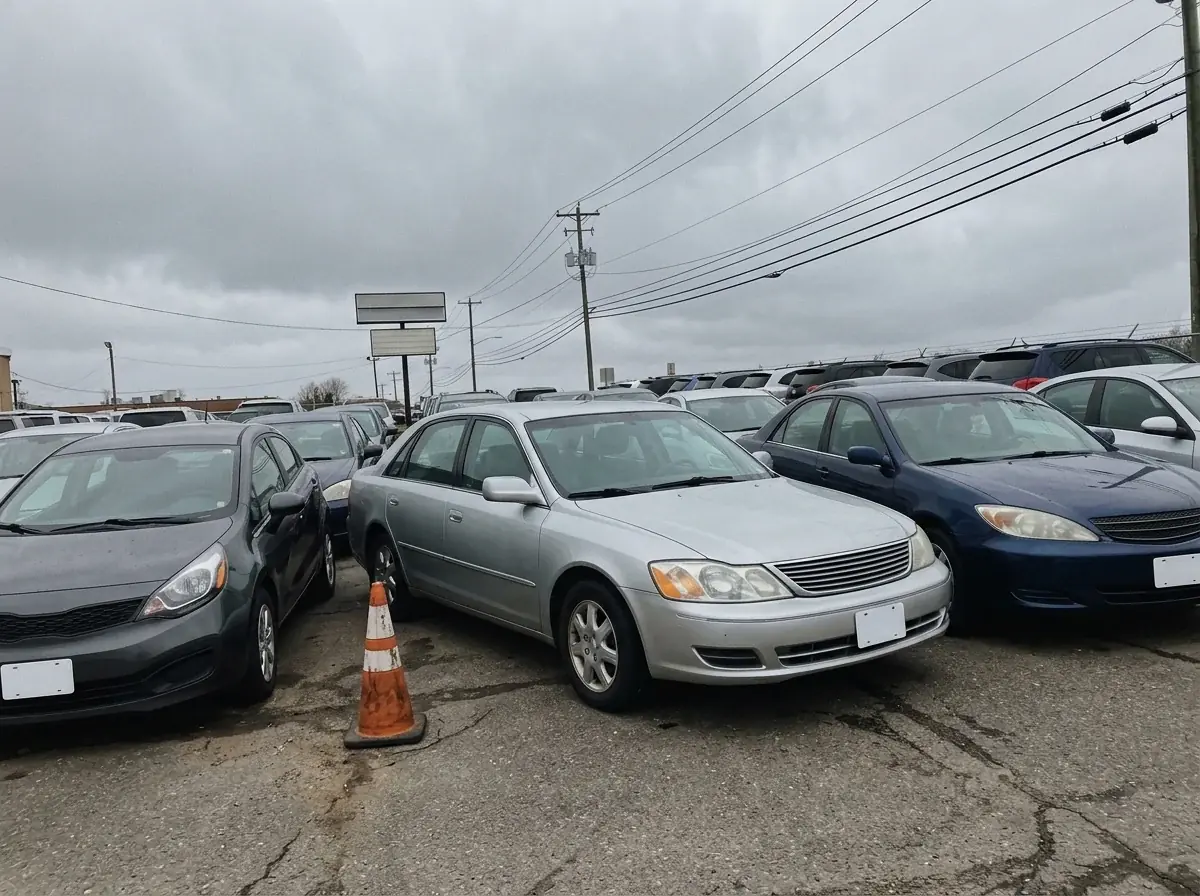
The cone and most of the wires are gone; two faint wires stayed at the top. The sedan and the parked cars did not move.
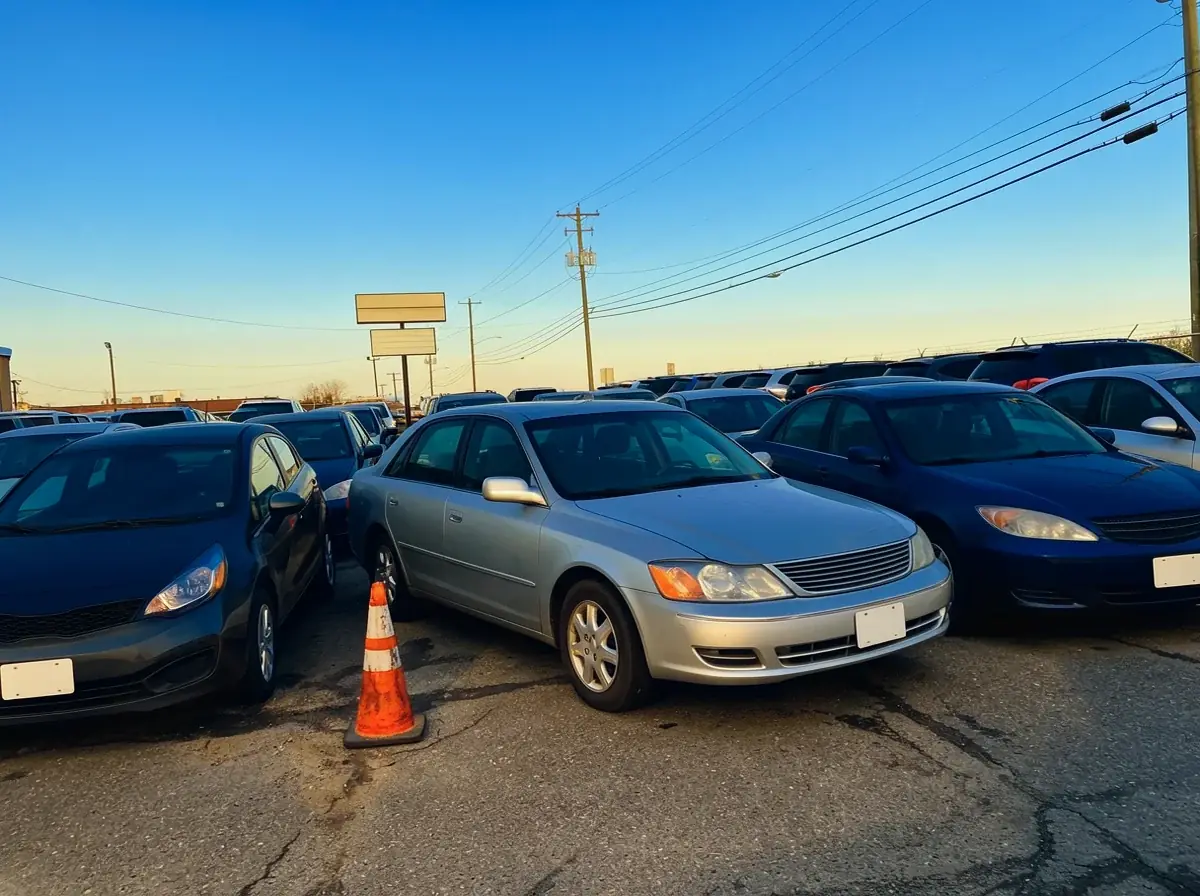
A late afternoon sky over the same lot. The light on the cars warmed with it, so compare the paint with your original.
Car dealers
Book a photo booth, or mask the car by hand in an editor.
Remove background cuts the car out with its own pixels. Place the cutout on your dealership backdrop.
Reshoot the car, or clone the object out by hand.
Ideogram Edit changes only what you name and returns the rest of the photo as it was.
Edit each photo one at a time.
Select the photos in your library and run one edit on all of them.
Buy stock or wait on an agency for a banner.
Describe the scene and the open space for your headline, then pick from four.
Generate the backdrop for an event banner. Your own car photos go through the edits above, not through a new generation. The backdrops on this page were made on Nano Banana 2, which Nano Banana 2.1 replaced.
Bulk edit
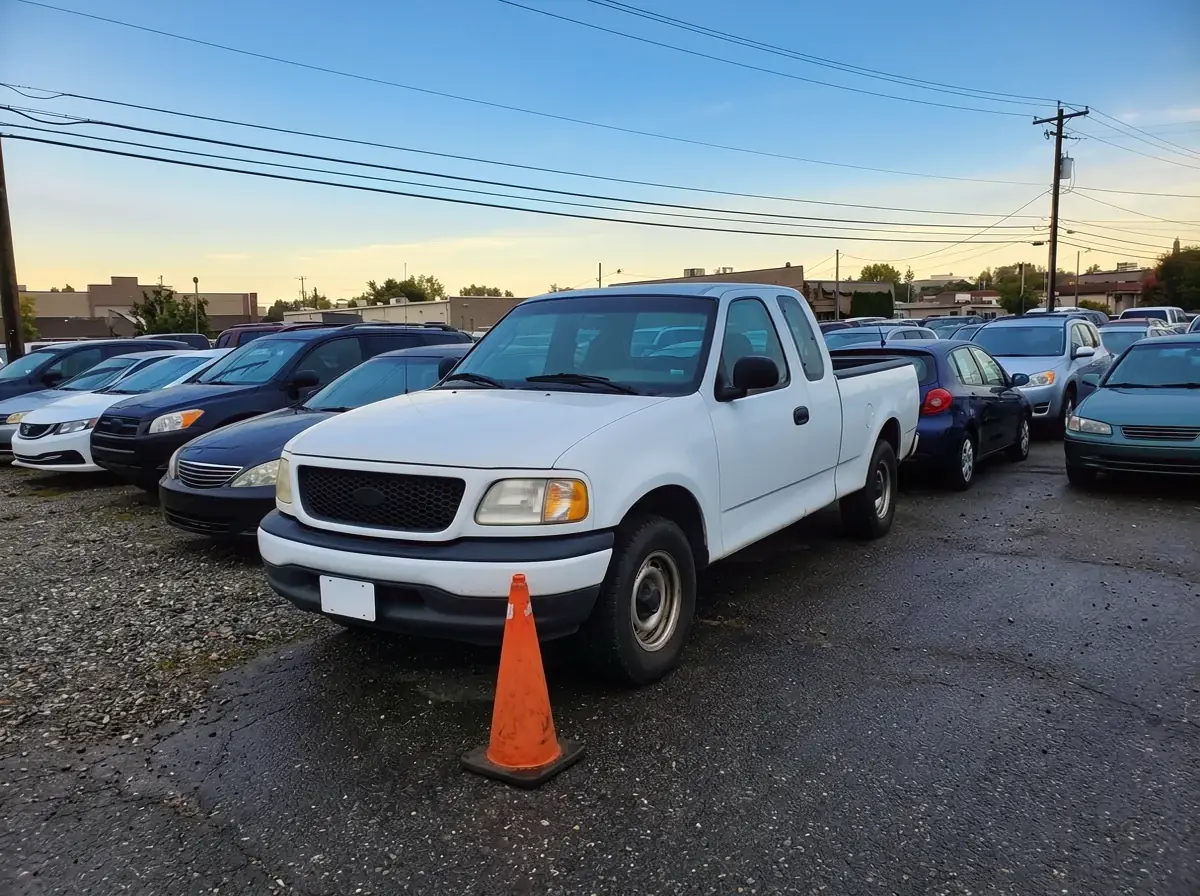
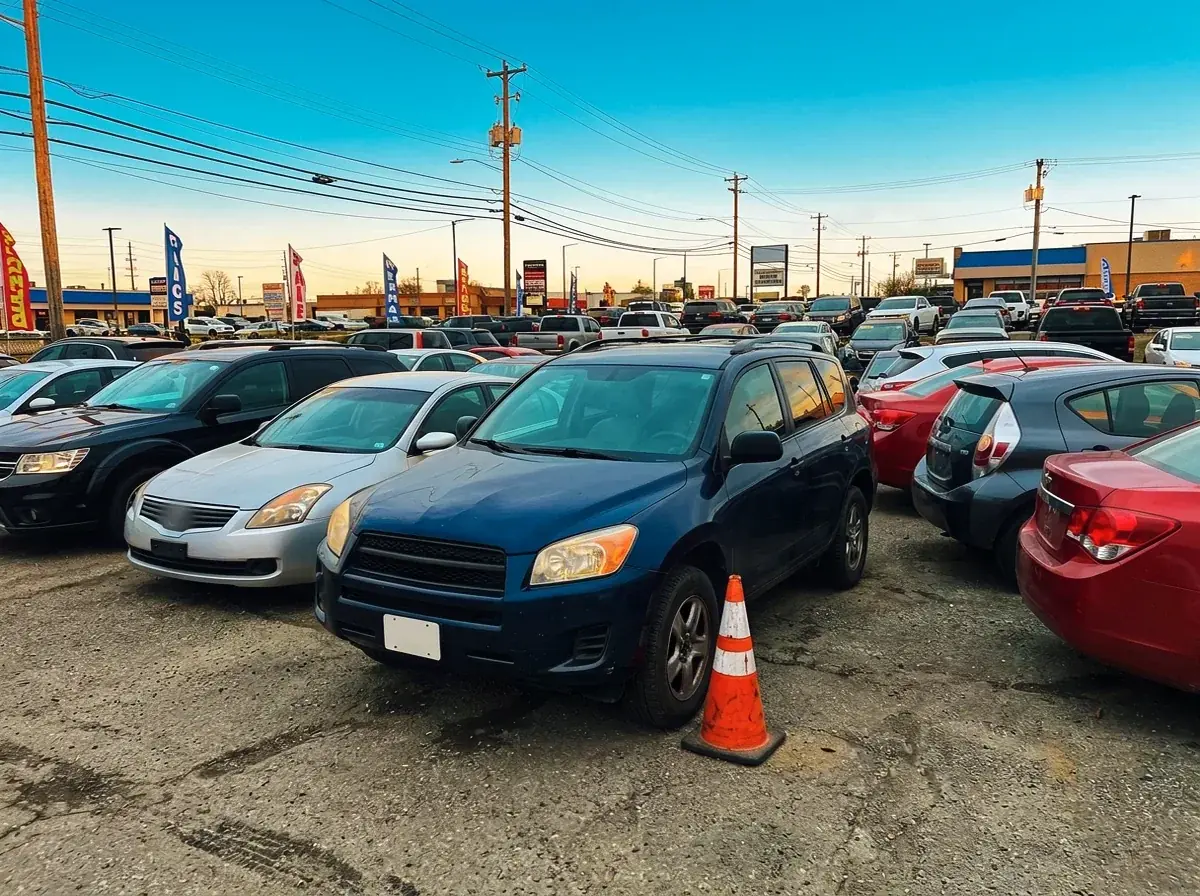
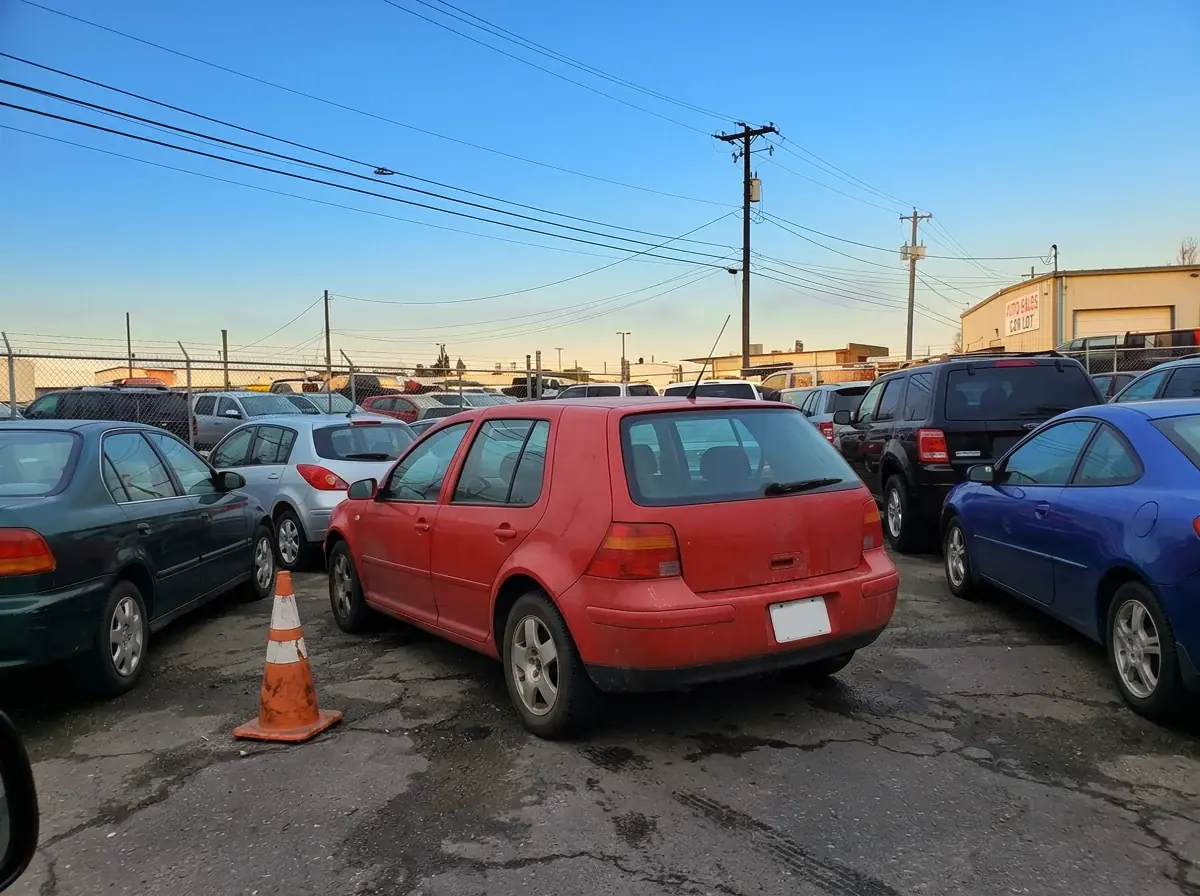
Four lot photos, one Ideogram Edit run on all of them from the library. Only the sky changed; each car stayed as photographed. The lot photos were made in Batch Banana to stand in for yours.
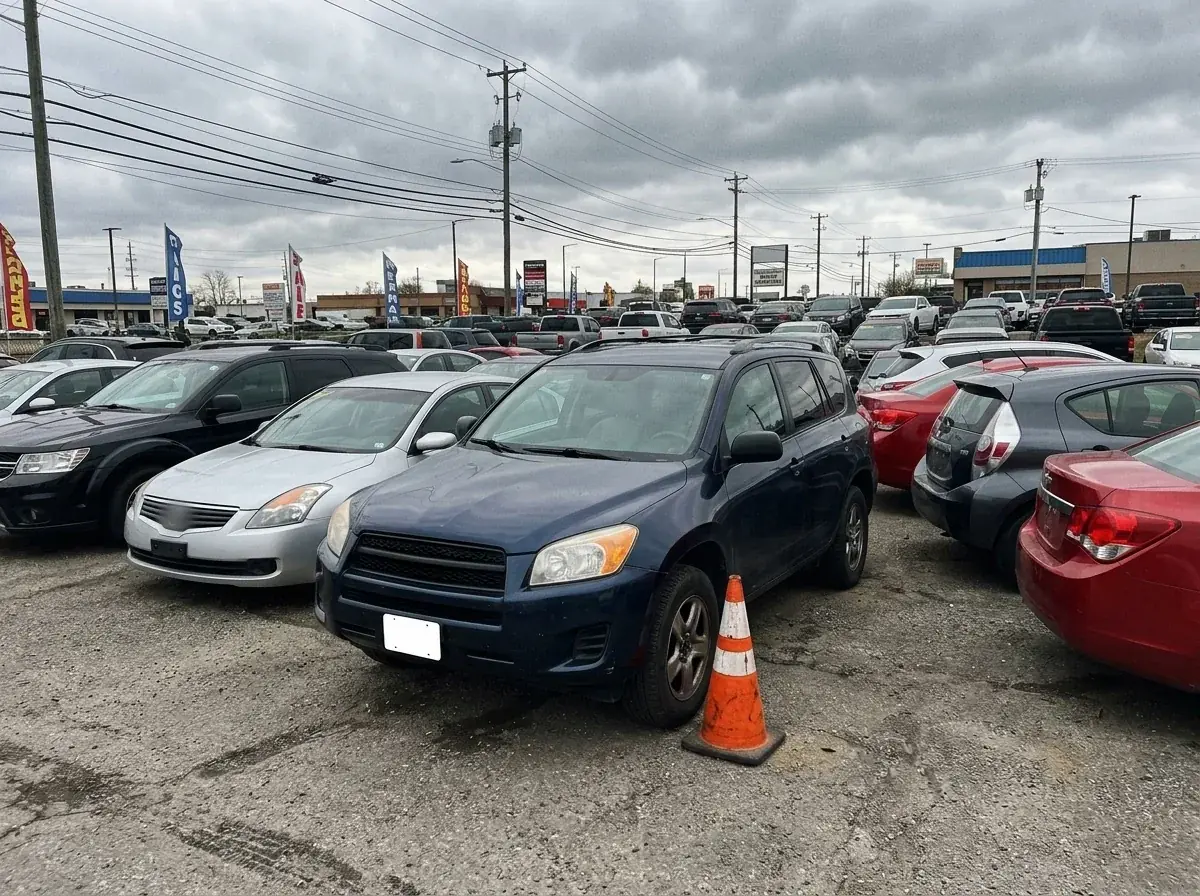
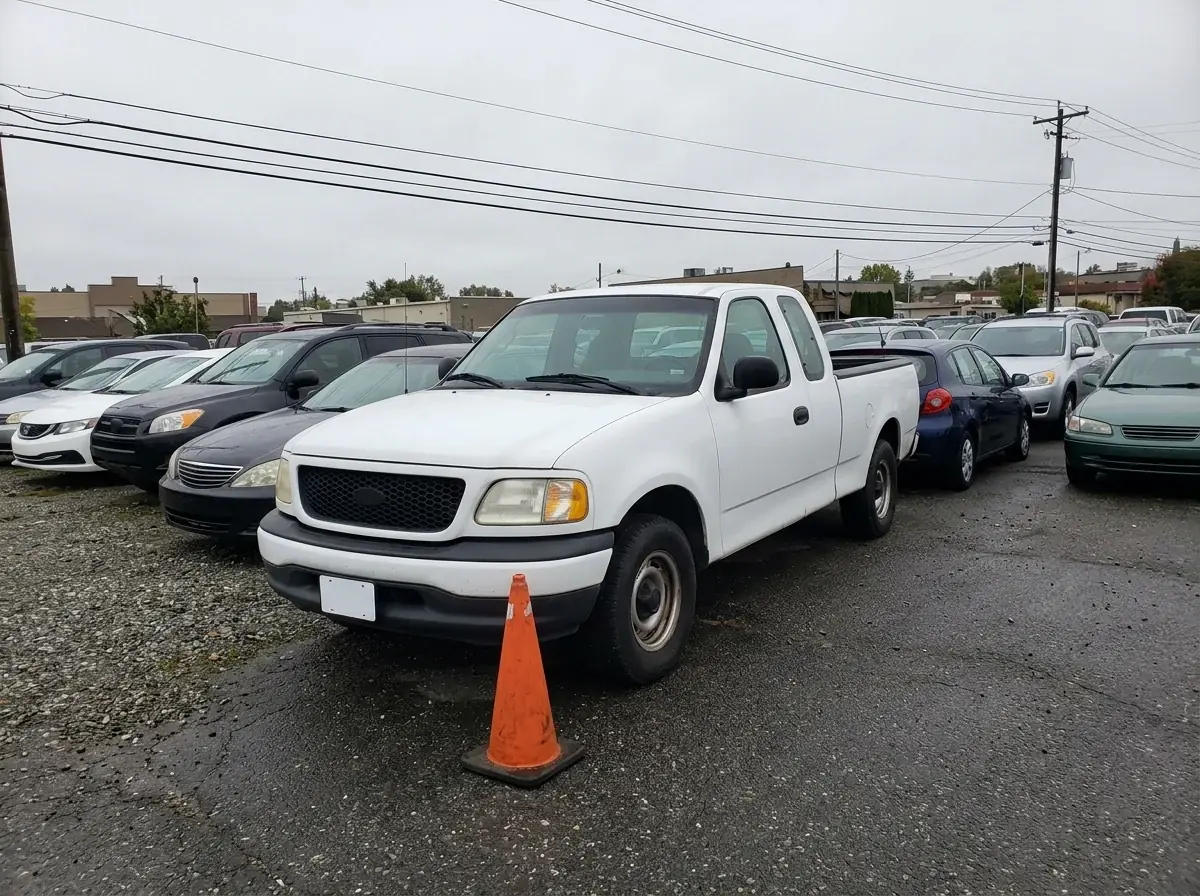
Replace the gray sky with a clear blue late afternoon sky. Keep the car and the lot.
Backdrops and promo art, never a vehicle you sell. Each card shows the prompt, the model and the credits it took.
A neon roadside sign beside an empty desert highway at sunset, storm clouds over the horizon, the road running to the vanishing point, backdrop for a summer road trip sales event
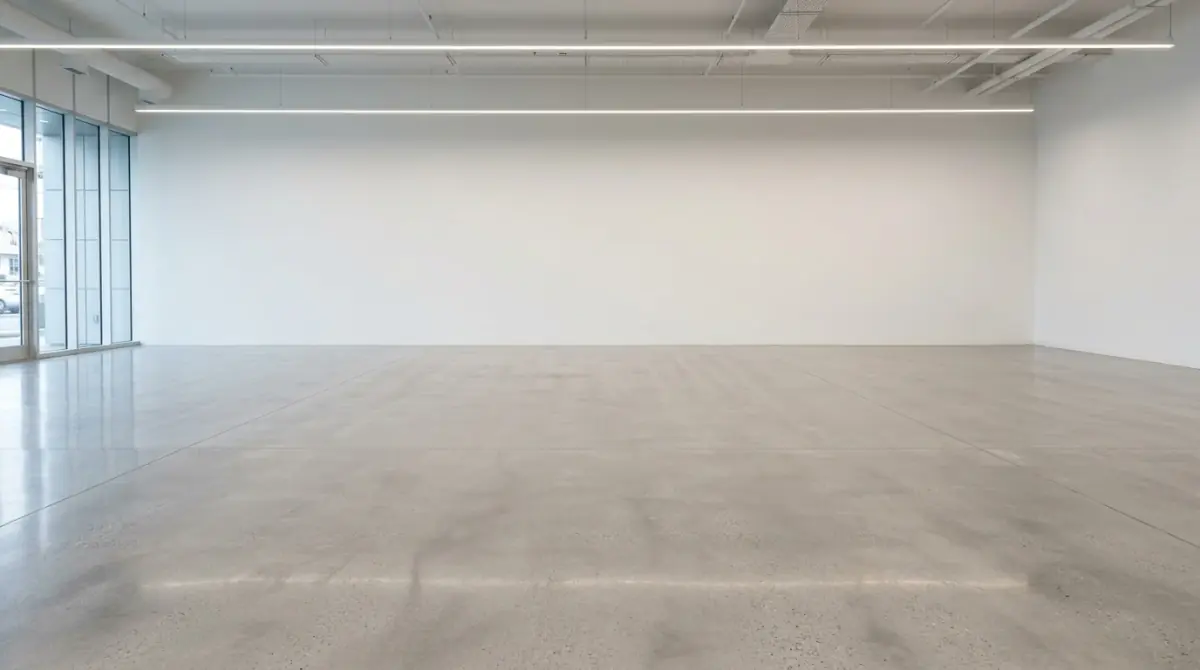
An empty car showroom with a light gray polished concrete floor, a plain white back wall and a soft overhead light strip, wide open space in the center, no cars, no signs, backdrop for vehicle cutouts.
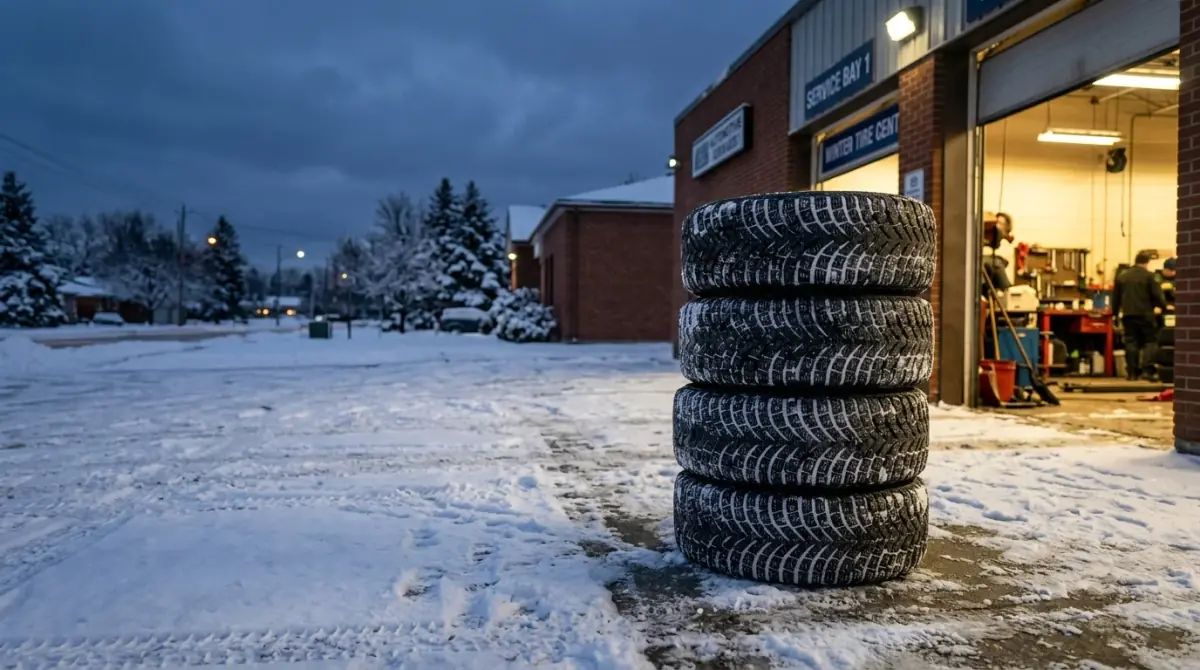
Four winter tires stacked on a snowy service-bay apron at dusk, warm light from the open bay door, open space on the left for a headline, backdrop for a winter tire special.
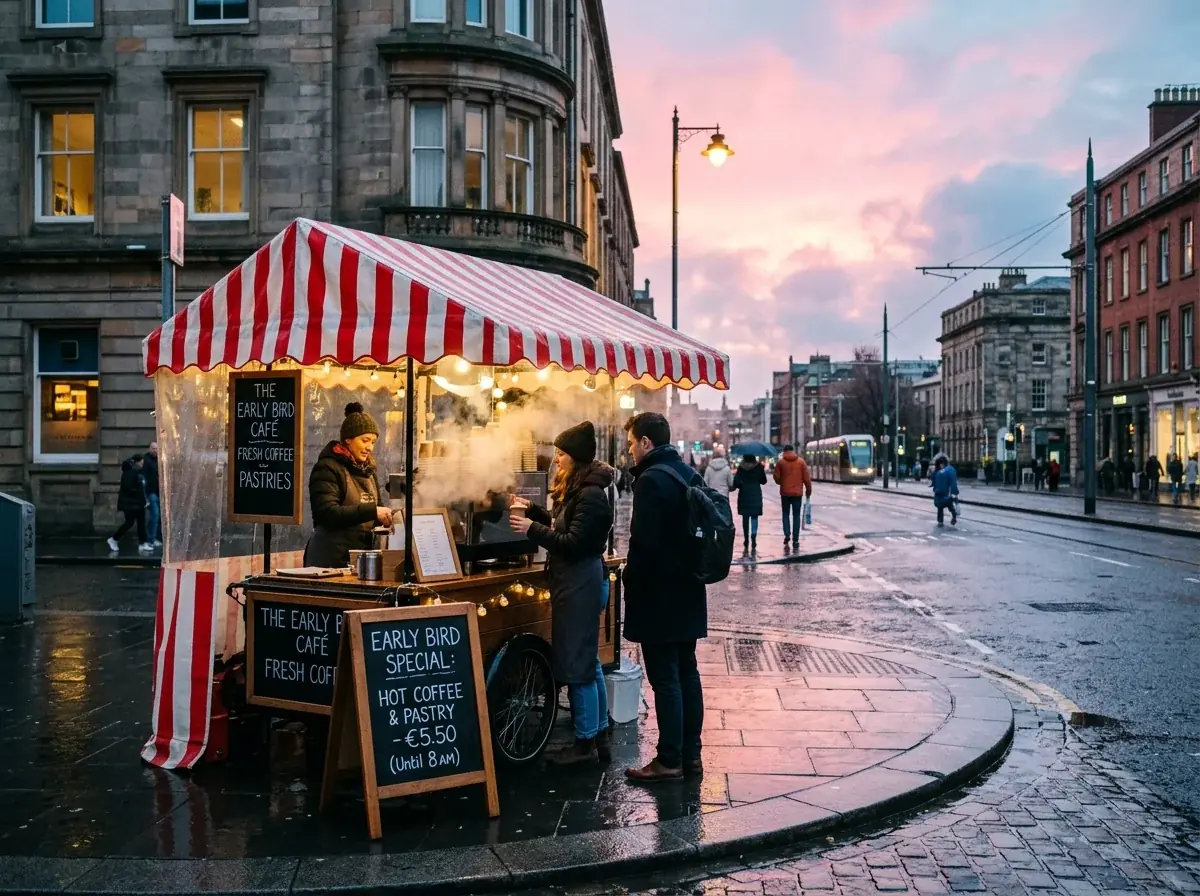
A wet street corner at dawn, a coffee cart with a striped awning steaming on the pavement, pink sky, backdrop for an early bird service special
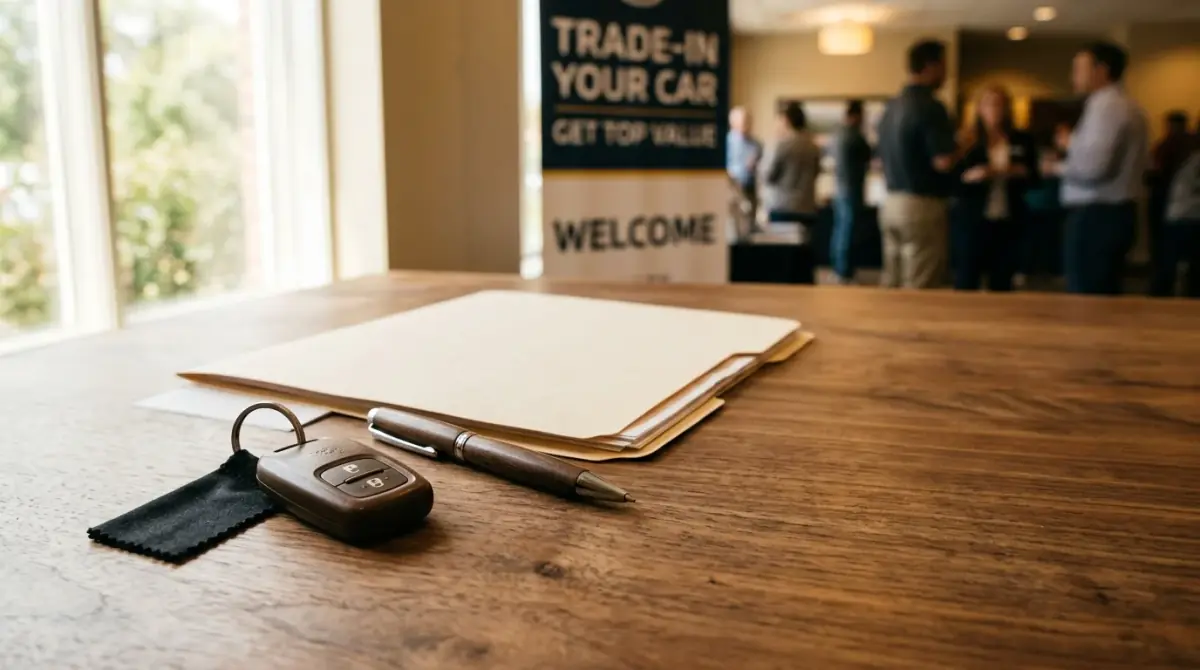
A single generic car key fob with no logo on a walnut desk beside a pen and a closed paper folder, warm window light, open space on the right for a headline, backdrop for a trade-in event.
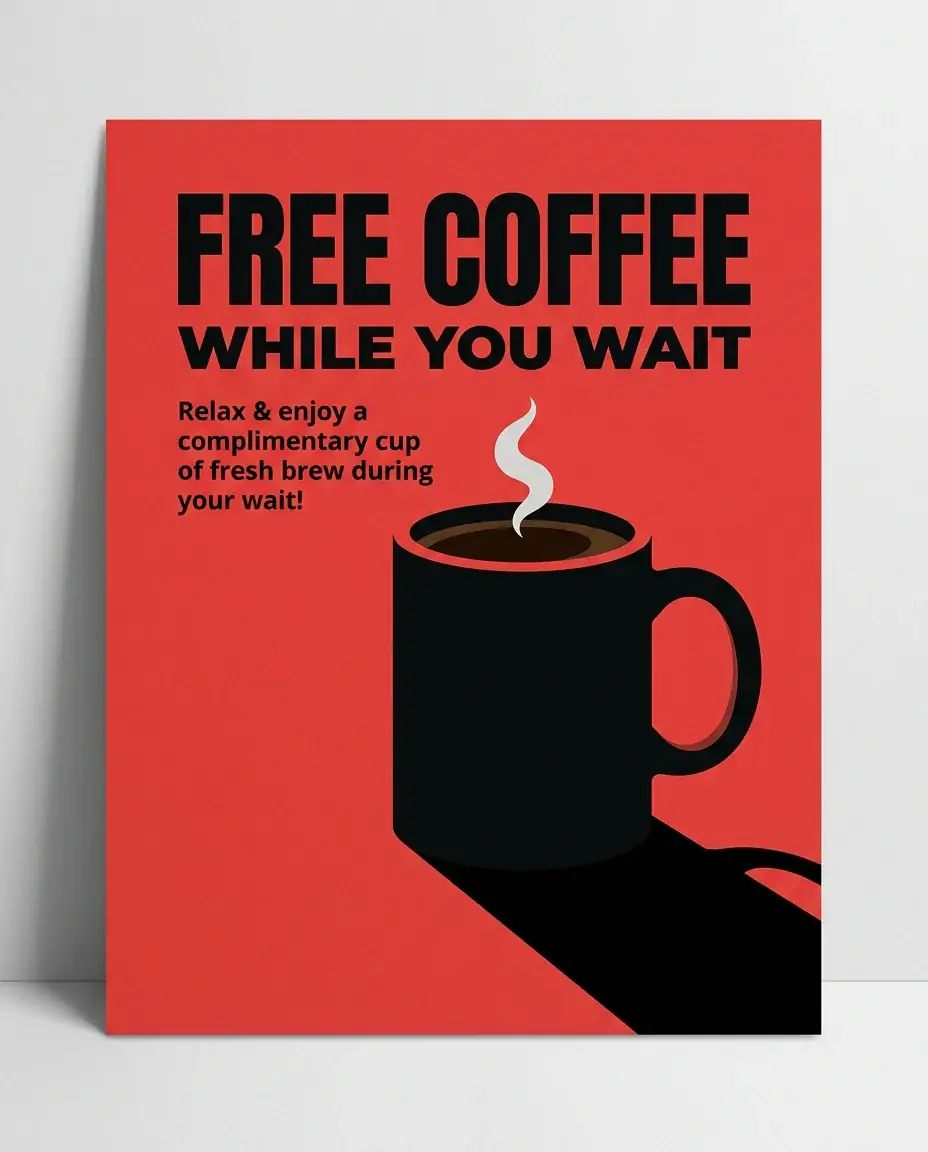
A flat red poster with one bold black coffee mug and a hard shadow, for a free coffee while you wait service promo
Model comparison
The same prompt on each model, with the credits each run took.
Same prompt, every model
An empty car showroom with a light gray polished concrete floor, a plain white back wall and a soft overhead light strip, wide open space in the center, no cars, no signs, backdrop for vehicle cutouts.
10 credits
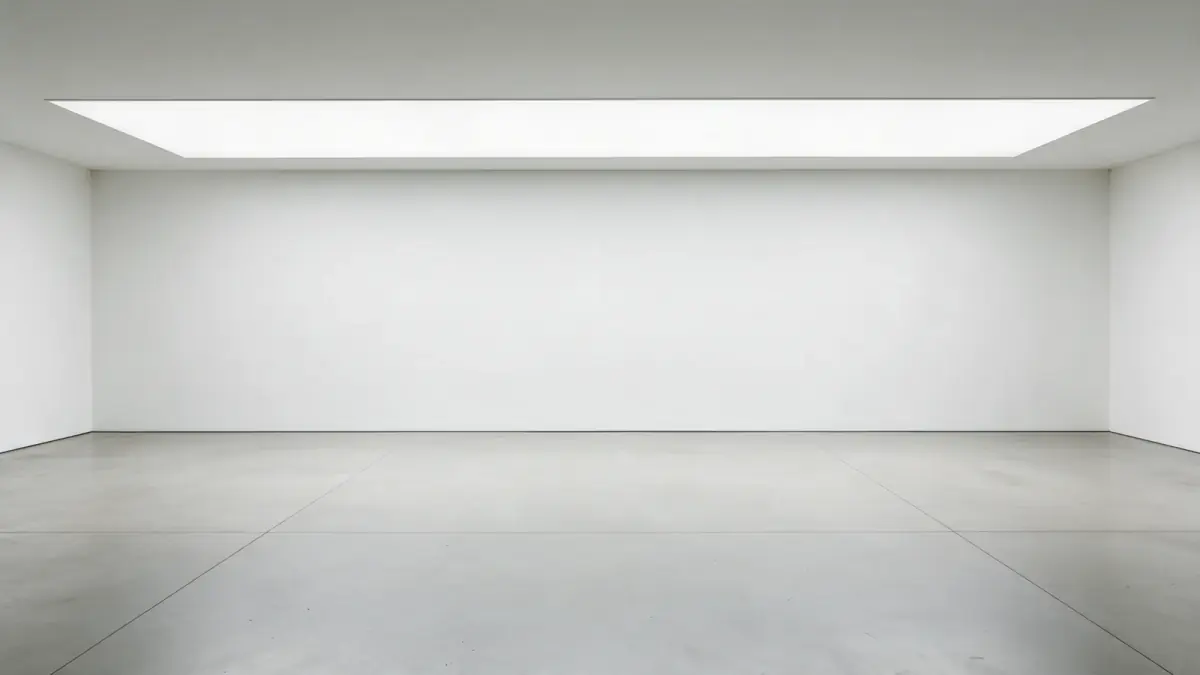
11 credits
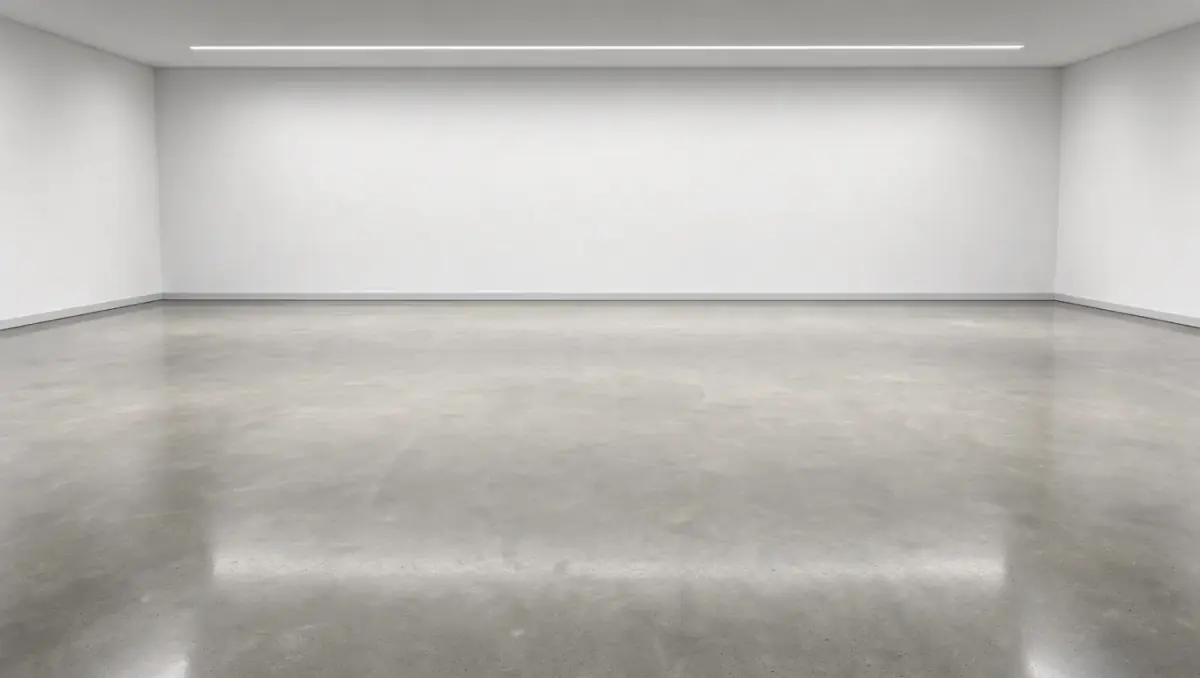
6 credits
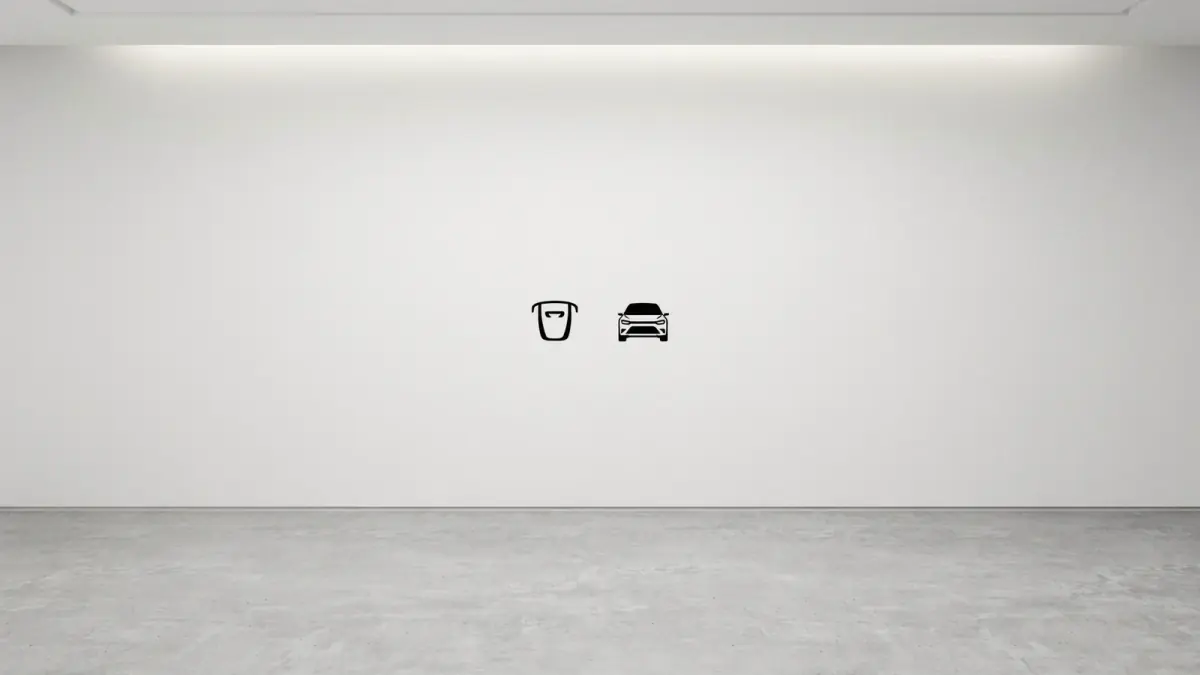
14 credits
Real runs of this prompt. Ideogram 4.5 printed two car icons on the wall though the prompt asked for no signs, so check every backdrop before you place a car on it.
Add the photos you took of each car to your library. Select one, or every photo of the car.
Remove the background, or name one distraction to clear. Leave the car itself out of the instruction.
Compare each result with your photo in Split or Side by side view, then download the ones that match.
Dealer work uses no agent skill. The generator opens with this preset for promo art; listing photos go to the editor.
Edit the background and leave the car as it is. A listing photo must show the vehicle the buyer will get: the same paint, wheels, trim and any damage. Check each result against your original before it goes live, and follow your listing site's rules on edited photos.
A new generation redraws the whole image, car included, so badges, wheels and small marks can change. Remove background keeps the car's own pixels, and Ideogram Edit changes only what you name. Use generation for backdrops and promo art.
Yes. In your library, select the photos and choose Edit in the bar at the bottom. Remove background and Ideogram Edit both run on a selection. The four sky edits above came from one instruction run on four photos.
Not reliably. When we asked it to replace everything around the car, it redrew the car at a new angle, at Medium and at High quality. Clear smaller things instead, or cut the car out with Remove background and place it on your own backdrop.
Ideogram Edit costs 14 credits per photo at the default quality. The editor shows the price on the run button before you start. You can start for free.
Keep offers, rates and fine print in your own layout, where you can check every figure. Ask for open sky or a clear wall in the image to give that text room.
 Use caseSocial media and adsFeed posts, stories, thumbnails and ads, each made in the frame its app shows it in.Learn more
 Use caseJewelry storesMacro shots, on-hand and on-model images and gift campaigns, made from a photo of your own piece.Learn more
 Use caseMarketersCampaign visuals, ads and social sets in every size you need.Learn more