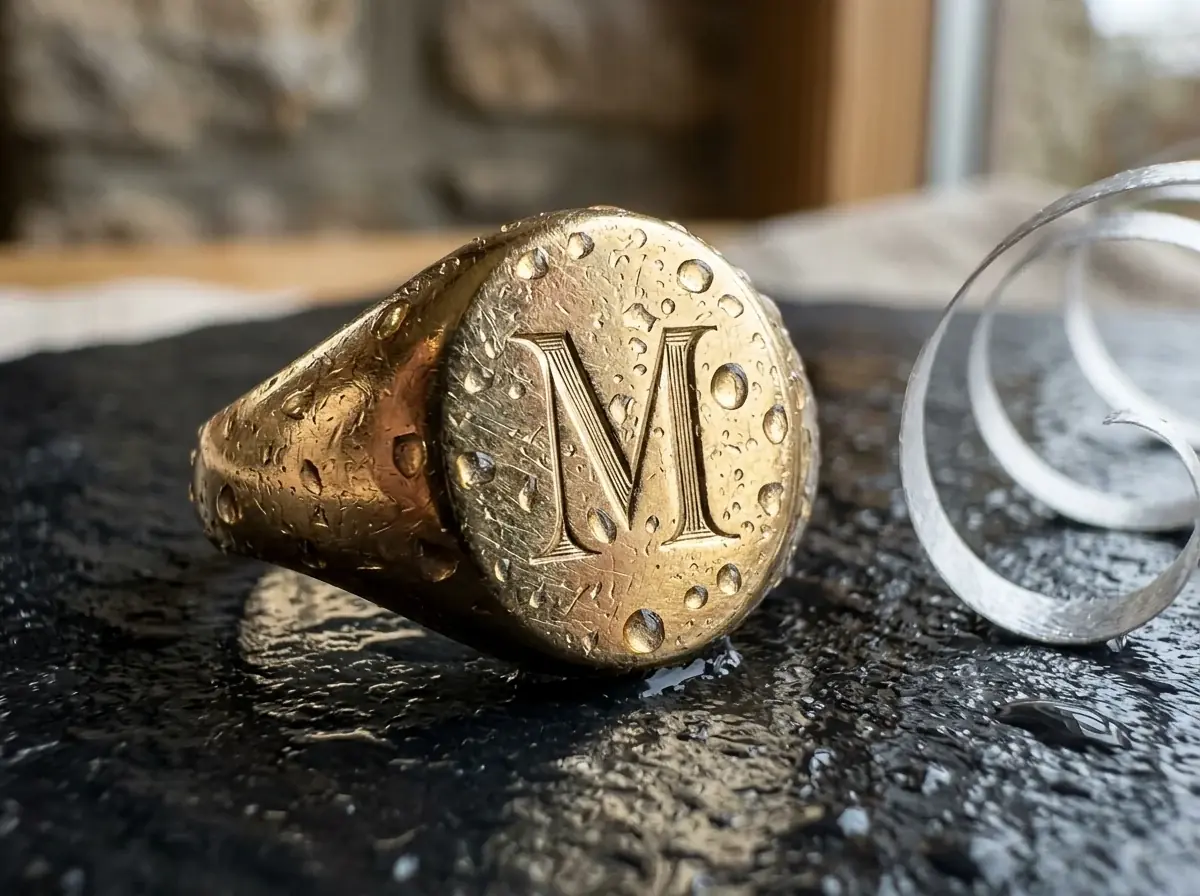
Macro of a gold signet ring with an engraved initial, water drops on the metal, the engraving in sharp focus, a silver ribbon curl at the edge of the frame
Nano Banana 210 credits
 Rose gold
 On ear
 On hand
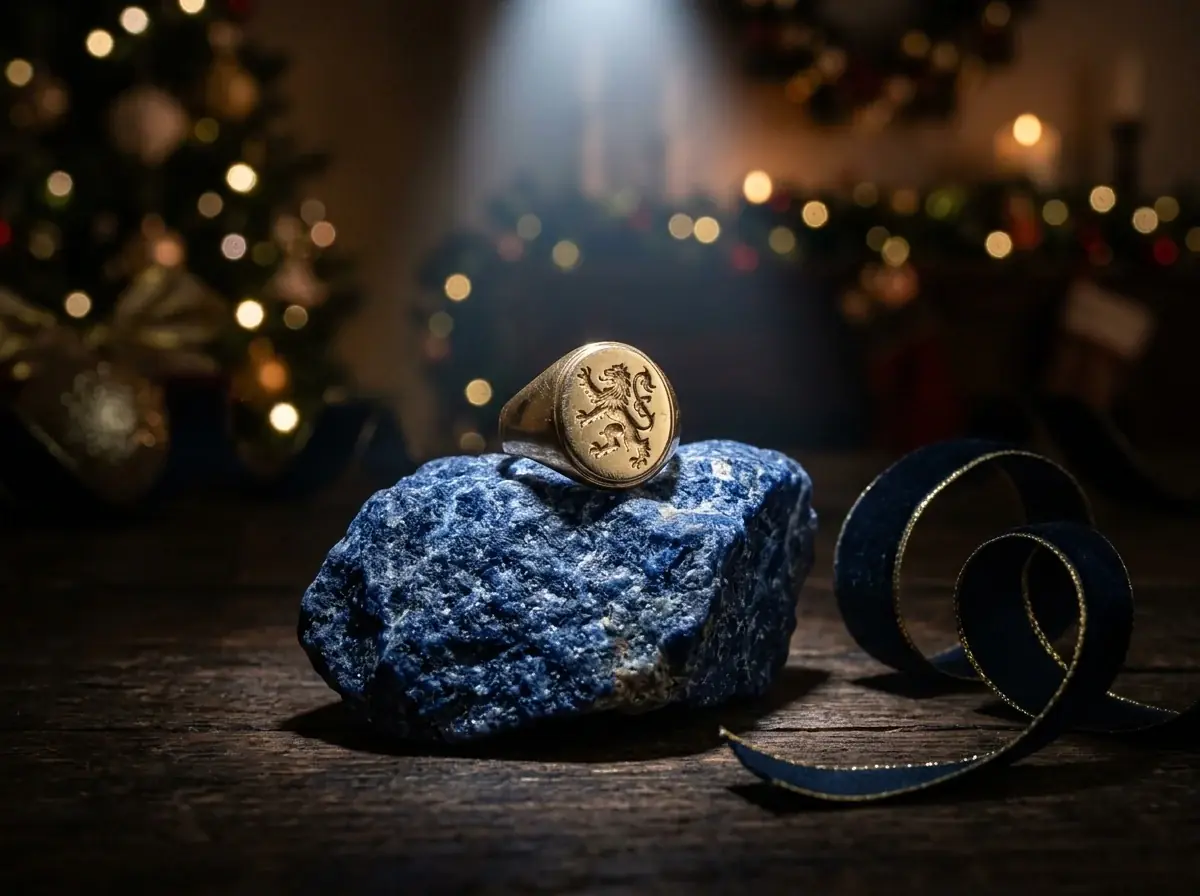 Holiday
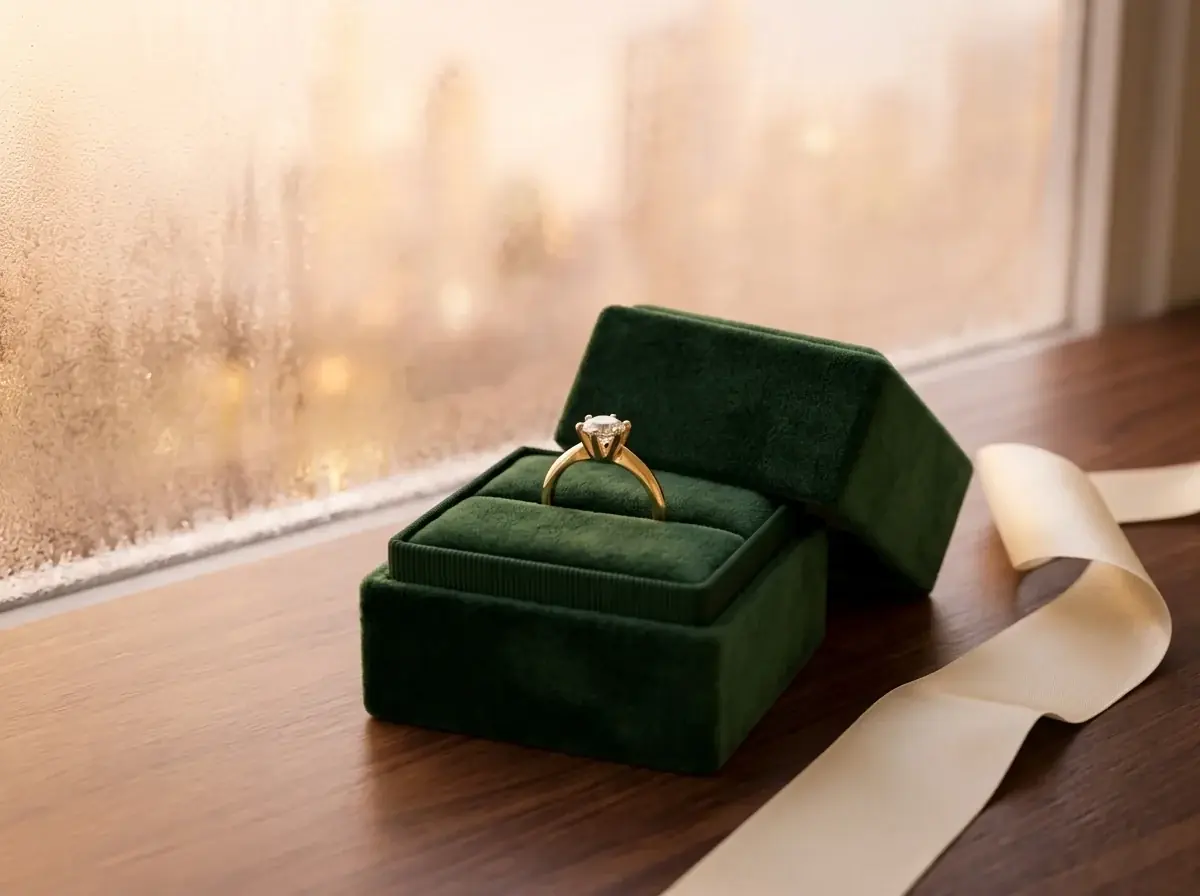 Gift box
It puts a piece you sell into new photos. In Batch Banana you attach a photo of the ring, even one taken through the case glass, and describe the shot: a macro, a hand, a gift box. Agent loads the Product shots skill, which keeps your photo as the reference. One image on Nano Banana Pro costs 32 credits.
Nano Banana 2
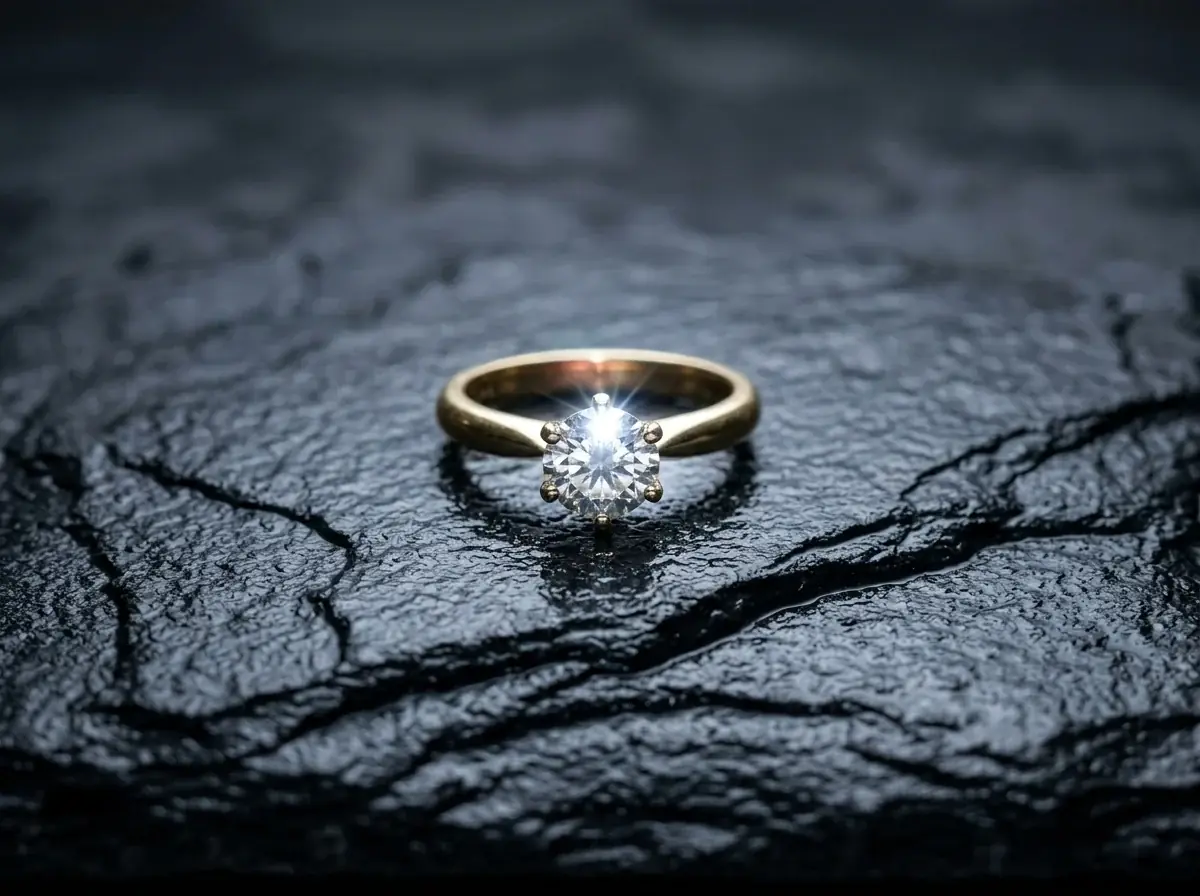
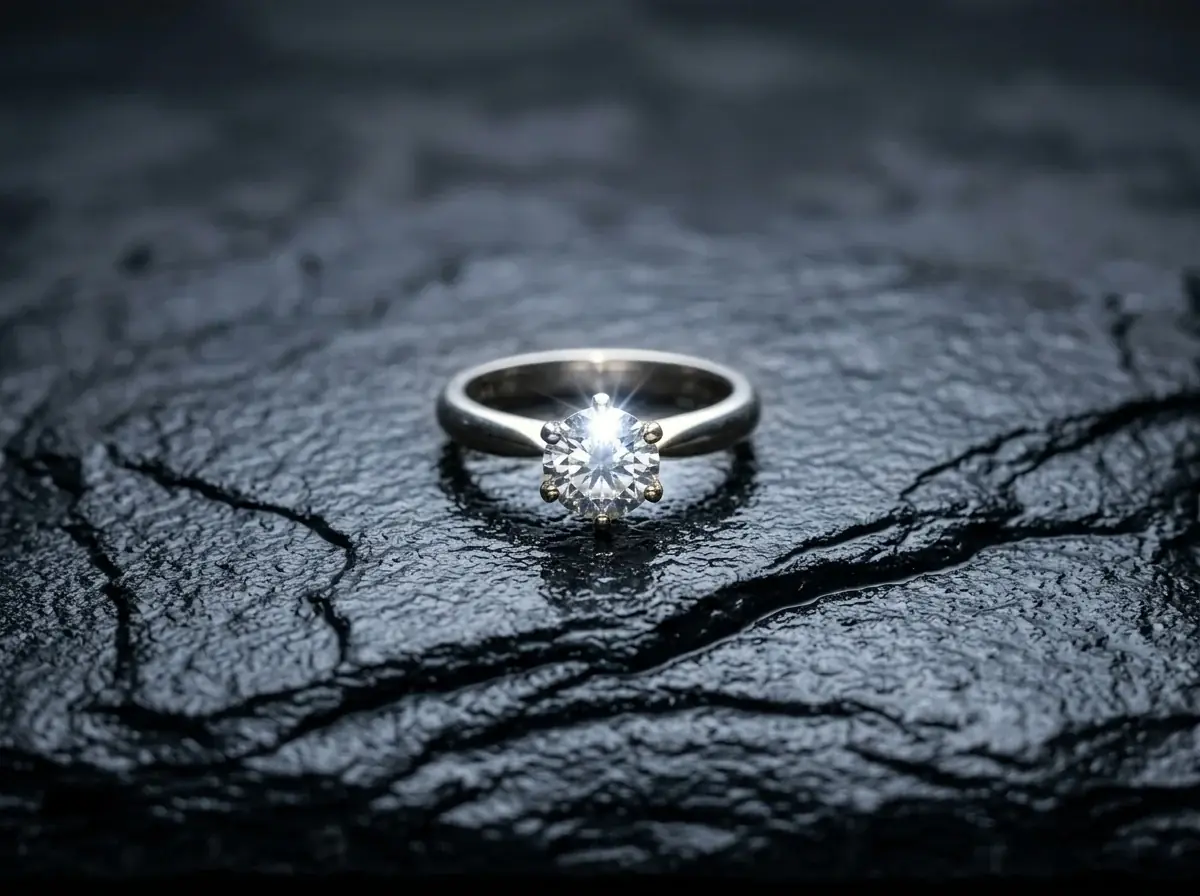
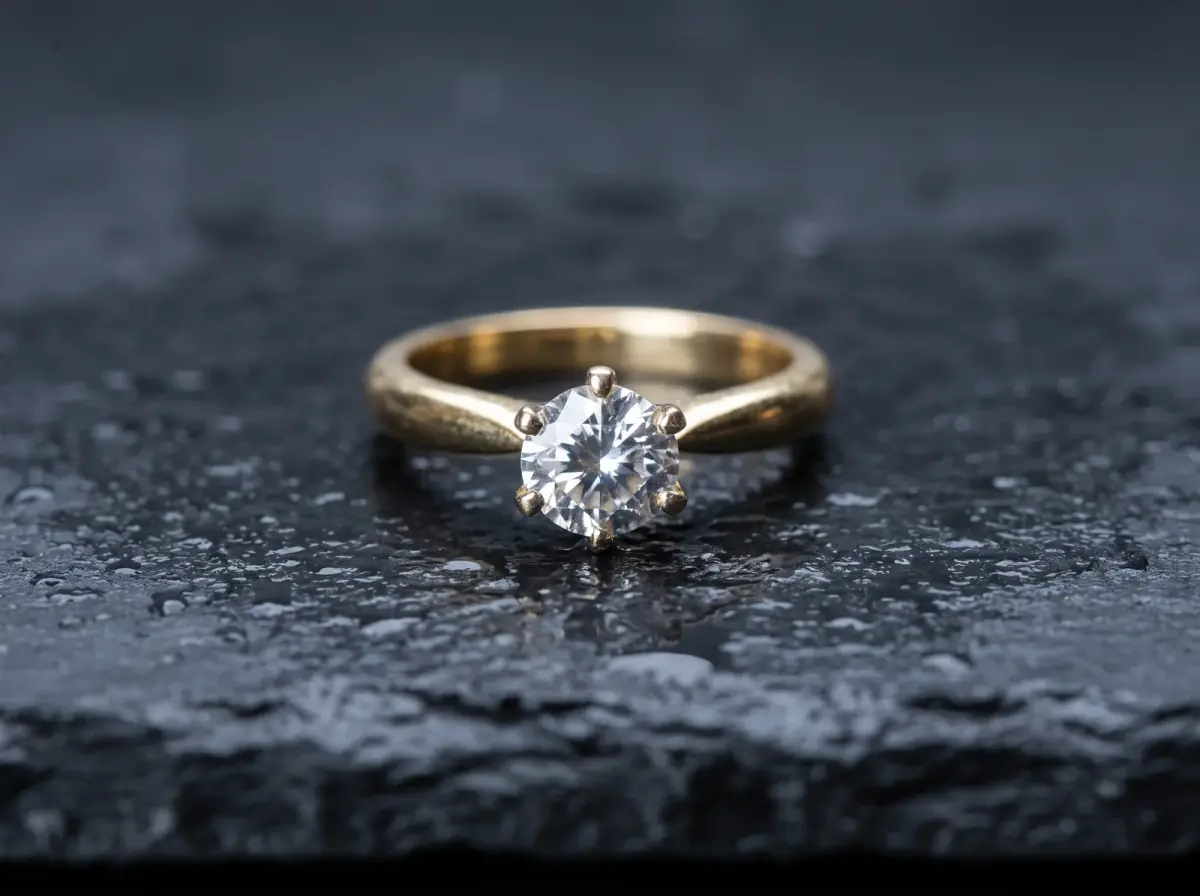
A ring shot through the counter glass, attached as Image 1, then one prompt for a macro on wet slate. Count the six prongs in both. The case photo was made in Batch Banana to stand in for yours.
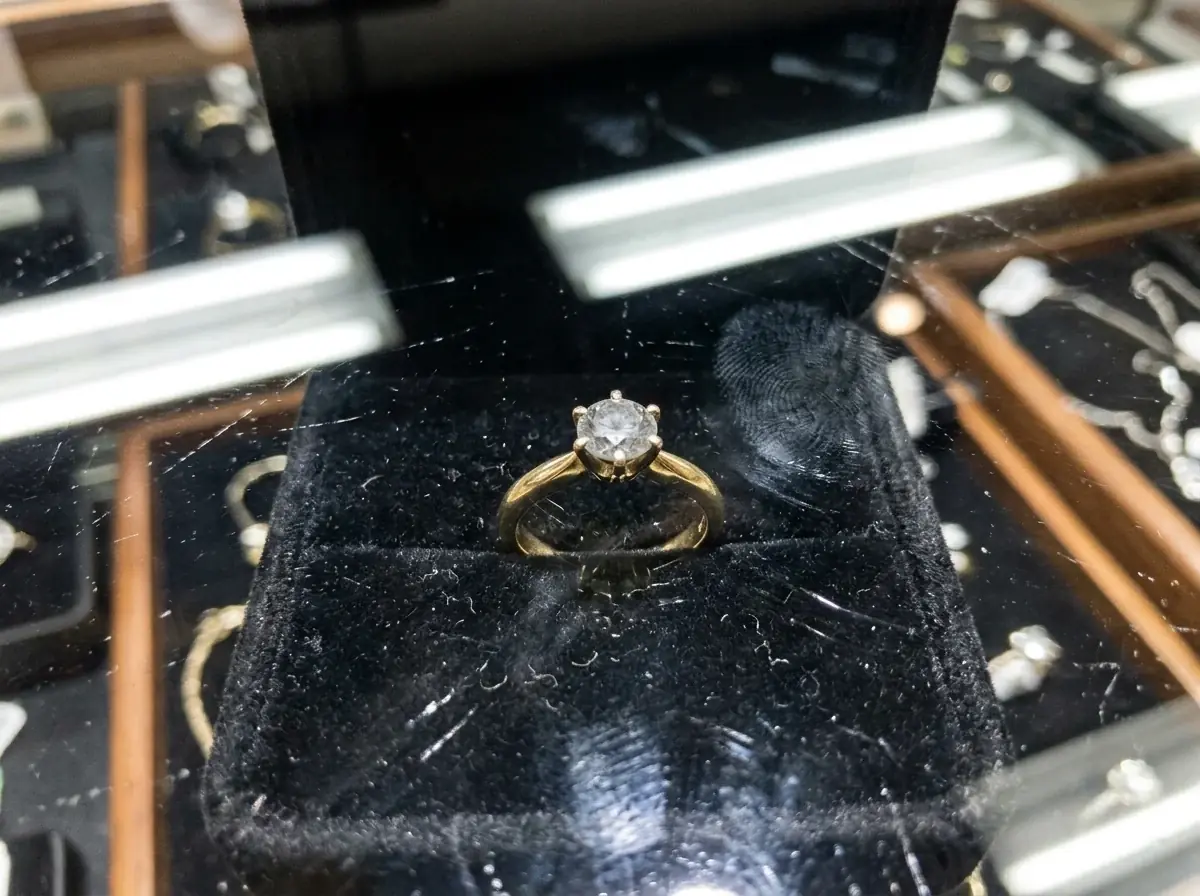
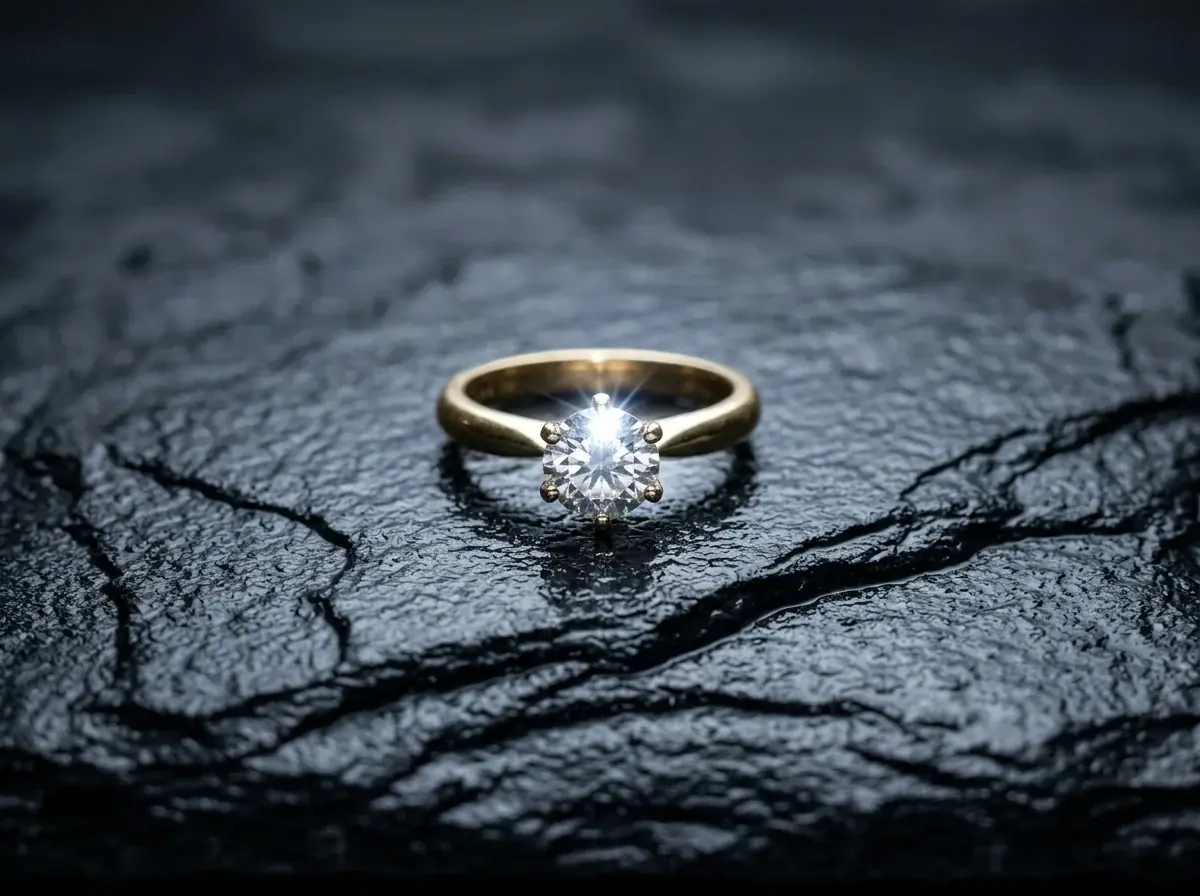
Image 1 is the ring: keep the band, the six prongs and the round stone exactly. Macro on a slab of wet dark slate, one cold light from above, a crisp highlight in the stone, shallow depth of field, no reflections.
Metals
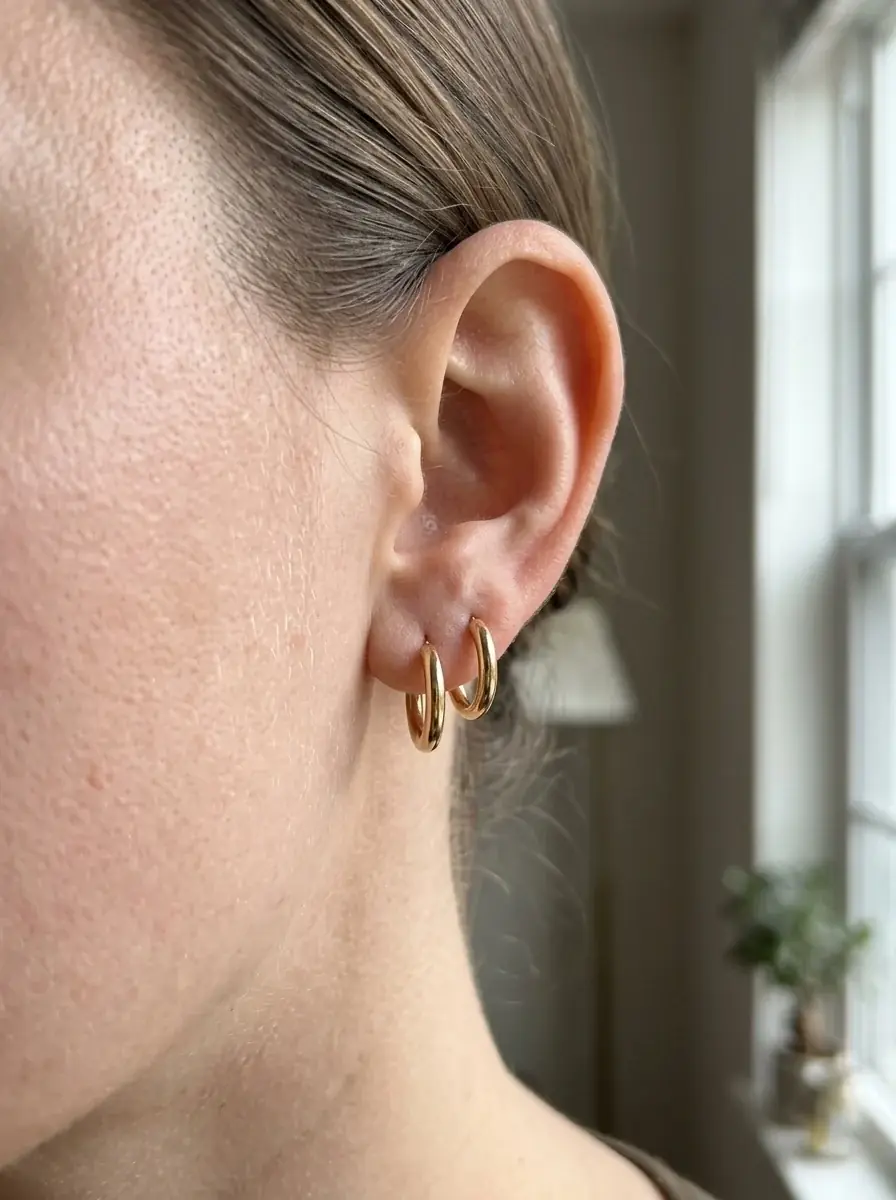
The metal swaps are Ideogram Edits at Medium of the macro: it repaints only what the sentence names. The earrings are a Nano Banana 2 edit with the dish photo attached.
The band turned rose gold. The stone, the slate and the light stayed.
The band turned white gold, but two lower prongs stayed yellow. Check every prong before you publish.
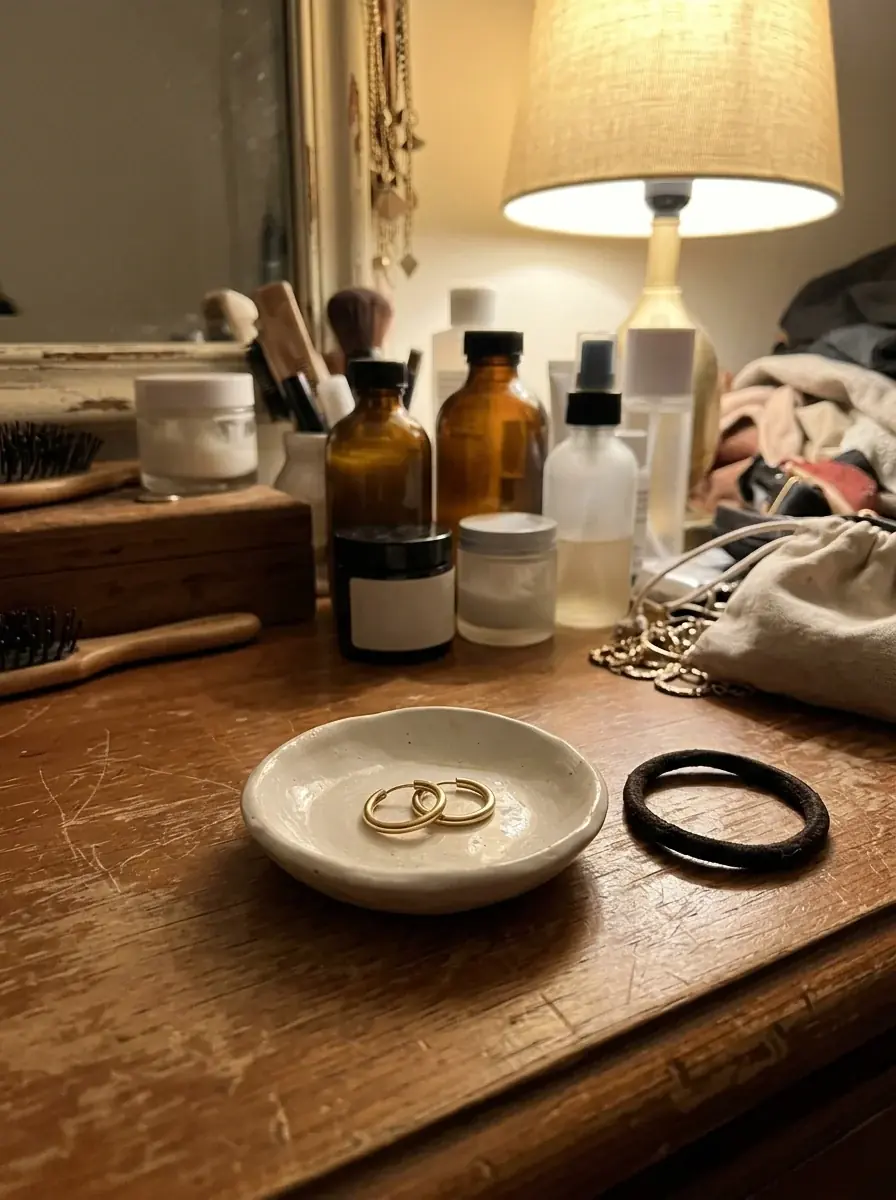
The hoops kept their size and finish. The model put both in one ear, so say which ear and how many when you prompt.
Jewelry stores
Shoot through the case glass and fight the reflections, or rent a macro lens and light tent.
Attach a sharp photo of the piece and ask for the macro: the angle, the surface and the light.
Book a hand model and a stylist for one afternoon.
Describe the hand, the pose and the skin tone, with your piece as the reference.
Reshoot the best sellers on a new set for every holiday.
Keep one product photo and describe a new scene for each season: a gift box, snow, a red ribbon.
Photograph the yellow, white and rose gold versions apart.
Shoot the version you have. Ideogram Edit changes the metal and leaves the stone.
Macro, on-model, gift and design-sketch shots. Each card shows the prompt, the model and the credits it took.
Macro of a gold signet ring with an engraved initial, water drops on the metal, the engraving in sharp focus, a silver ribbon curl at the edge of the frame
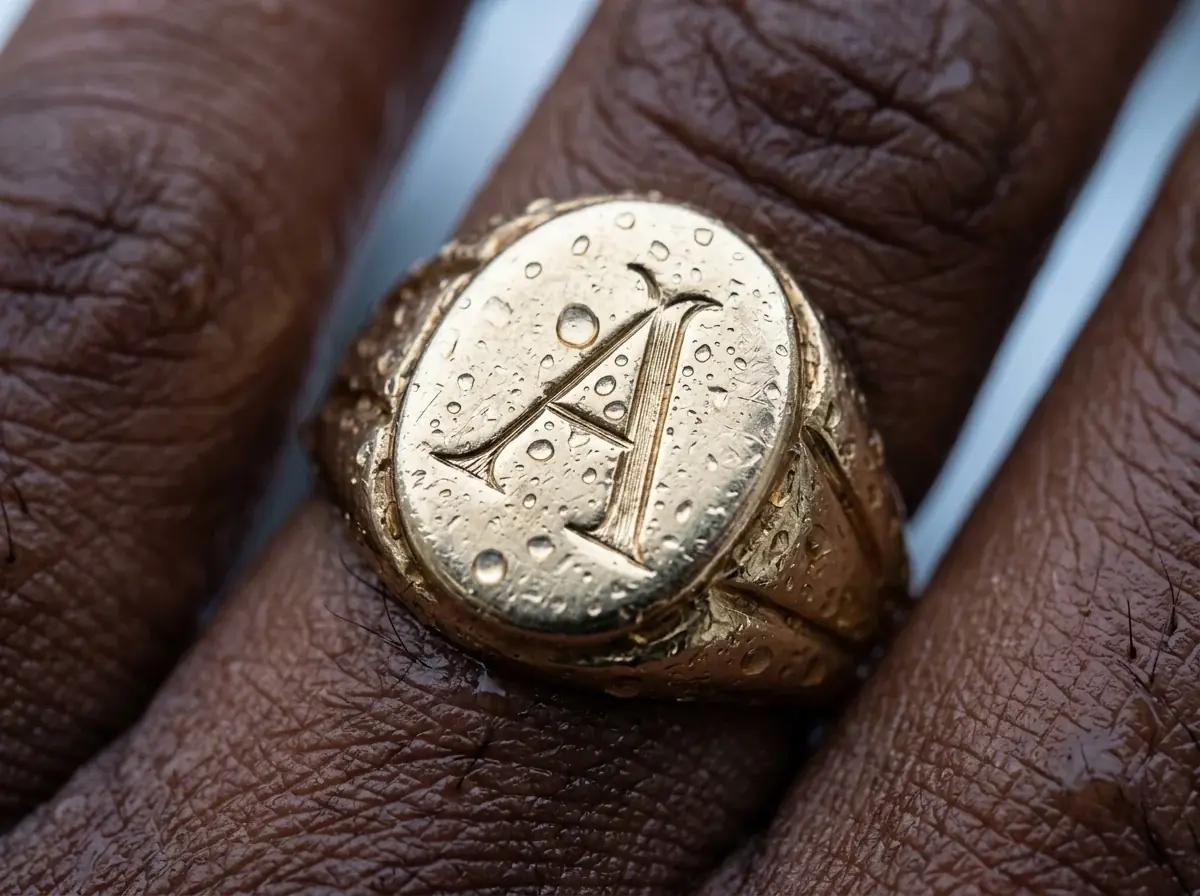
Tighter macro of a gold signet ring: only the shoulder and the engraved initial, fine water drops on the metal, cold light from above
A model in a white shirt raises her hand to her cheek, a gold signet ring on her finger, blue plaster wall, hard sun, editorial crop at the shoulders
A gold signet ring on rough blue stone at night, one cold spotlight from above, a dark ribbon curl beside it, for a holiday gift banner
Image 1 is the ring: keep it exactly. It sits in an open dark green velvet gift box on a table by a frosted window, a cut of cream ribbon beside it, warm evening light.
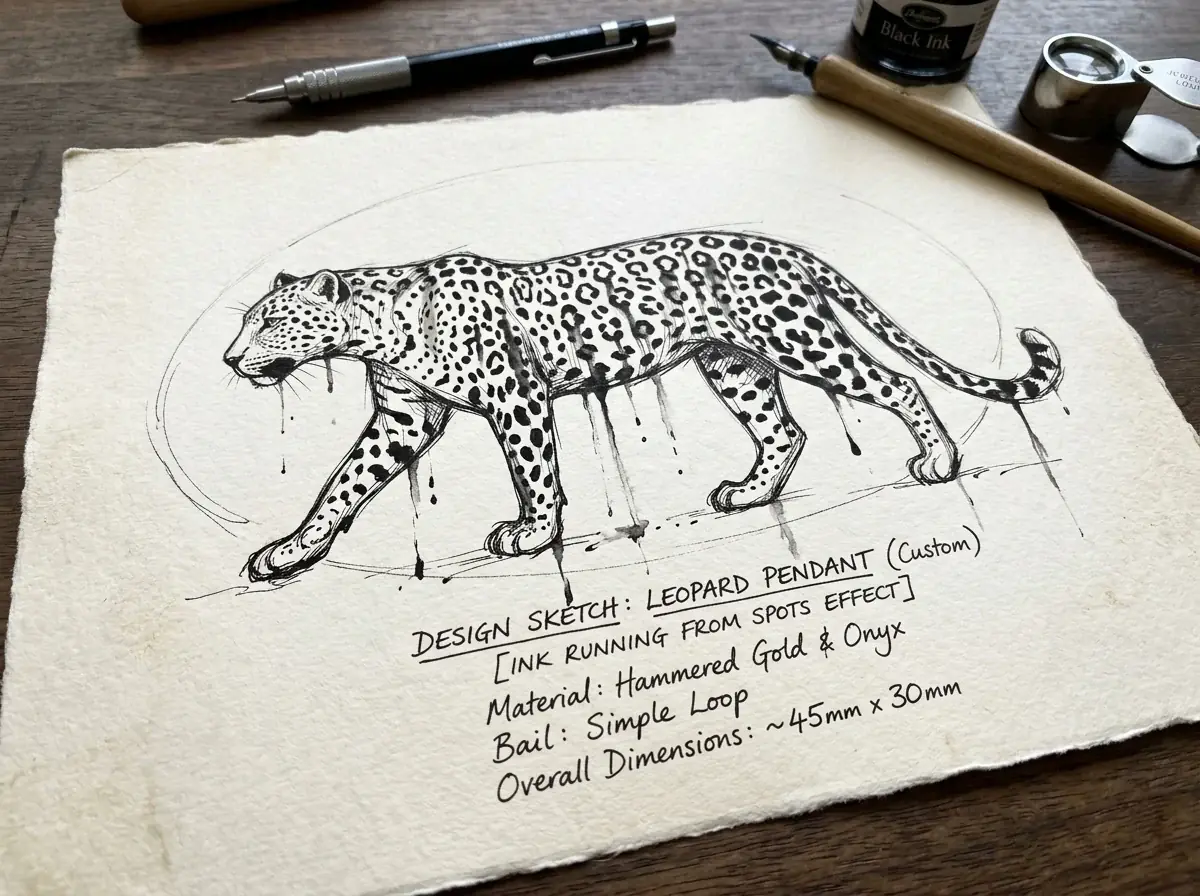
A leopard drawn in black ink on cream paper, ink running from its spots, a design sketch for a custom pendant
Model comparison
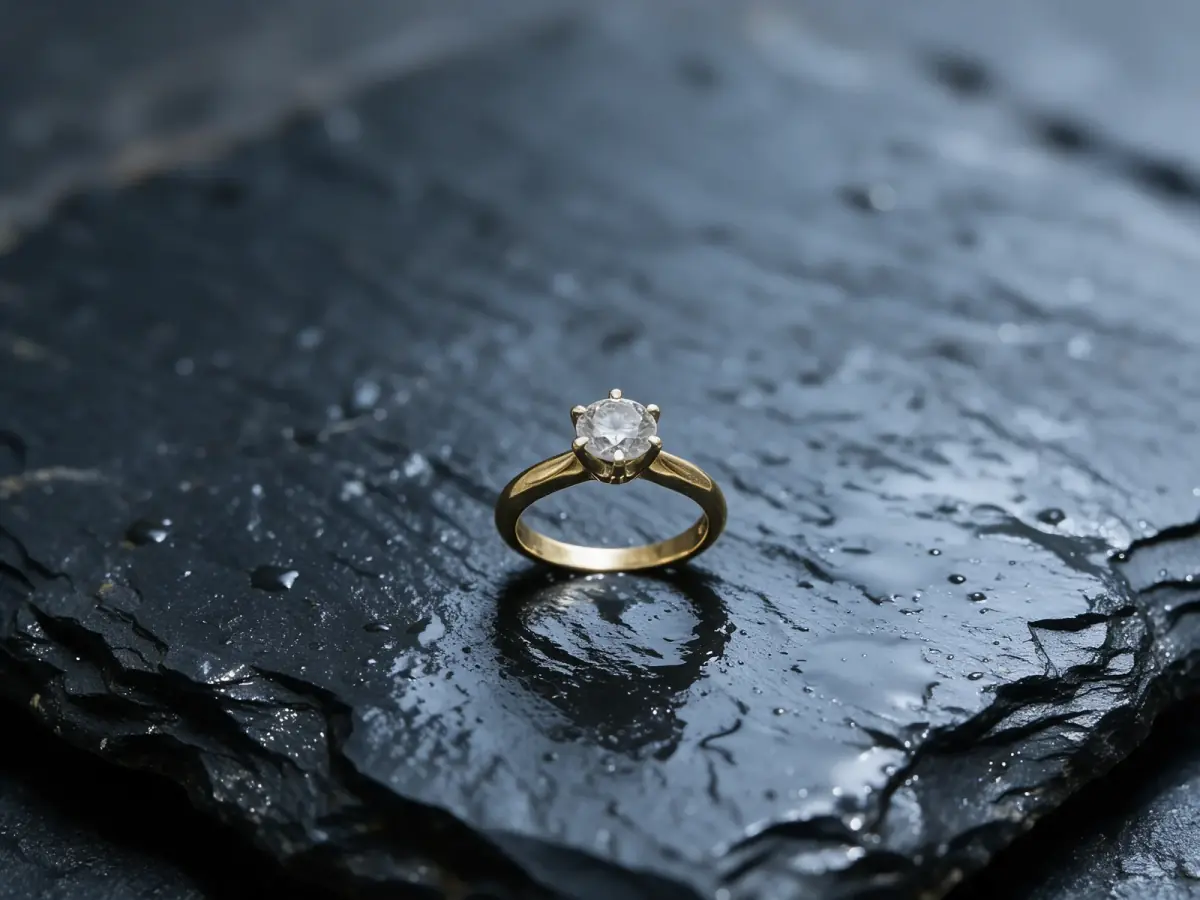
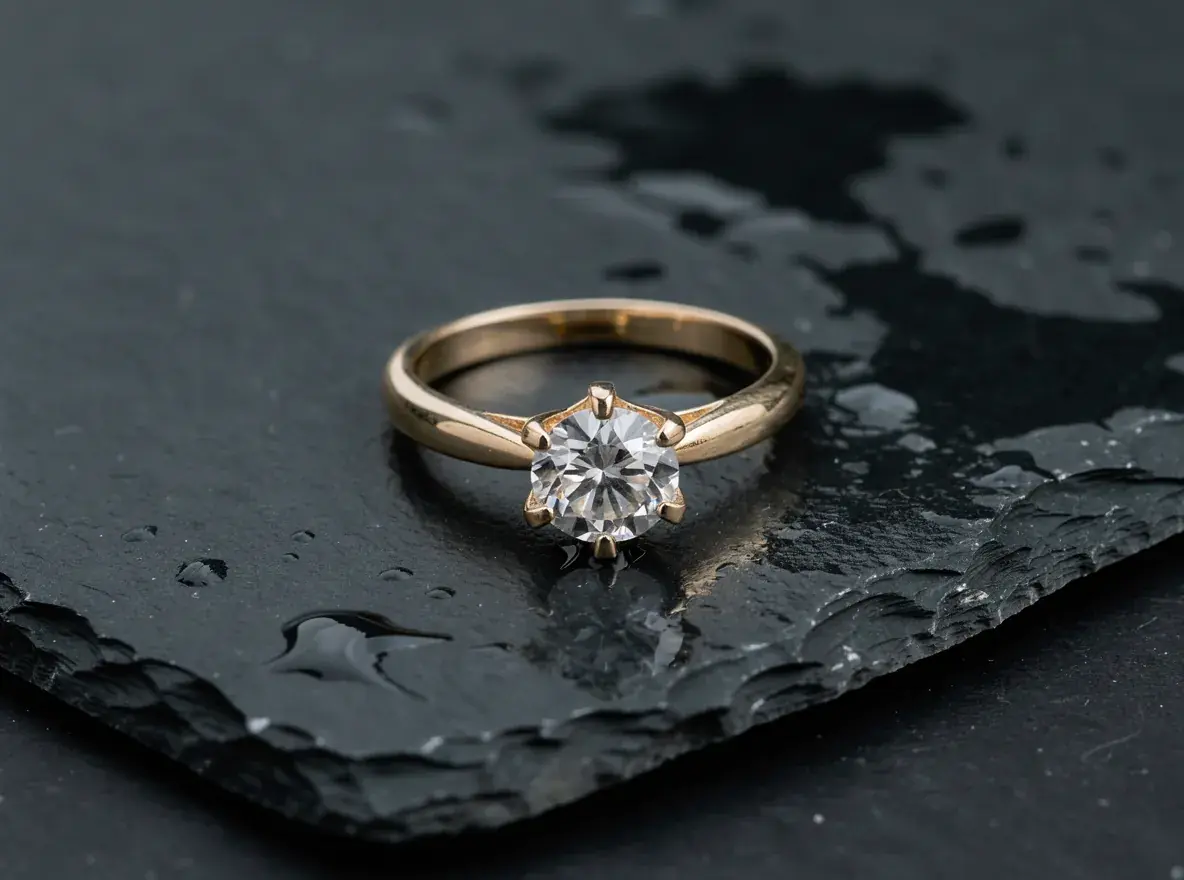
The same prompt with the case photo attached as Image 1, with the credits each run took. Count the prongs.
Same prompt, every model
Image 1 is the ring: keep the band, the six prongs and the round stone exactly. Macro on a slab of wet dark slate, one cold light from above, a crisp highlight in the stone, shallow depth of field, no reflections.
10 credits
32 credits
11 credits
6 credits
Real runs of this prompt. All four kept six prongs. Seedream 5 Pro kept the gray look the stone had through the glass, so a cleaner source photo still helps.
Shoot it sharp and evenly lit on a plain surface. Fill the frame so the stone and the setting are clear.
Name the surface, the light and the angle, or the hand and the pose. Say what must not change: the stone, the cut, the metal.
Compare each result with the real piece: stone count, prongs, engraving and color. Keep the ones that match.
Agent loads the Product shots skill for jewelry. It keeps your photo as the reference, edits a copy per color or metal, and offers a cutout for a marketplace white background.
Agent skill
Puts your product in shots, listings, and mockups
Scenes · Colorways · Mockups · Marketplace images
See the skillYour photo is the reference and the prompt says what stays, but a model redraws fine detail. Count the stones and prongs, read the engraving and check the metal color in every result. Do not publish an image that shows a different piece.
Shoot the version you have, then run Ideogram Edit once per metal, naming the new metal and what stays. In our test the white gold edit left two prongs yellow, so check each one. Ideogram Edit can change the stone too. Only show metals and stones you sell.
The model takes the piece from your photo, so glare on the stone can carry over, as the Seedream result above shows. Shoot from an angle that keeps the reflection off the stone.
Remove background cuts the piece out onto a transparent background. Place the cutout on pure white yourself, since no model promises an exact pure white.
Nano Banana Pro, the preset here, costs 32 credits per image. Nano Banana 2.1 costs 10, and it replaced Nano Banana 2, which made the macros on this page. Try both on one photo of your piece and keep the one that holds the detail.
Yes. Describe the motif and the style of the drawing, then show the sketch to the client before the bench work starts. It is a sketch to agree on, not a technical drawing.