

AI App Icon and UI Generator

Describe your app and get an icon with a matching set of UI graphics.

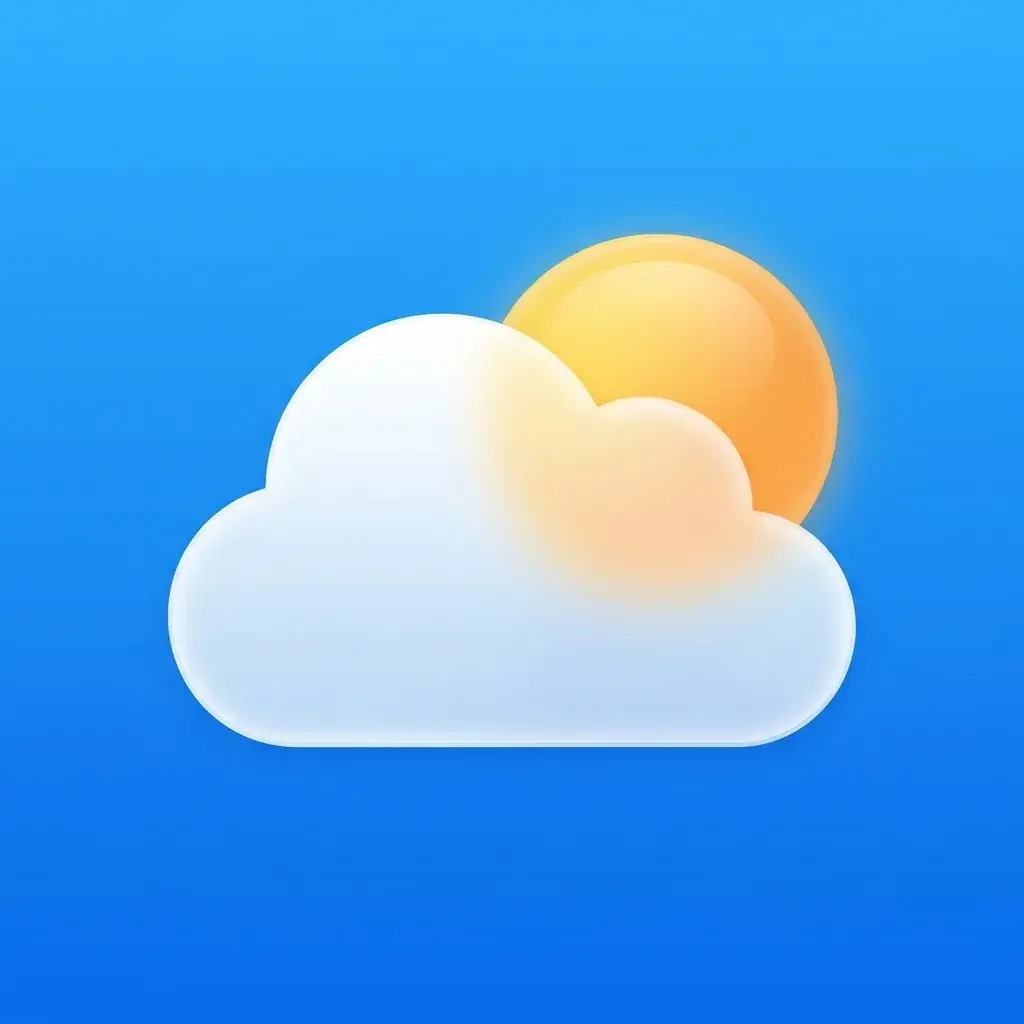
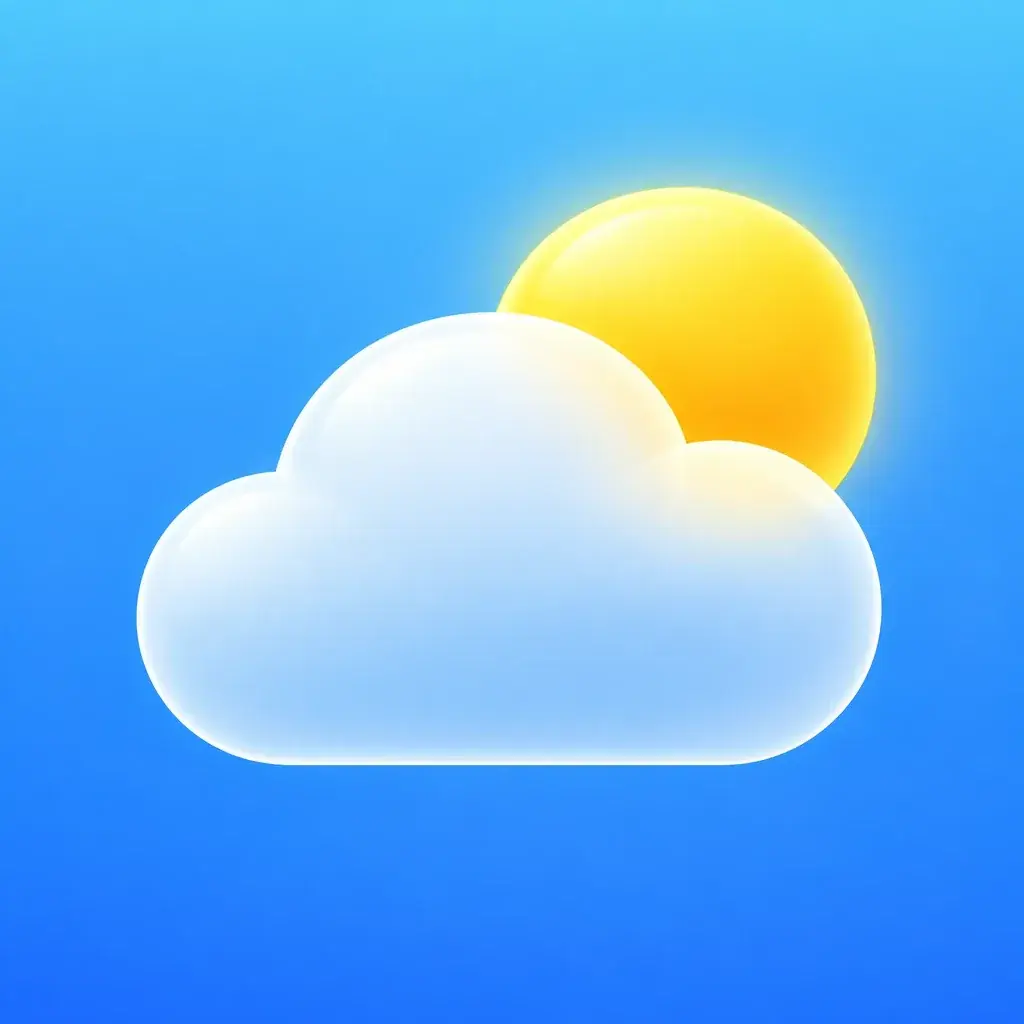
The Morrow weather app icon: a white frosted glass cloud with a warm yellow sun behind its top right edge, on a sky blue gradient that fills the square
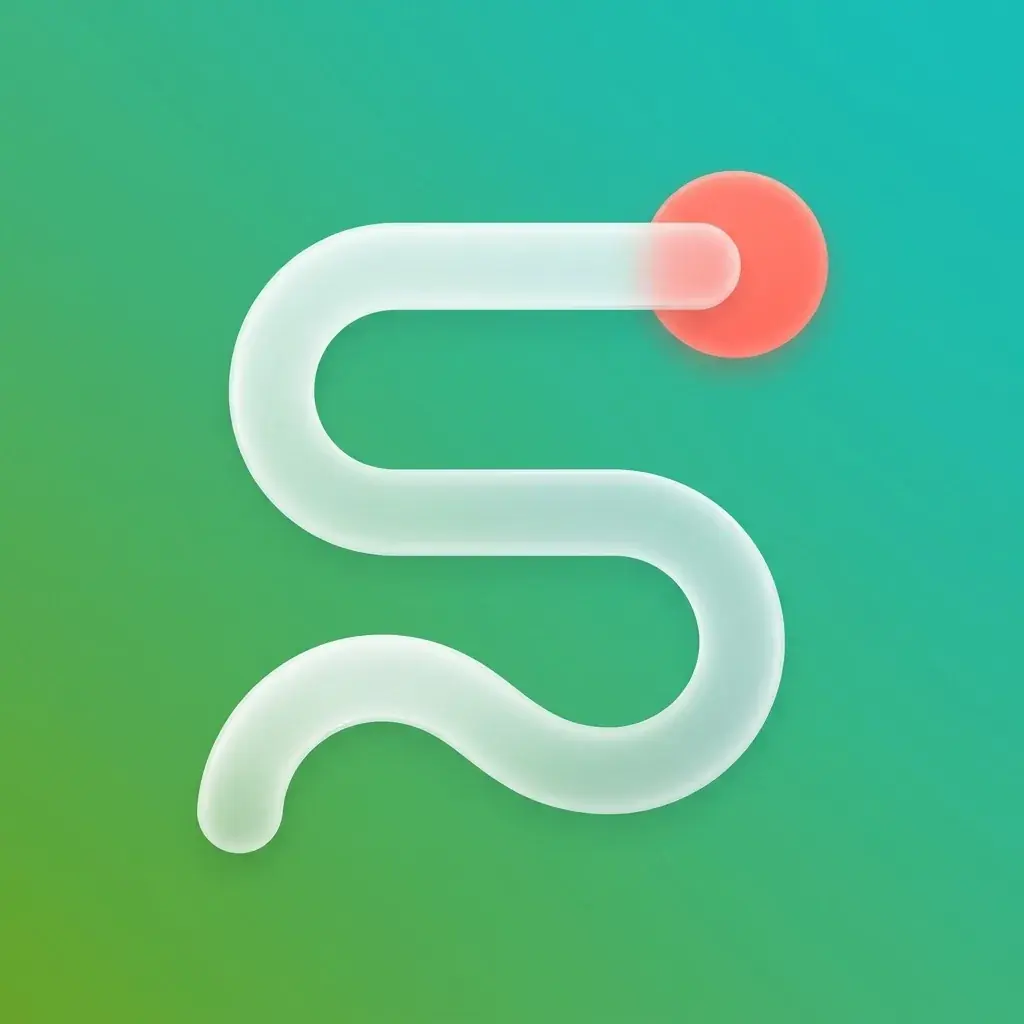
The Towpath running app icon: a thick white frosted route line winding up like an S to a coral dot, on a green to teal gradient that fills the square
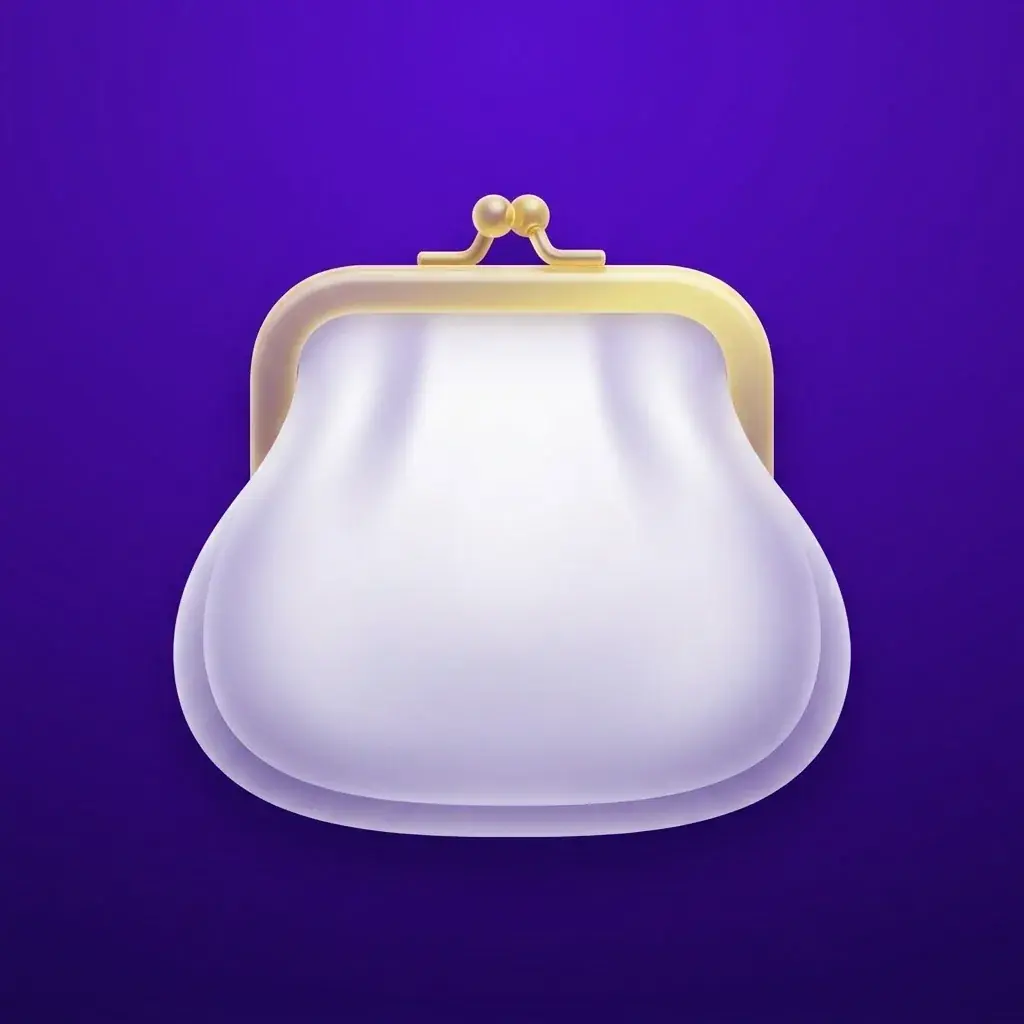
The Kitty budgeting app icon: a plump white frosted coin purse with a gold kiss-lock clasp, on a deep violet gradient that fills the square
The Saucepan recipe app icon: a white frosted glass saucepan in profile with a long handle and one curl of steam, on a tomato red to orange gradient that fills the square

What is an AI app icon generator?

It draws app icon artwork from your description. In Batch Banana, the agent asks for a full square with a centered symbol to allow for rounded corners and cropping. You can also generate UI icons as SVG files. One icon on Nano Banana 2.1 costs 10 credits.

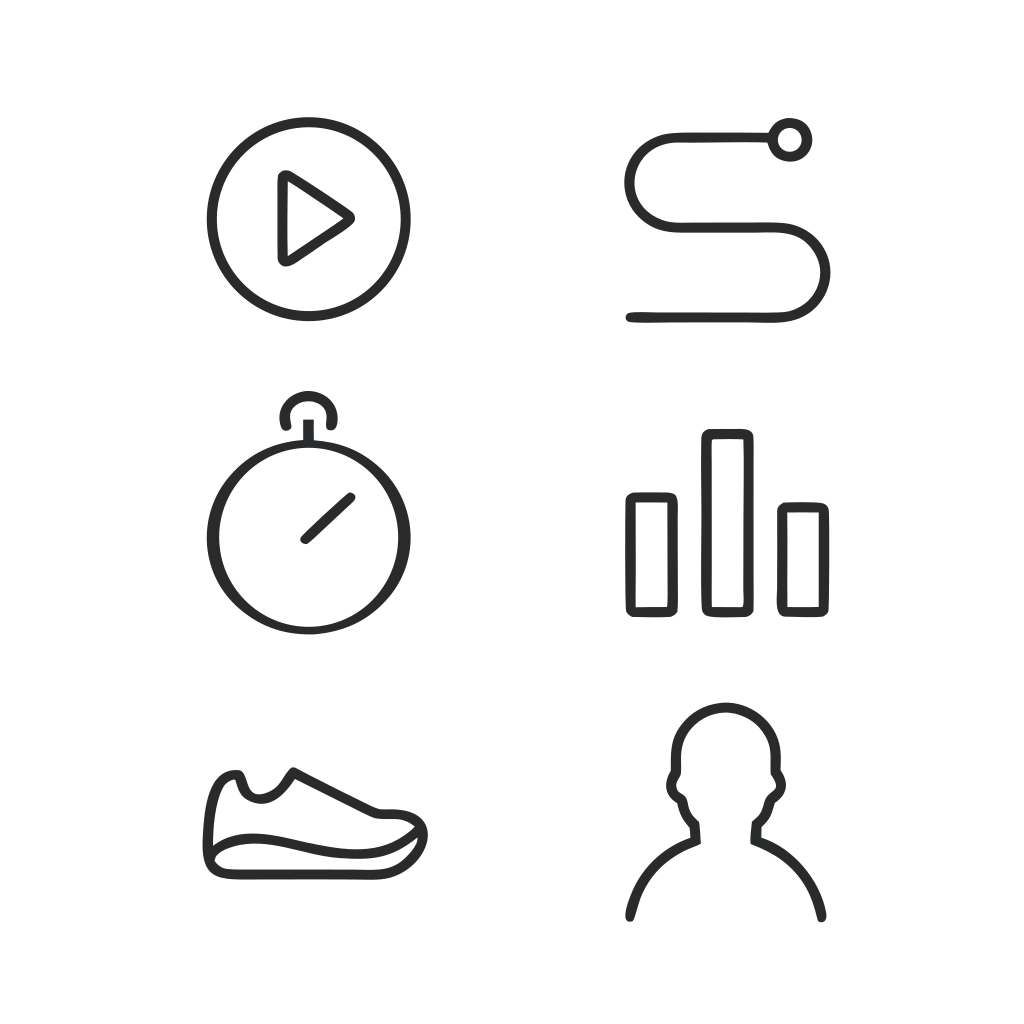
Six Towpath tab bar icons in one dark grey outline, two across and three down: a play button in a circle, a winding route ending in a dot, a stopwatch, a bar chart, a running shoe and a head and shoulders
Recraft V4.1 SVG10 credits

Drawn for the mask

Check your icon in different shapes

Each row is one real output: as generated, under a rounded-square mask, under a circle, and with the dashed circle every Android mask keeps, 61% of the width.

  • The Towpath icon drawn the wrong way: a rounded green tile floating on white, the coral end dot of its route line breaking past the tile's top edge
    As generated
  • Rounded square
  • Circle
  • Safe zone
Drawn as a tile on white, with the coral dot breaking the tile's top edge. Both masks keep the white margin, so the tile floats inside a white frame, and the dot and the tile's corners fall outside the safe zone.
  • The Towpath running app icon: a thick white frosted route line winding up like an S to a coral dot, on a green to teal gradient that fills the square
    As generated
  • Rounded square
  • Circle
  • Safe zone
Drawn edge to edge, so the masks crop only the gradient and the whole route stays in view. The coral dot and the outer curves of the line still reach past the dashed circle, so check the icon in each mask shape before you ship.

Edits

Refine your app's visual style

Each edit uses the original image as a reference. Kitty, Saucepan and Morrow are fictional apps. Drag the divider to compare.

  • A placeholder app icon: a white letter K on a blue to purple gradient tile with rounded corners and a soft shadow, on white
    The Kitty budgeting app icon: a plump white frosted coin purse with a gold kiss-lock clasp, on a deep violet gradient that fills the square

    Give a template icon its own identity

    Nano Banana 2.1 replaced the letter on a gradient tile with a coin purse and gold clasp, using the old icon as a reference.

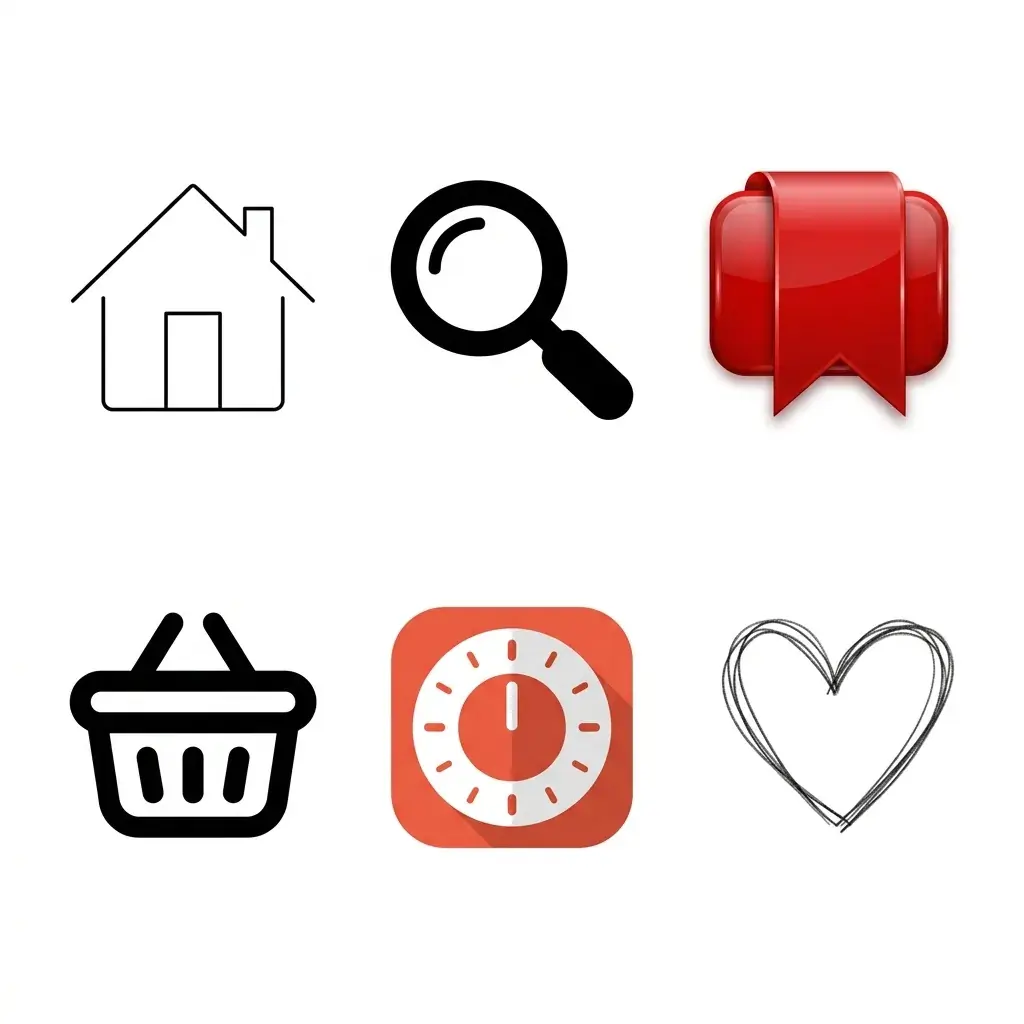
  • Six UI icons from mismatched packs on white: a thin outline house, a solid black magnifying glass, a glossy red 3D bookmark, a thick outline basket, a flat red kitchen timer tile and a scribbled heart
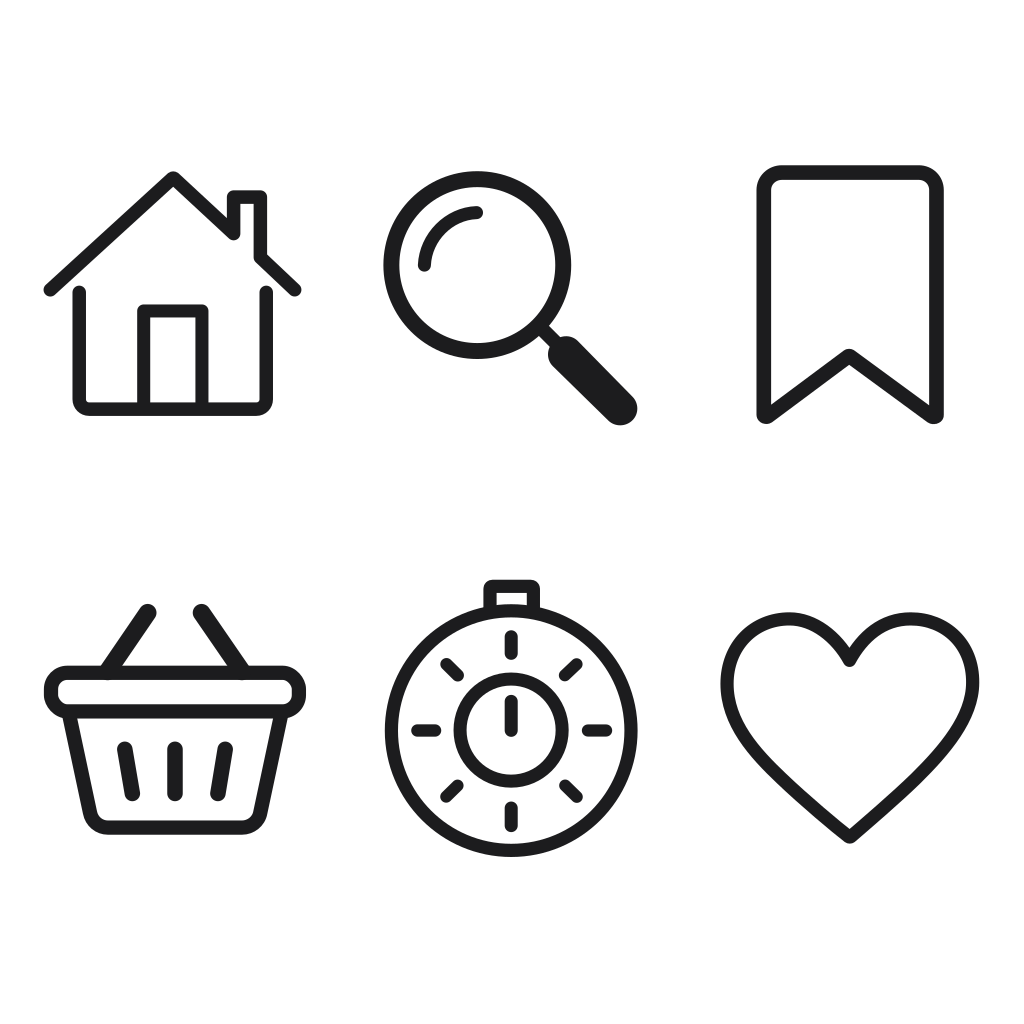
    The same six icons redrawn by Arrow 2 as one SVG set in one dark grey outline: a house, a magnifying glass, a bookmark, a basket, a kitchen timer and a heart

    Mixed icon packs redrawn as one set

    Arrow 2 redrew icons from six packs as one SVG set with one stroke. Every subject kept its place, and the kitchen timer kept its dial and crown.

  • The Morrow weather app icon: a white frosted glass cloud with a warm yellow sun behind its top right edge, on a sky blue gradient that fills the square
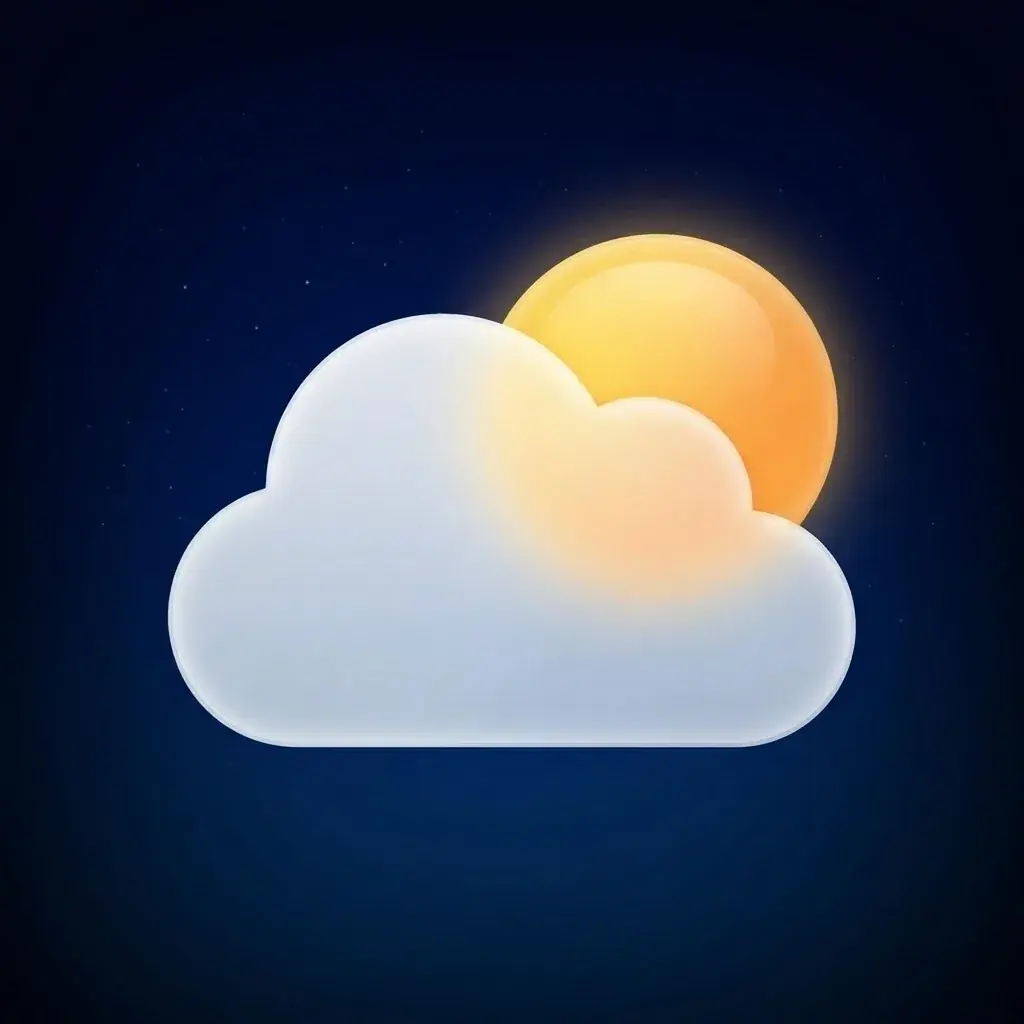
    The Morrow icon made dark: the same frosted cloud and yellow sun in the same place, on a deep navy night sky with faint stars

    A dark variant

    The Morrow icon changes to a navy night sky with faint stars. The cloud and sun retain their shape, size and position.

What you get

Icons, icon sets and screens

Each one in the shape the platform gives it.

  • The Morrow weather app icon: a white frosted glass cloud with a warm yellow sun behind its top right edge, on a sky blue gradient that fills the square

    App icon1:1

    Edge to edge; the store adds the corners

  • Six Towpath tab bar icons in one dark grey outline, two across and three down: a play button in a circle, a winding route ending in a dot, a stopwatch, a bar chart, a running shoe and a head and shoulders

    Icon set1:1

    SVG from Recraft V4.1 SVG

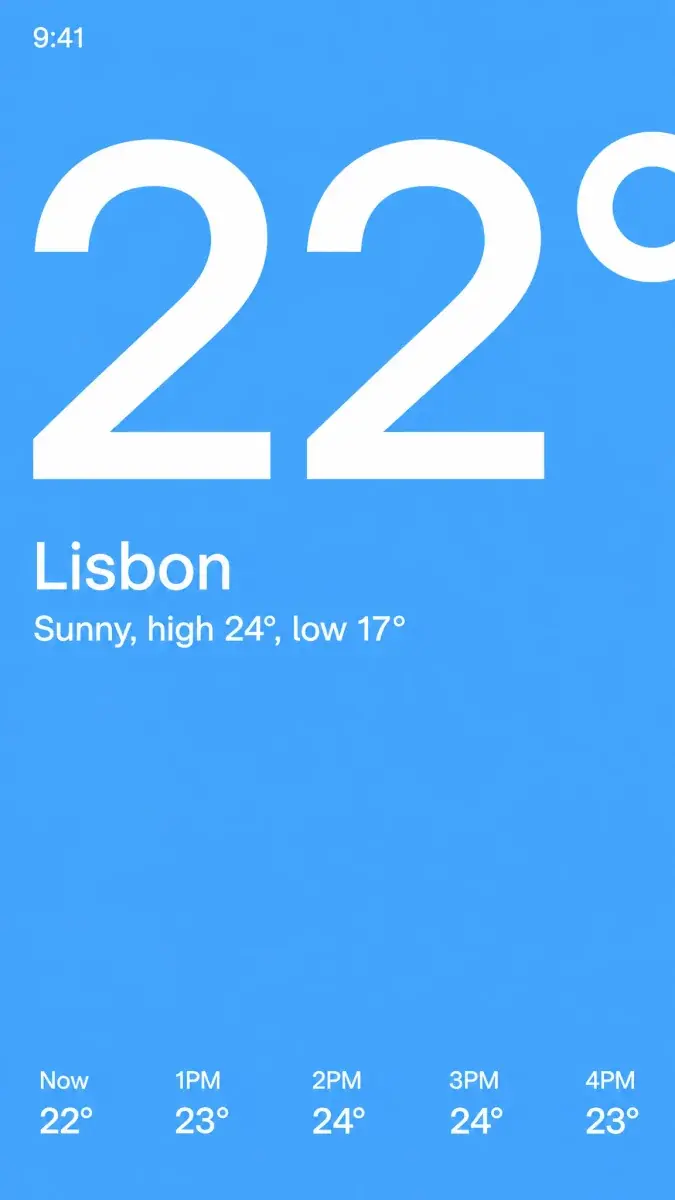
  • The Morrow home screen on one sky blue field: a huge white 22° with its degree sign cut off by the right edge, Lisbon and Sunny, high 24°, low 17° under it, and five hourly temperatures along the bottom

    Phone screen9:16

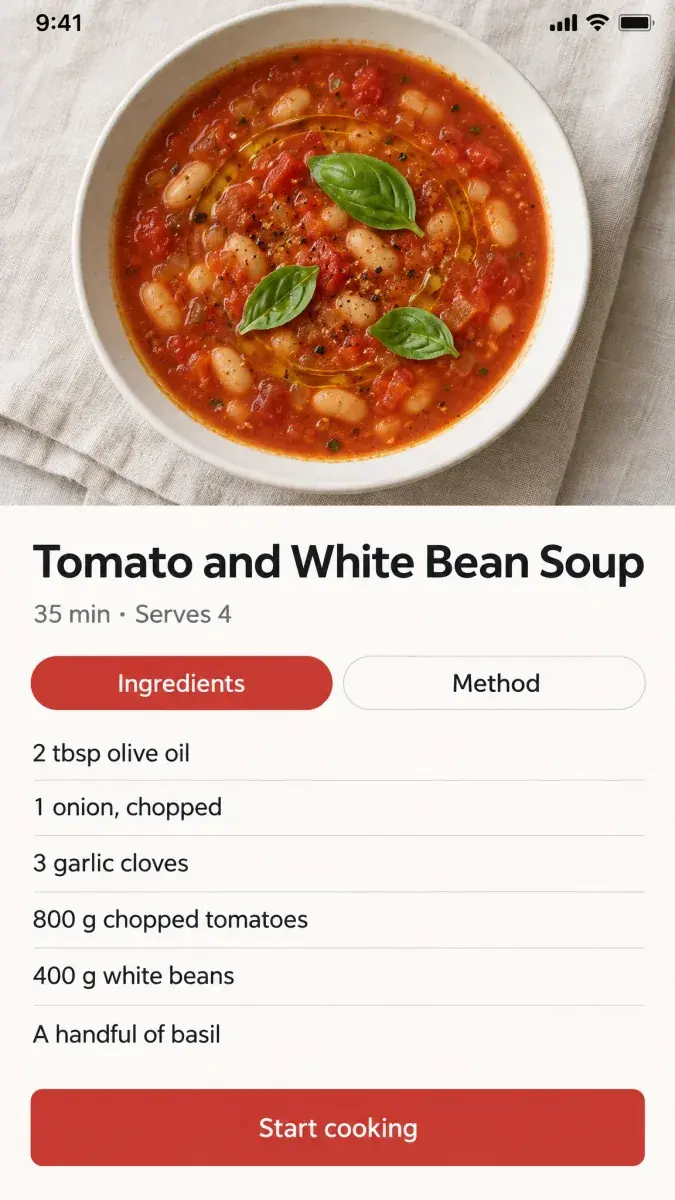
  • A Saucepan recipe screen: an overhead photo of tomato and white bean soup with basil, the title Tomato and White Bean Soup, Ingredients and Method tabs, six ingredients and a red Start cooking button

    Recipe screen9:16

App icon and UI examples with prompts

These four app icons use the same style description, changing only the symbol and colors. Each example includes its prompt.

The Morrow weather app icon: a white frosted glass cloud with a warm yellow sun behind its top right edge, on a sky blue gradient that fills the square

An app icon for Morrow, a weather app: one rounded white cloud with a warm yellow sun peeking out from behind its top right edge, on a clear sky blue gradient. A full-bleed square app icon: the background gradient fills the entire square to all four edges and corners, with square corners, no rounded tile, no border, no backdrop and no drop shadow. One bold glyph, centered and well inside the middle 60% of the square. Current iOS style: a rich but simple two-stop gradient, the glyph in white frosted glass with a soft inner highlight and subtle depth. No text, no letters, nothing else.

Nano Banana 2.110 credits
The Towpath running app icon: a thick white frosted route line winding up like an S to a coral dot, on a green to teal gradient that fills the square

An app icon for Towpath, a running app: one thick white route line that winds up from the lower left like an S and ends in a round coral dot, on a grass green to teal gradient. A full-bleed square app icon: the background gradient fills the entire square to all four edges and corners, with square corners, no rounded tile, no border, no backdrop and no drop shadow. One bold glyph, centered and well inside the middle 60% of the square. Current iOS style: a rich but simple two-stop gradient, the glyph in white frosted glass with a soft inner highlight and subtle depth. No text, no letters, nothing else.

Nano Banana 2.110 credits
The Kitty budgeting app icon: a plump white frosted coin purse with a gold kiss-lock clasp, on a deep violet gradient that fills the square

Image 1 is the current placeholder icon for Kitty, a budgeting app. Redesign Image 1 as a real icon. Replace the letter with one glyph: a plump white coin purse with a gold kiss-lock clasp, on a deep violet gradient. A full-bleed square app icon: the background gradient fills the entire square to all four edges and corners, with square corners, no rounded tile, no border, no backdrop and no drop shadow. One bold glyph, centered and well inside the middle 60% of the square. Current iOS style: a rich but simple two-stop gradient, the glyph in white frosted glass with a soft inner highlight and subtle depth. No text, no letters, nothing else.

Nano Banana 2.110 credits
The Saucepan recipe app icon: a white frosted glass saucepan in profile with a long handle and one curl of steam, on a tomato red to orange gradient that fills the square

An app icon for Saucepan, a recipe app: one white saucepan seen from the side with a long handle, a single soft curl of steam rising from it, on a tomato red to warm orange gradient. A full-bleed square app icon: the background gradient fills the entire square to all four edges and corners, with square corners, no rounded tile, no border, no backdrop and no drop shadow. One bold glyph, centered and well inside the middle 60% of the square. Current iOS style: a rich but simple two-stop gradient, the glyph in white frosted glass with a soft inner highlight and subtle depth. No text, no letters, nothing else.

Nano Banana 2.110 credits
Six Towpath tab bar icons in one dark grey outline, two across and three down: a play button in a circle, a winding route ending in a dot, a stopwatch, a bar chart, a running shoe and a head and shoulders

Six tab bar icons for Towpath, a running app, in a 3 by 2 grid on plain white: a play triangle in a circle for start run, a winding route line ending in a dot for routes, a stopwatch with one hand, a bar chart for stats, a running shoe for gear, a head and shoulders for profile. One 2 px dark grey #1C1C1E outline, rounded ends and corners, no fills. The icons stand alone on the white: no tiles, no boxes, no frames or borders around them. Even spacing, consistent size. No text, no gradients, no shadows.

Recraft V4.1 SVG10 credits
The same six icons redrawn by Arrow 2 as one SVG set in one dark grey outline: a house, a magnifying glass, a bookmark, a basket, a kitchen timer and a heart

Redraw the six icons in Image 1 as one set for the 24 px tab bar of Saucepan, a recipe app: the same subjects in the same 3 by 2 grid and positions. One 2 px dark grey #1C1C1E outline, rounded ends and corners, no fills, no shadows, no tiles or frames around the icons, plain white background.

Arrow 259 credits
The Morrow icon made dark: the same frosted cloud and yellow sun in the same place, on a deep navy night sky with faint stars

Make a dark version of the app icon in Image 1 as a full-bleed square: the background becomes a deep navy night-sky gradient that fills the entire square to all four edges and corners, with square corners, no rounded tile, no border and no backdrop. The cloud and the sun keep their exact shapes, size and position; the cloud stays white frosted glass and the sun stays warm yellow, a little brighter against the dark. No text.

Nano Banana 2.110 credits
The Morrow home screen on one sky blue field: a huge white 22° with its degree sign cut off by the right edge, Lisbon and Sunny, high 24°, low 17° under it, and five hourly temperatures along the bottom

A flat screenshot of the home screen of Morrow, an iPhone weather app, filling the whole frame edge to edge, with no phone frame and no hand. One idea: the whole screen is a single flat sky blue color field, and the temperature "22°" is set enormous in white, so large that it fills the upper half and its degree sign is cropped by the right edge. Everything else is small white text in one clean grotesque typeface: the status bar "9:41" at the top left; under the big number, "Lisbon" and below it "Sunny, high 24°, low 17°". At the bottom, one thin row of five hours: "Now 22°", "1PM 23°", "2PM 24°", "3PM 24°", "4PM 23°". No cards, no icons, no dividers, no tab bar. Every word and number exactly as written. No other text.

GPT Image 2.5 Sunburst30 credits
A Saucepan recipe screen: an overhead photo of tomato and white bean soup with basil, the title Tomato and White Bean Soup, Ingredients and Method tabs, six ingredients and a red Start cooking button

A flat screenshot of a recipe screen in Saucepan, an iPhone recipe app, filling the whole frame edge to edge, with no phone frame and no hand. Status bar at the top: "9:41". The top 40% is a photo seen from above: a shallow white bowl of tomato and white bean soup with a swirl of olive oil and three basil leaves, on a pale linen cloth in soft daylight. Below, on warm white, in one clean grotesque typeface: the title "Tomato and White Bean Soup", the line "35 min · Serves 4", then two pill tabs, "Ingredients" filled tomato red with white text and "Method" in outline. An ingredient list with thin dividers: "2 tbsp olive oil", "1 onion, chopped", "3 garlic cloves", "800 g chopped tomatoes", "400 g white beans", "A handful of basil". At the bottom, a wide tomato red button: "Start cooking". Generous margins, one grid. Every word exactly as written. No other text.

GPT Image 2.5 Sunburst30 credits

One app icon prompt on three models

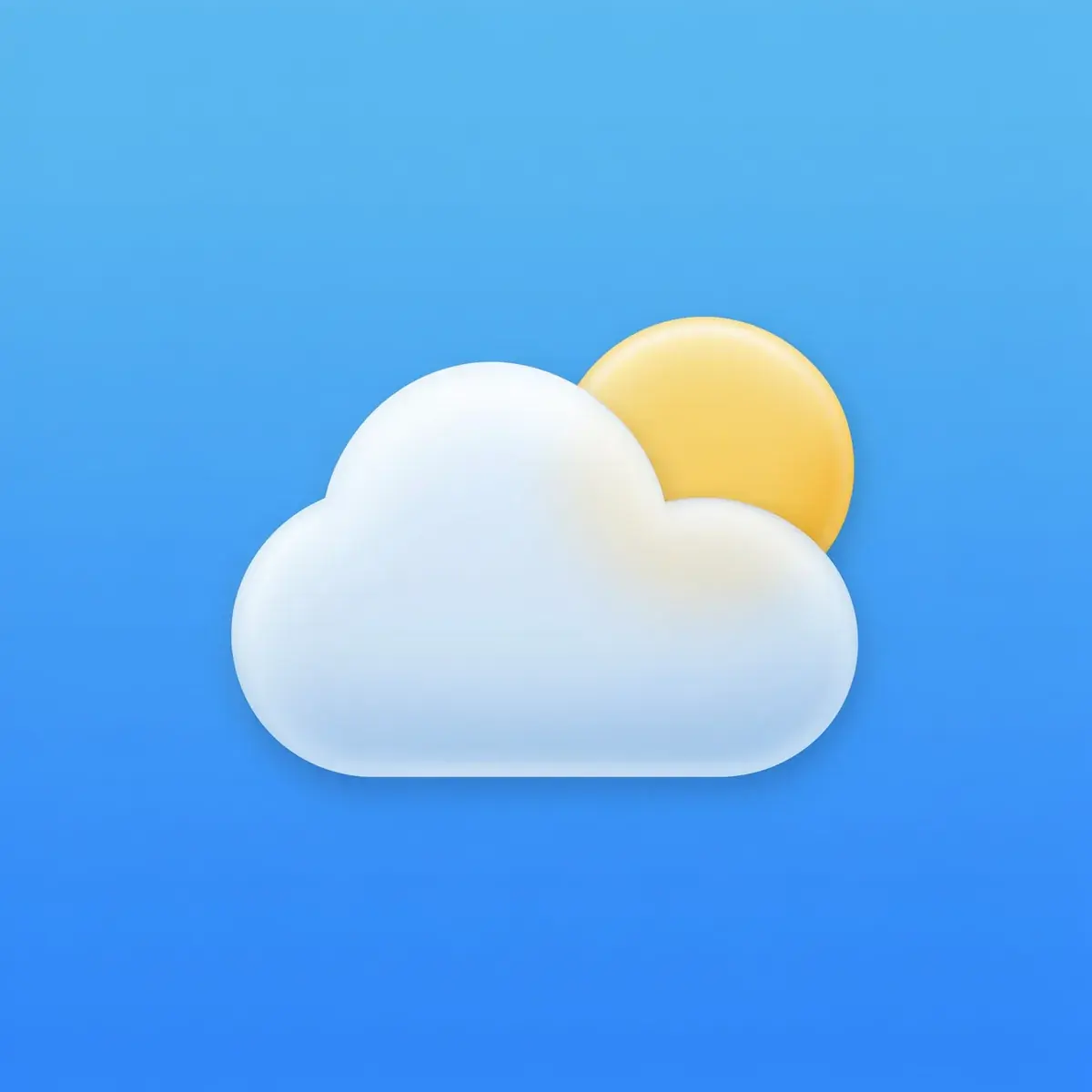
All three filled the square edge to edge. Nano Banana 2.1 drew the cloud in frosted glass with the sun showing through, GPT Image 2.5 Sunburst made it glossy with the brightest sun, and Ideogram 4.5 drew the smallest cloud with a paler sun.

Same prompt, every model

An app icon for Morrow, a weather app: one rounded white cloud with a warm yellow sun peeking out from behind its top right edge, on a clear sky blue gradient. A full-bleed square app icon: the background gradient fills the entire square to all four edges and corners, with square corners, no rounded tile, no border, no backdrop and no drop shadow. One bold glyph, centered and well inside the middle 60% of the square. Current iOS style: a rich but simple two-stop gradient, the glyph in white frosted glass with a soft inner highlight and subtle depth. No text, no letters, nothing else.

  • The Morrow weather app icon: a white frosted glass cloud with a warm yellow sun behind its top right edge, on a sky blue gradient that fills the square
    Nano Banana 2.1

    10 credits

  • The Morrow icon from GPT Image 2.5 Sunburst: a glossy white cloud in front of a bright yellow sun, on a sky blue gradient that fills the square
    GPT Image 2.5 Sunburst

    30 credits

  • The Morrow icon from Ideogram 4.5: a smaller soft white cloud in front of a pale yellow sun, centered on a sky blue gradient that fills the square
    Ideogram 4.5

    14 credits

Made in Batch Banana on October 12, 2026. One pick shown from each model's run, nothing retouched.

How it works

How to create app icons and UI

  1. Describe your app icon

    Say what the app does and the single motif that stands for it. Leave the app name out: Apple asks for text in an icon only when it is part of the brand.

  2. Pick raster or vector

    Image models return a PNG for the store icon. Arrow 2 and Recraft V4.1 SVG return vector files for UI icons that have to scale.

  3. Cut the sheet into files

    Ask for a whole set on one sheet, then Slice cuts it into one file per icon. Slicing is free.

One run on Nano Banana 2.1: 4 images at 1:1, 40 credits.

Create with the agent

The agent uses the App and web graphics skill for icons, UI sets, screens and web heroes.

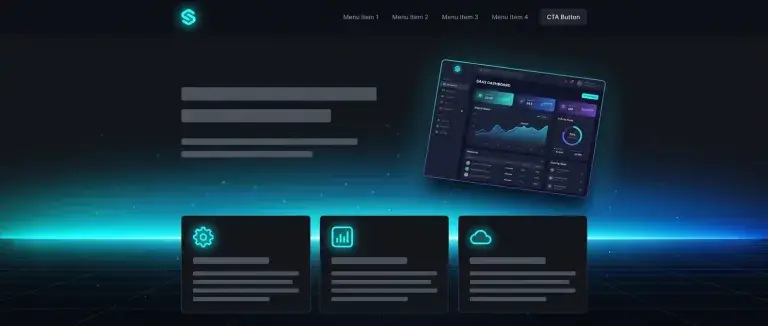
A dark web page with a glowing dashboard panel above three feature cards

Agent skill

App and web graphics

Makes app icons, UI icons, screens, and web heroes. It knows where each platform crops and masks, so the part that matters stays in view.

App icons · UI icons · Screens · Web heroes

See all skills

Questions about app icons and UI