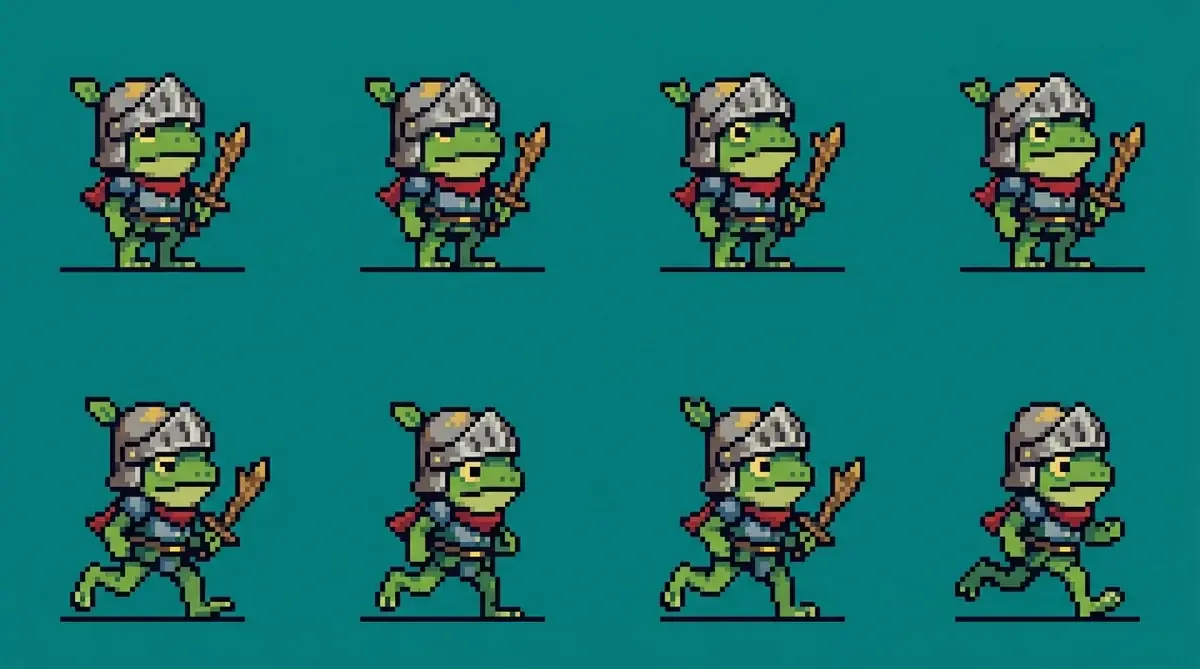
A pixel-art sprite sheet for a 2D platformer: a small frog knight in a dented tin helmet carrying a twig sword, side view facing right. 4 columns by 2 rows, read left to right, top to bottom. Row 1: idle, 4 frames. Row 2: run, 4 frames. One frog per cell at the same size, feet on the same baseline, a wide empty gap around each. 32 by 32 pixel sprites, 16 colors, dark outline. Flat solid teal background.
Pixel Art AI Generator


What is a pixel art AI generator?
It makes images in the look of early console and handheld games: square pixels, hard edges, a short palette and dark outlines. You describe the sprite or scene, the pixel size and the colors. On Nano Banana 2.1 an image costs 10 credits. You can start for free.
What makes the look
Grid, palette, outline and era
The style comes from what it leaves out: no smooth curves, no soft blends, no more colors than the sprite needs.
Grid
Every shape sits on a grid of square pixels. Name a sprite size like 16, 32 or 64 pixels and the detail scales to it.
Palette
A few colors, often under 16, with one or two shades per color. Gradients become bands or dithering.
Outline
A dark one-pixel outline keeps a sprite readable on any background and at small sizes.
Era
8-bit art is blocky with very few colors. 16-bit art has more shades, parallax layers and finer detail.
- Category
- Games and retro
- Best subjects
- Sprites, item icons, game scenes, avatars, title screens
- Pairs with
- Sprite sheets skill
- Credits
- 10 per image on Nano Banana 2.1
- Cut into sprites
- Slice, no credits
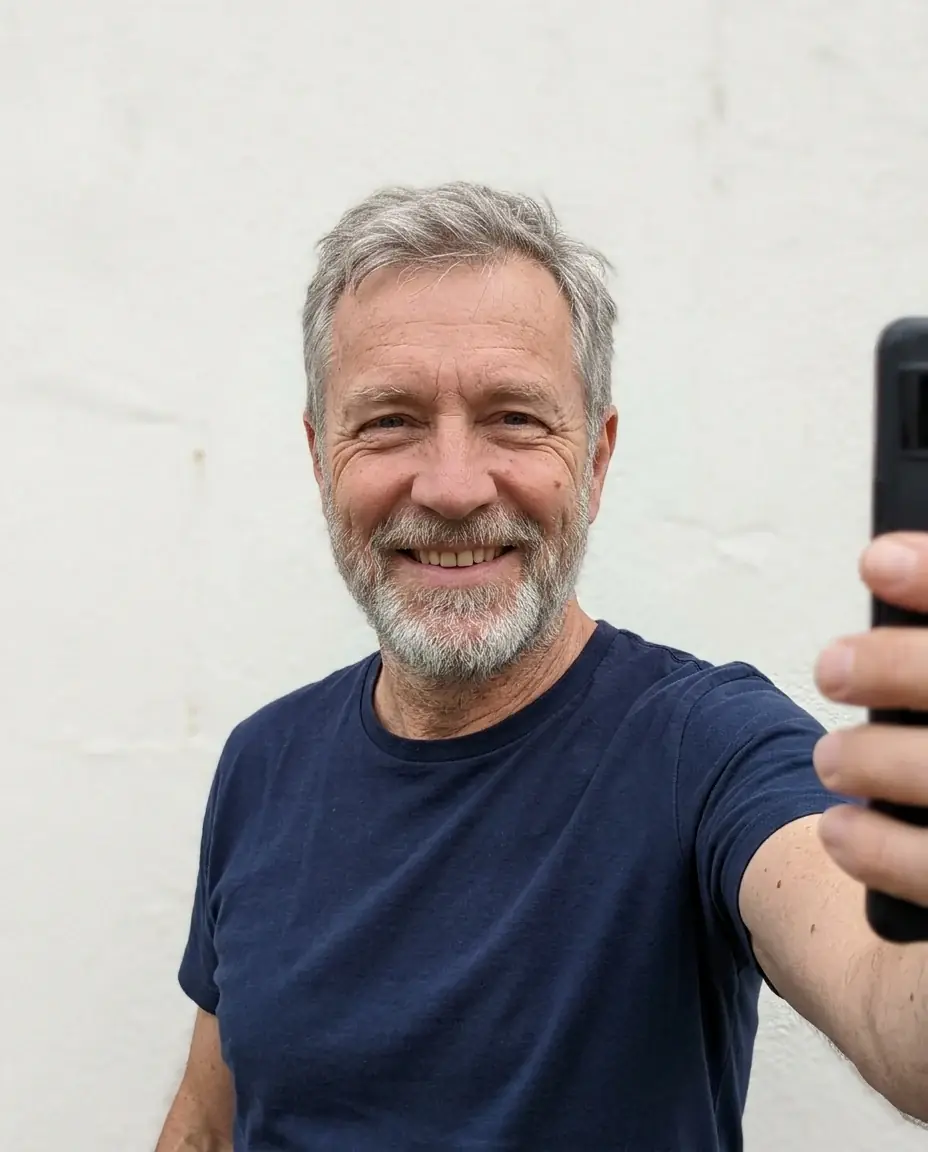
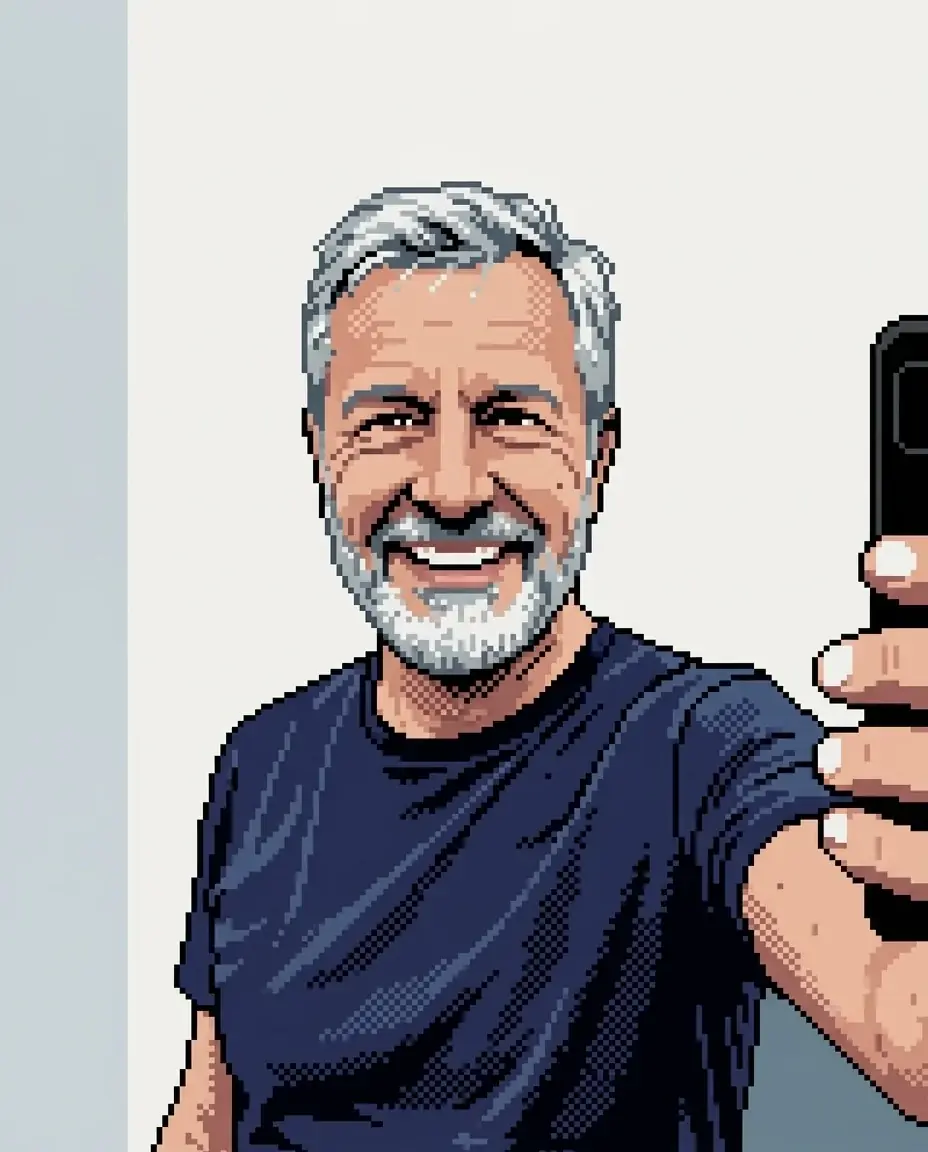
Your photo, in pixel art
Attach a photo of yourself and ask for pixel art.

Pixel art examples
Each card shows the prompt, the model and what the image costs. Copy a prompt and swap in your own sprite or scene.
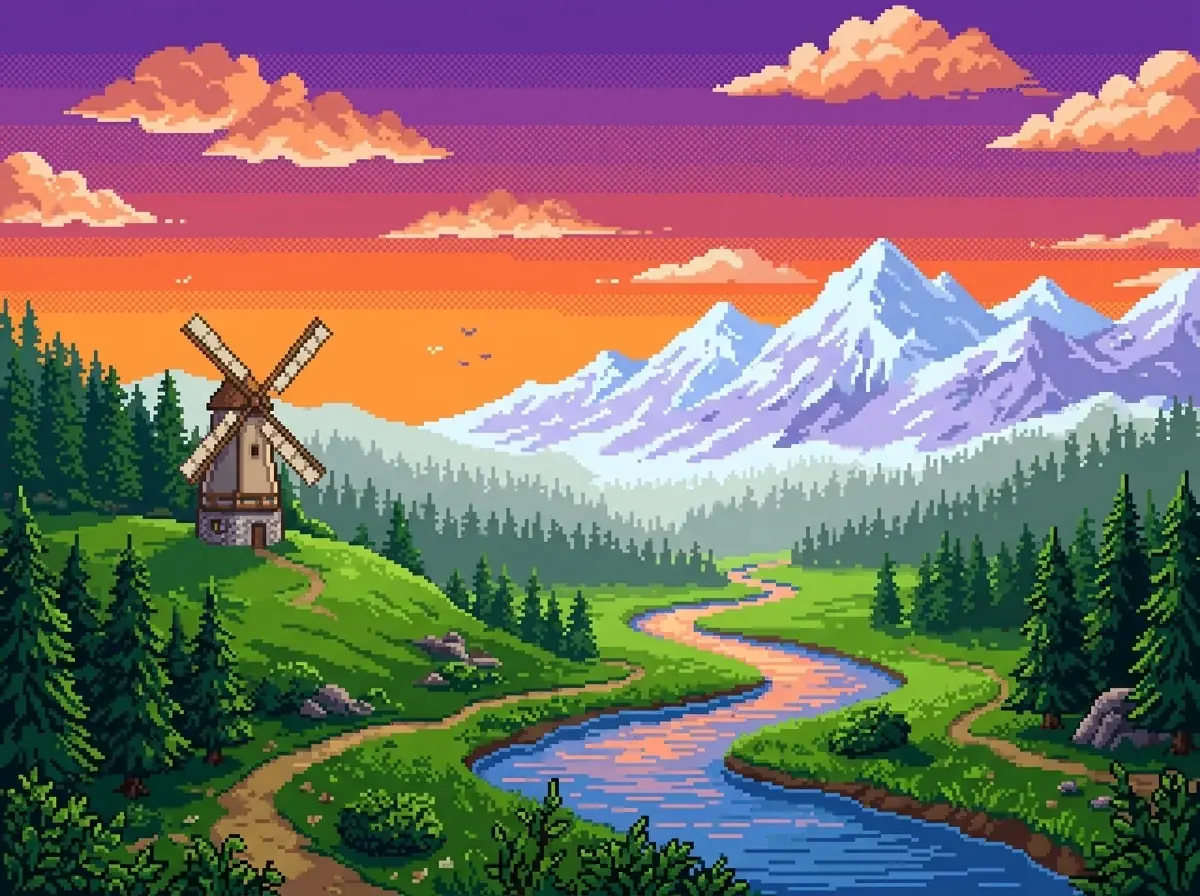
A 16-bit pixel-art landscape for a game title screen: a valley at sunset with a river winding toward snowy mountains, a windmill on a green hill, pine forests in layered bands that get paler with distance, an orange and violet sky with chunky pixel clouds. Limited palette, clean dithering in the sky gradient, square pixels, no text.
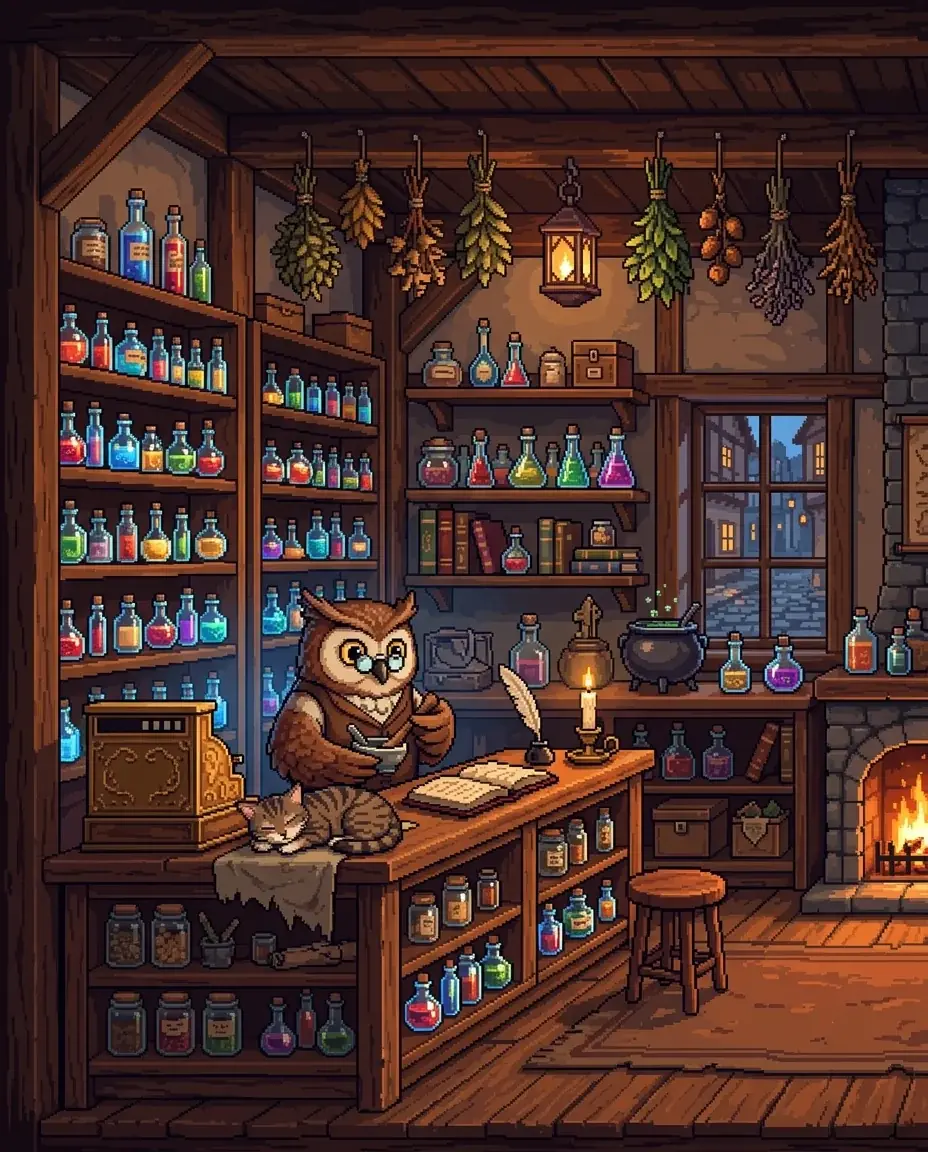
A pixel-art interior of a potion shop in a fantasy town, seen side-on like a room in a 2D game: wooden shelves of glowing bottles, an owl shopkeeper in round spectacles behind the counter, a cat asleep beside the till, bundles of herbs hanging from the beams, warm candlelight. 16-bit style, crisp square pixels, a warm palette with blue accents, no text.
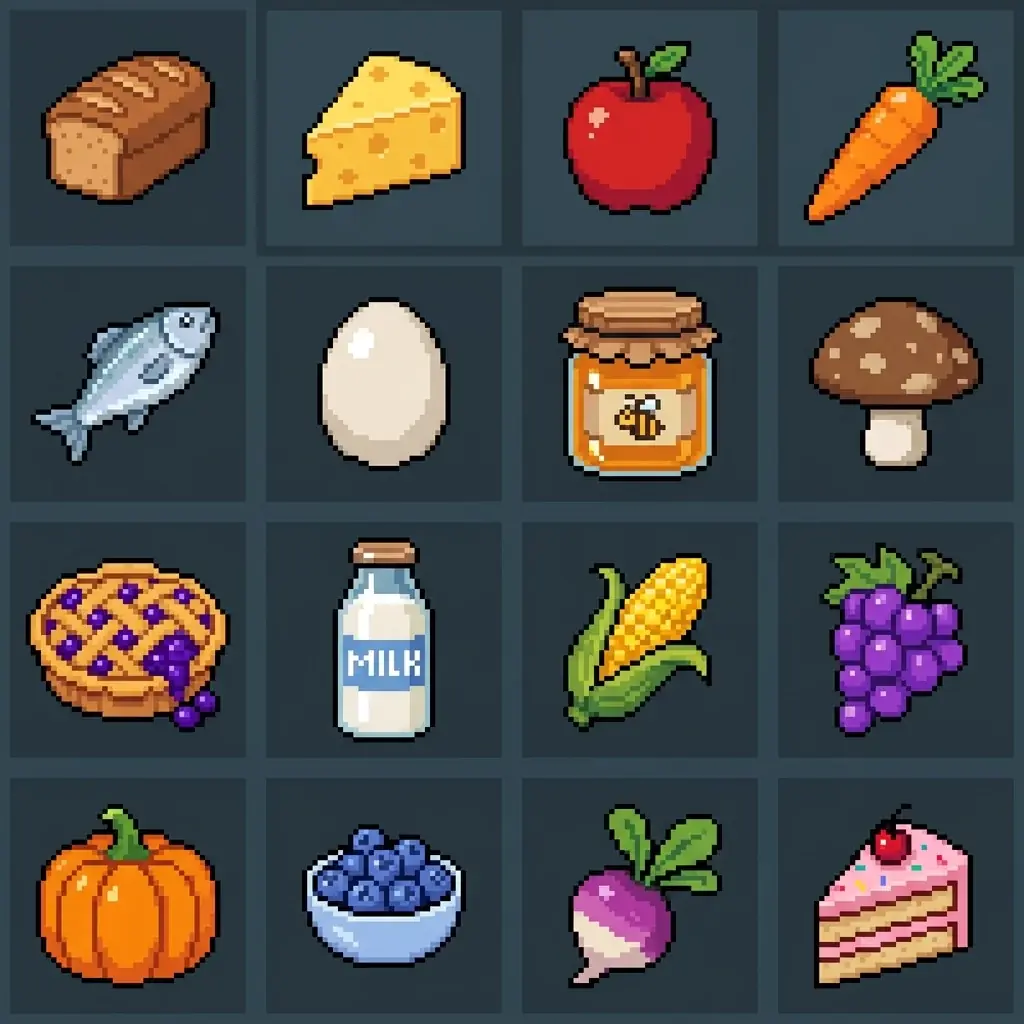
A 4 by 4 grid of 16 pixel-art food items for a farming game, read left to right, top to bottom: bread loaf, cheese wedge, red apple, carrot, fish, egg, honey jar, mushroom, berry pie, milk bottle, corn, grapes, pumpkin, blueberries, turnip, slice of cake. Each item centered in its cell at the same 32 pixel scale with a wide gap around it, dark outline, one highlight. Flat dark slate background.
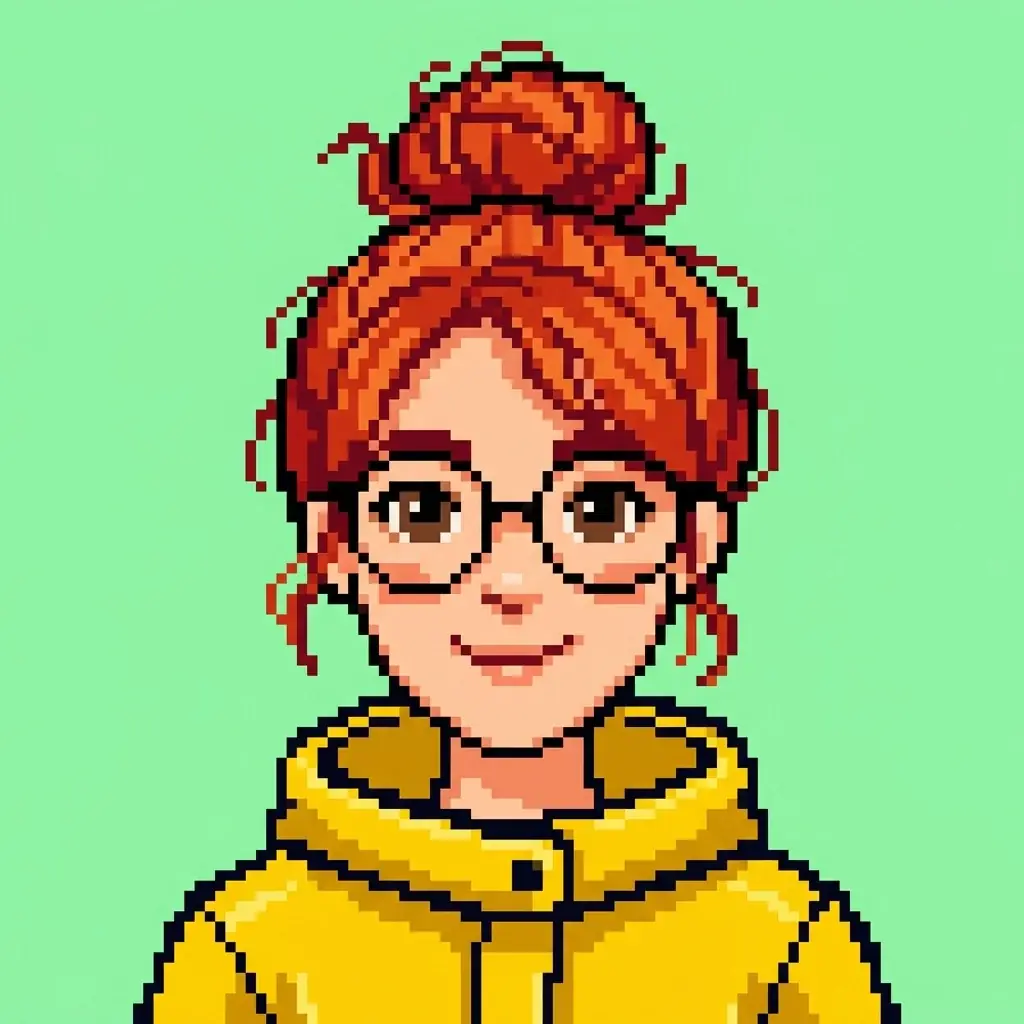
A pixel-art profile picture: head and shoulders of a young woman with a messy red bun, round glasses and a yellow raincoat, looking at the viewer with a small smile, on a flat mint background. A 64 by 64 pixel look scaled up with crisp square pixels, 12 colors, no anti-aliasing, no text.
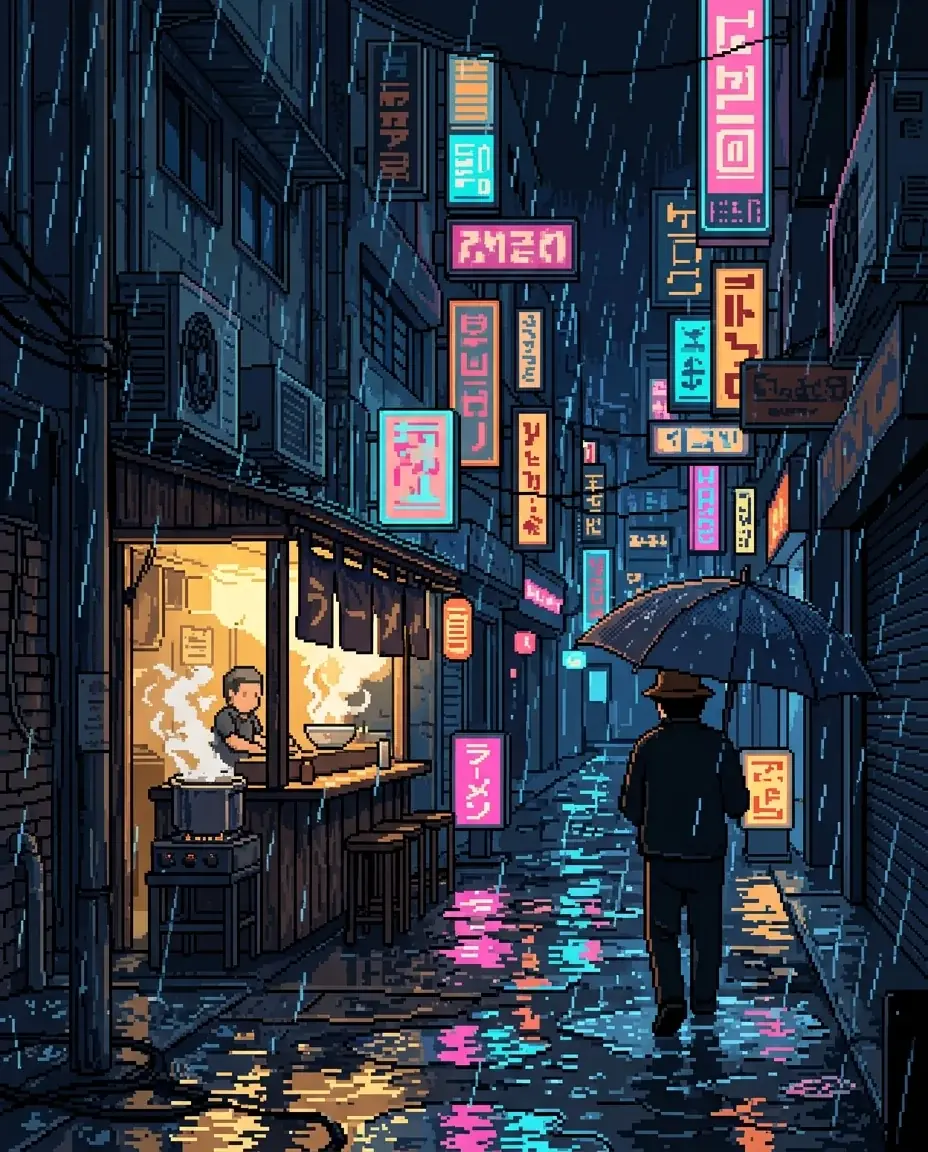
A pixel-art phone wallpaper of a narrow city street at night in the rain: stacked shop signs glowing pink and cyan as shapes with no readable letters, reflections in the puddles, a noodle stall with rising steam and one figure under an umbrella. 16-bit style, square pixels, rain drawn as short diagonal pixel lines, a dark blue palette with neon accents.
One pixel art prompt on four models
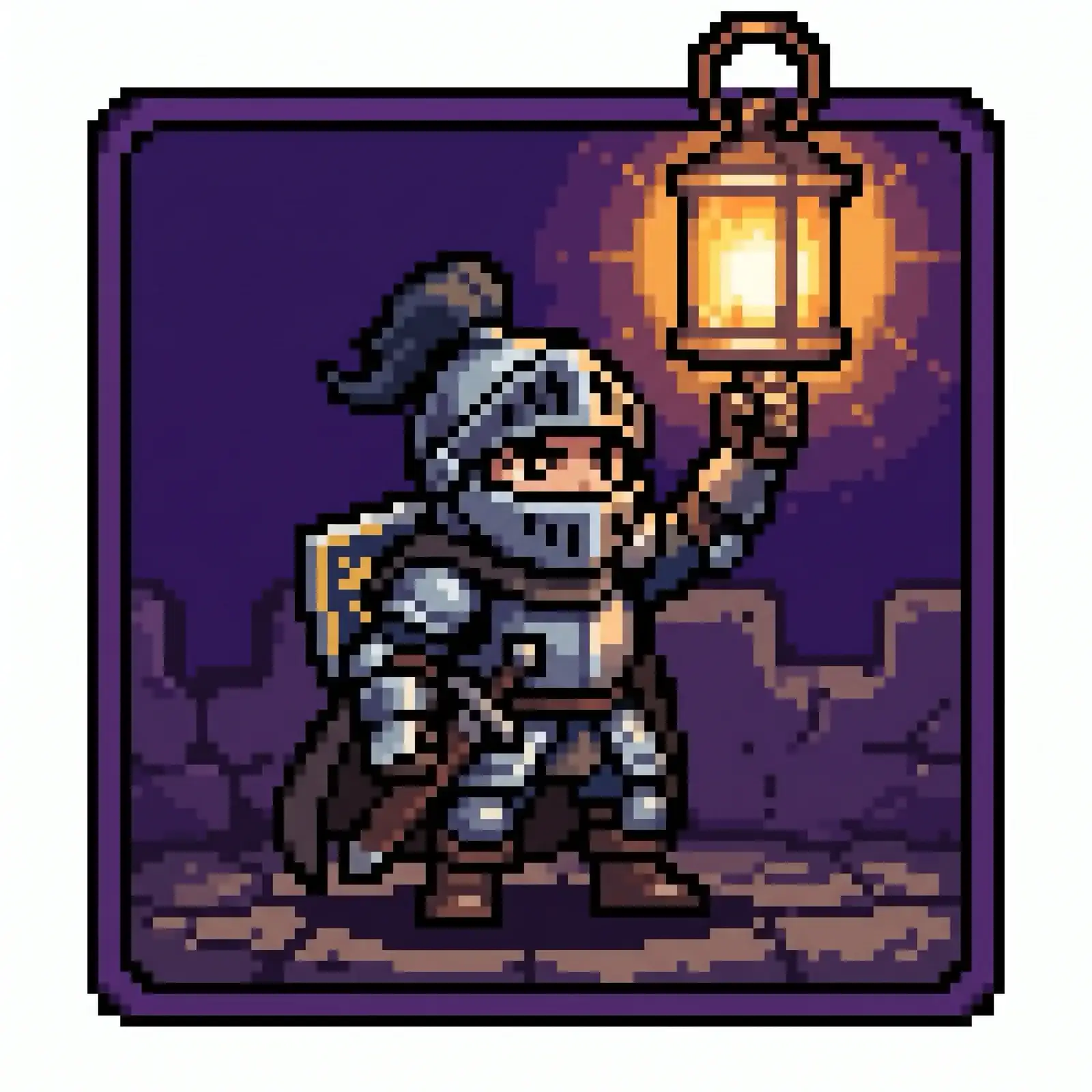
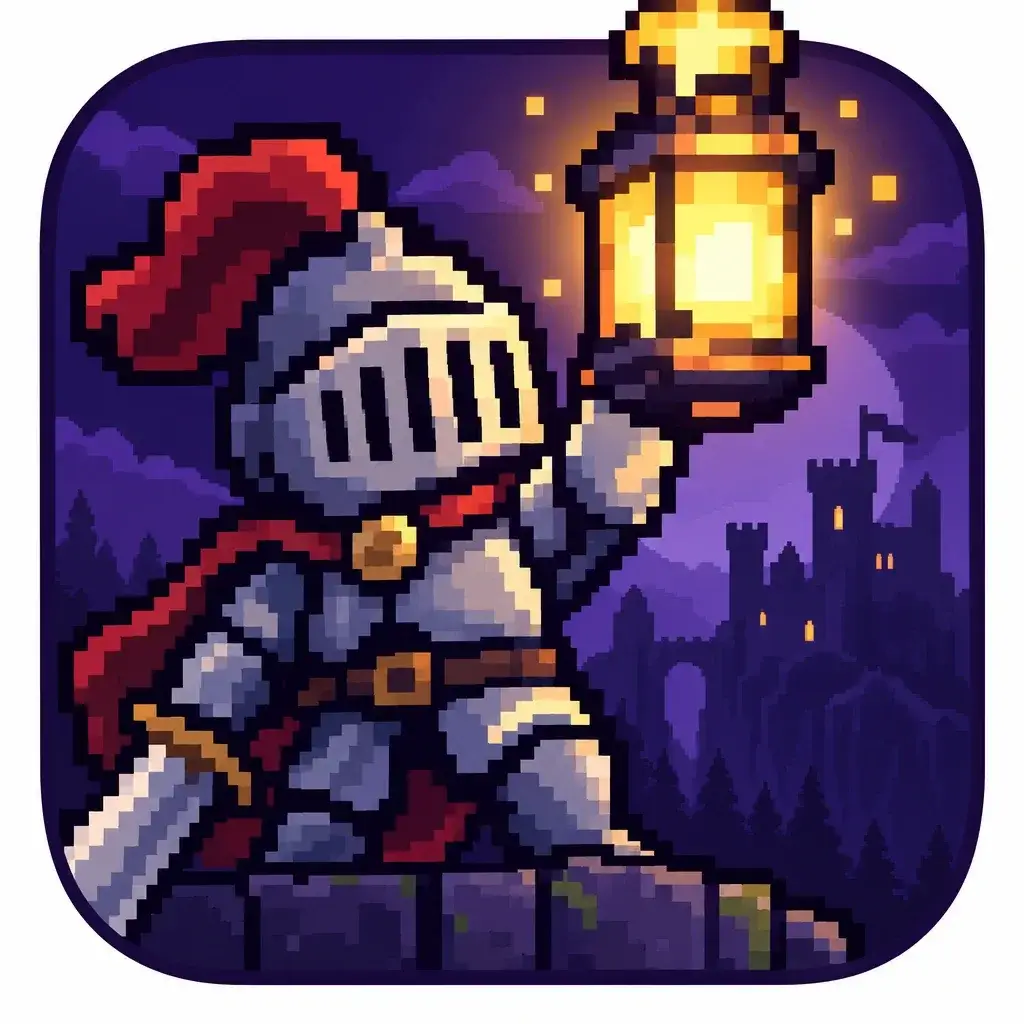
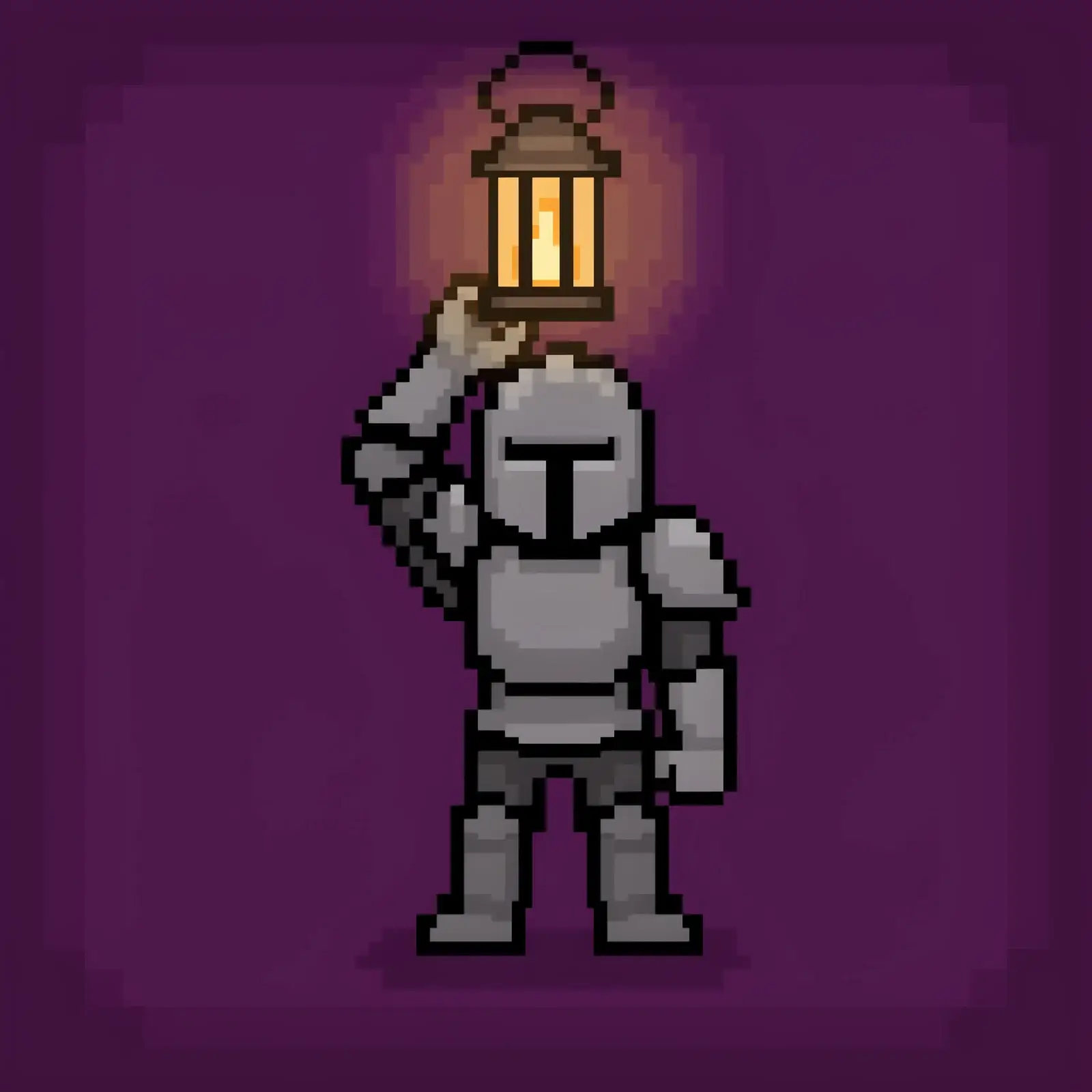
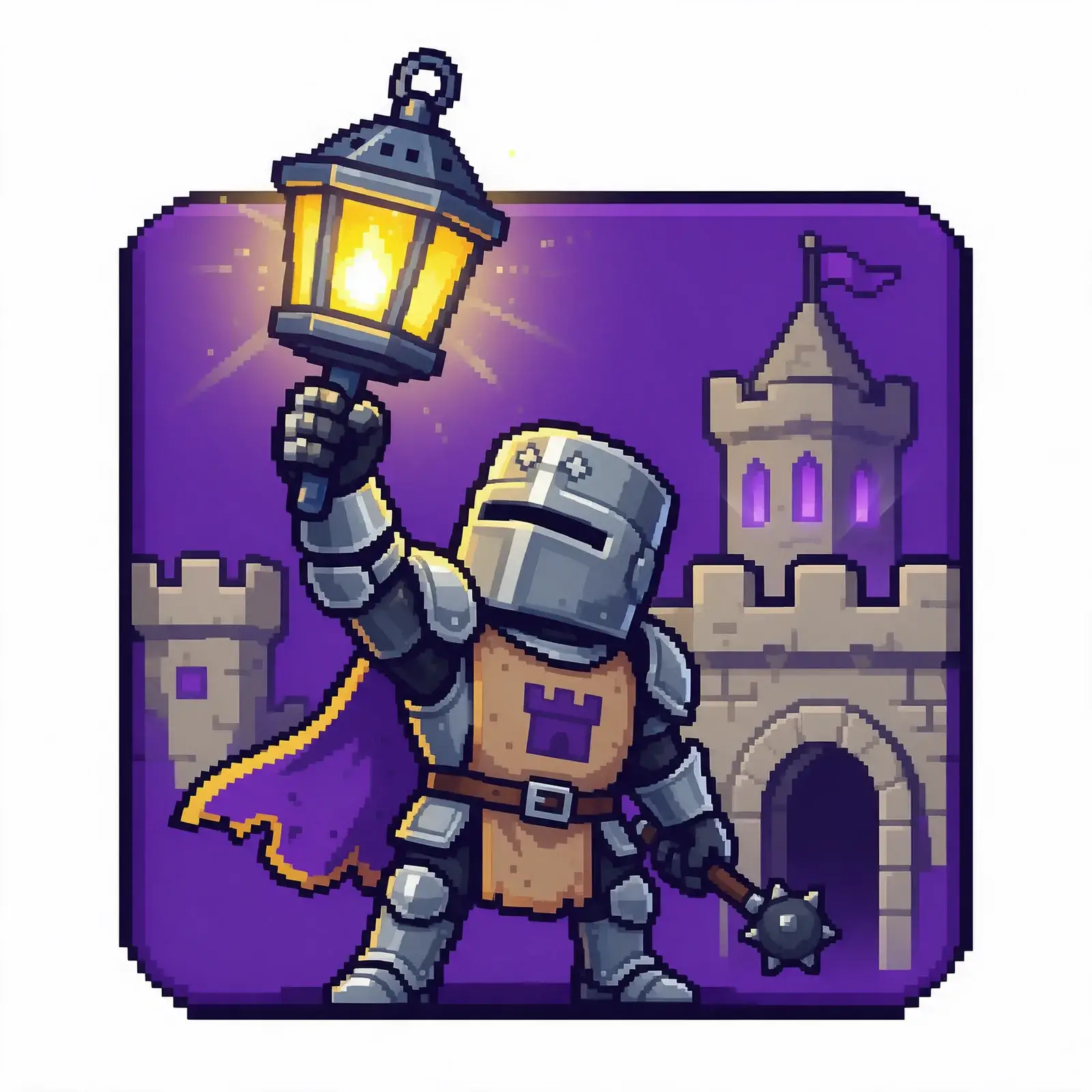
Same prompt, same settings. Compare how blocky each one stays and whether the lantern breaks the top edge.
Same prompt, every model
An app icon for Lantern Keep, a pixel-art castle game: a small armored knight holding up a glowing lantern on a deep violet square, the lantern breaking the top edge. Chunky pixel art, thick dark outline, no text.
Nano Banana 210 credits
GPT Image 2.5 Sunburst30 credits
Ideogram 4.514 credits
Seedream 5 Pro11 credits
Real runs from our Which model for what guide, the first result on each model. Credits are each model's base price per image.
How to make pixel art
Set the limits first
Give the sprite size, the number of colors and the outline. These limits do more for the look than any list of details.
Lay out sheets as a grid
For sprites and items, give the rows and columns, what each row holds and a flat background color the art does not use.
Cut and clean up
Run Slice on the sheet to get one file per sprite. Then scale each one to your game's size in your art tool and fix stray pixels.
Questions about pixel art
It has the look, at 1K, 2K or 4K. Each pixel in the art is a block of many real pixels, and the blocks may not line up on an exact grid. For a game, scale the sprite down to its real size with nearest-neighbor resizing and fix any stray pixels.
Run the Slice edit on the sheet. It finds each sprite on a plain or transparent background, or cuts by a grid you set, and gives you one file per sprite. Slice costs no credits.
Attach your first sprite as a reference and describe the character in the same words every time. Nano Banana 2.1 reads up to 14 reference images.
In the comparison above, every model kept the pixel look. Ideogram 4.5 kept the lantern inside the square instead of breaking the edge. For a sprite you will scale to any size, Arrow 2 draws it as an SVG file.
10 credits an image on Nano Banana 2.1, and a whole sprite sheet is one image. Cutting it with Slice is free.
Yes. Attach it as a reference image and name the style. The face can change a little from run to run, so run a few and keep the closest.
Related
StyleClayCharacters, food, rooms and products that look sculpted from plasticine and shot on a miniature set.Learn more
StyleWatercolorBotanicals, travel sketches, portraits and invitations in soft washes with the paper showing through.Learn more
Style3D renderSmooth rendered shapes, soft studio light and real materials, for mascots, product heroes, icons and rooms.Learn more