Illustration
Die-cut sticker
A bold character or object with a thick white border, ready to cut out.
Sent with your prompt
Die-cut sticker: one bold cartoon character or object with clean dark outlines and flat bright colors, surrounded by a thick, even white border that follows its silhouette, with a slight drop shadow, on a plain flat color background. Simple shading, playful chunky shapes and the look of printed vinyl.


Images
What is the sticker art style?
It is an illustration style that copies a die-cut vinyl sticker: bold dark outlines, a few flat colors, a thick white border that follows the shape and a slight shine. Use it for icons, social posts, characters and whole themed sheets. On Nano Banana 2.1 an image costs 10 credits.
What makes the look
Border, outline, color and finish
The subject can be anything. These cues make the drawing look printed on vinyl and cut out.
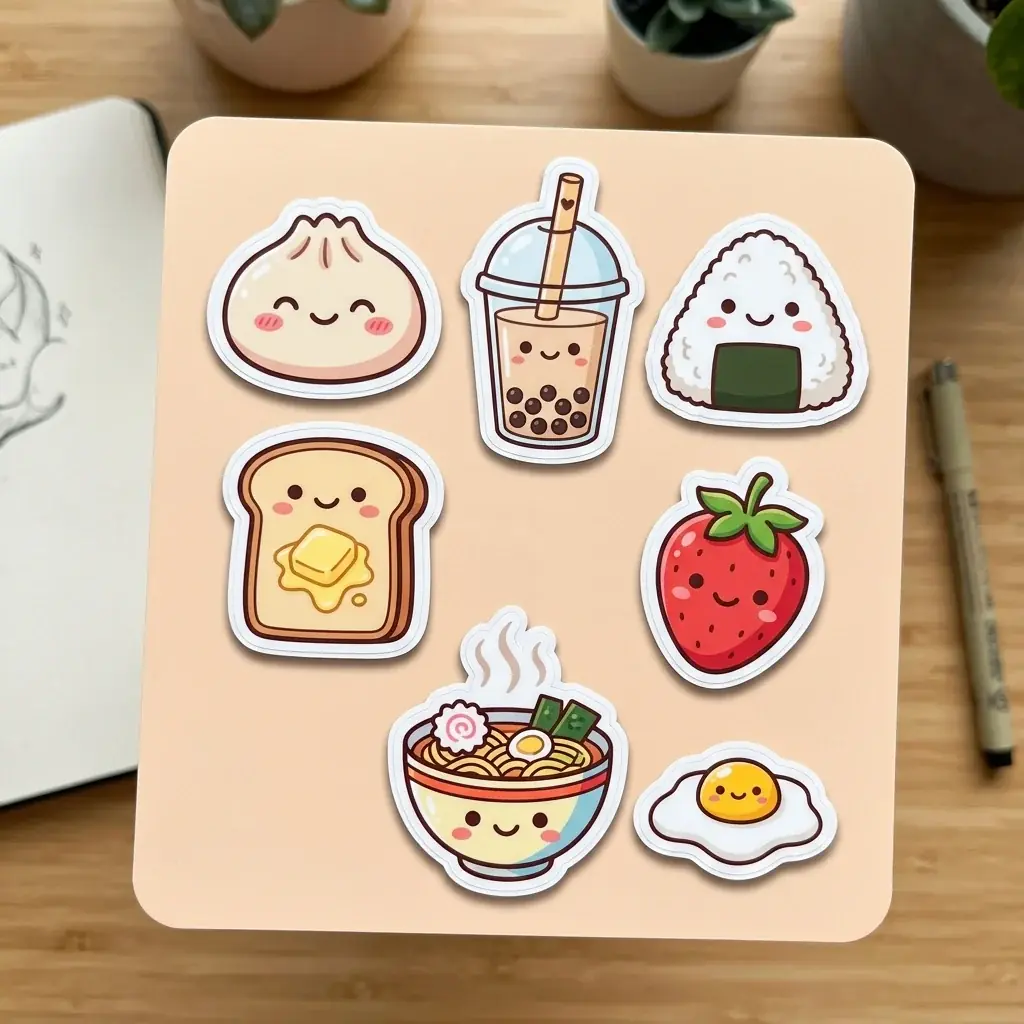
Die-cut border
A thick white edge that follows the outline of the art, with a soft drop shadow so it lifts off the background.
Bold outline
One dark line weight around every shape, so the drawing stays clear at icon size.
Flat color
A few flat fills and no soft gradients. Small details get lost at sticker size.
Finish
Glossy vinyl catches a highlight, matte stays soft, and a peeled corner shows the white back of the sticker.
- Category
- Illustration and print
- Best subjects
- Food characters, animals, plants, travel badges, desk items
- Credits
- 10 per image on Nano Banana 2.1
- Resolution
- 1K, 2K or 4K
- References
- Up to 14 images
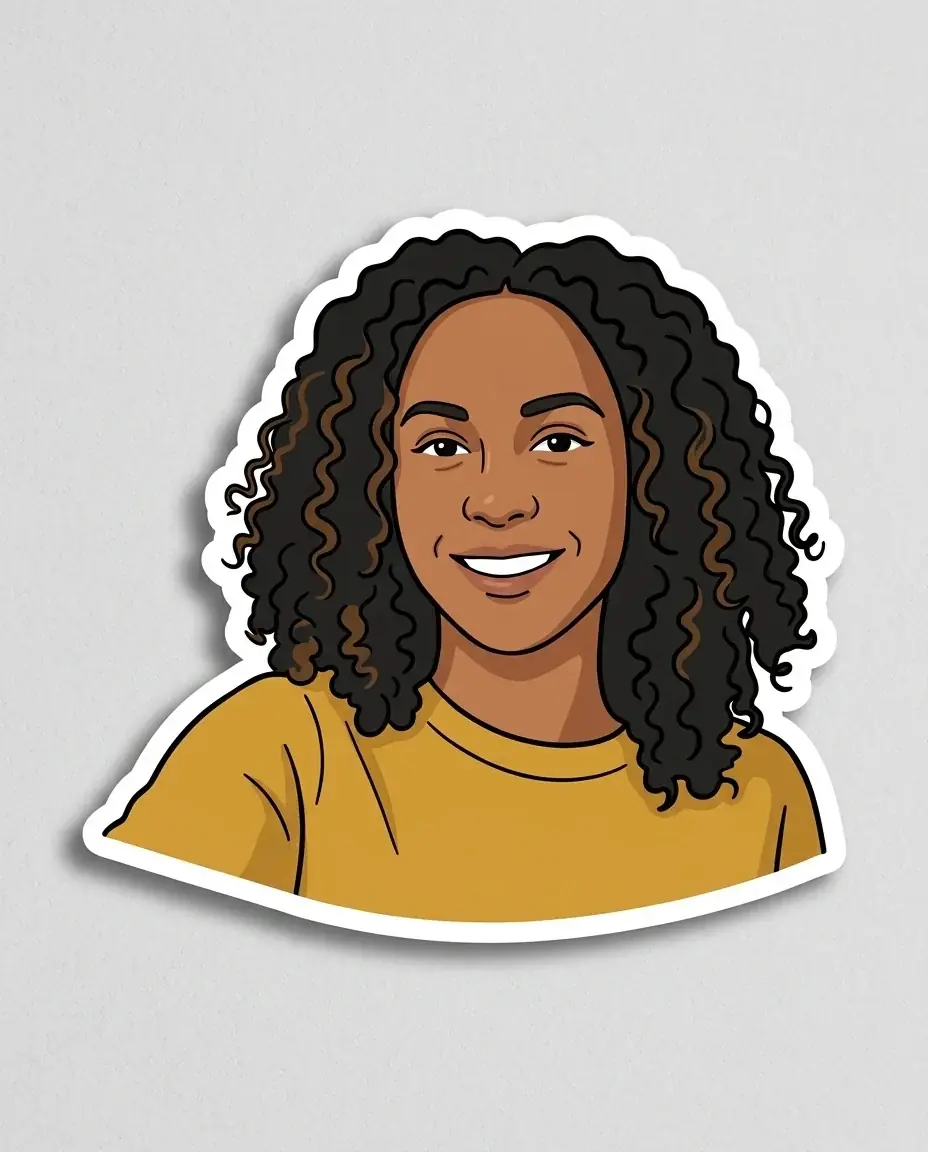
Your photo, in sticker art
Attach a photo of yourself and ask for sticker art.

How to draw in the sticker style
Pick the subject or a theme
Name one character or object, or a theme and every item on a sheet. Five to eight items fit well on one square image.
Ask for the border and the finish
Say thick white die-cut border, flat colors and bold outlines, then glossy or matte. Add no text, since the model can misspell words.
Print the ones you keep
For real stickers, make your favorites as single images and follow the stickers guide: the Sticker tool cuts each one out, adds a border and lays out a print sheet.
Questions about sticker art
This page is about the look: a drawing that already looks like a printed vinyl sticker, for posts, icons or a mock sheet. To print stickers, see the stickers page: the Sticker tool cuts out any image, adds a border in one of five finishes and lays out a print sheet.
The image is a picture of a sheet, not a cut file. For printing, make each sticker as its own image, then use the Sticker tool to add a cut line and build a sheet.
Put every sticker on one sheet, or reuse the same style words, palette and line weight in each prompt. Attaching one finished sticker as a reference keeps the next ones close.
Yes. Arrow 2 draws stickers as SVG files you can scale and edit. Other models make raster images.
10 credits an image on Nano Banana 2.1 at 1K, and a whole sheet is one image. 2K costs 15 credits and 4K costs 23 credits. You can start for free.
Related
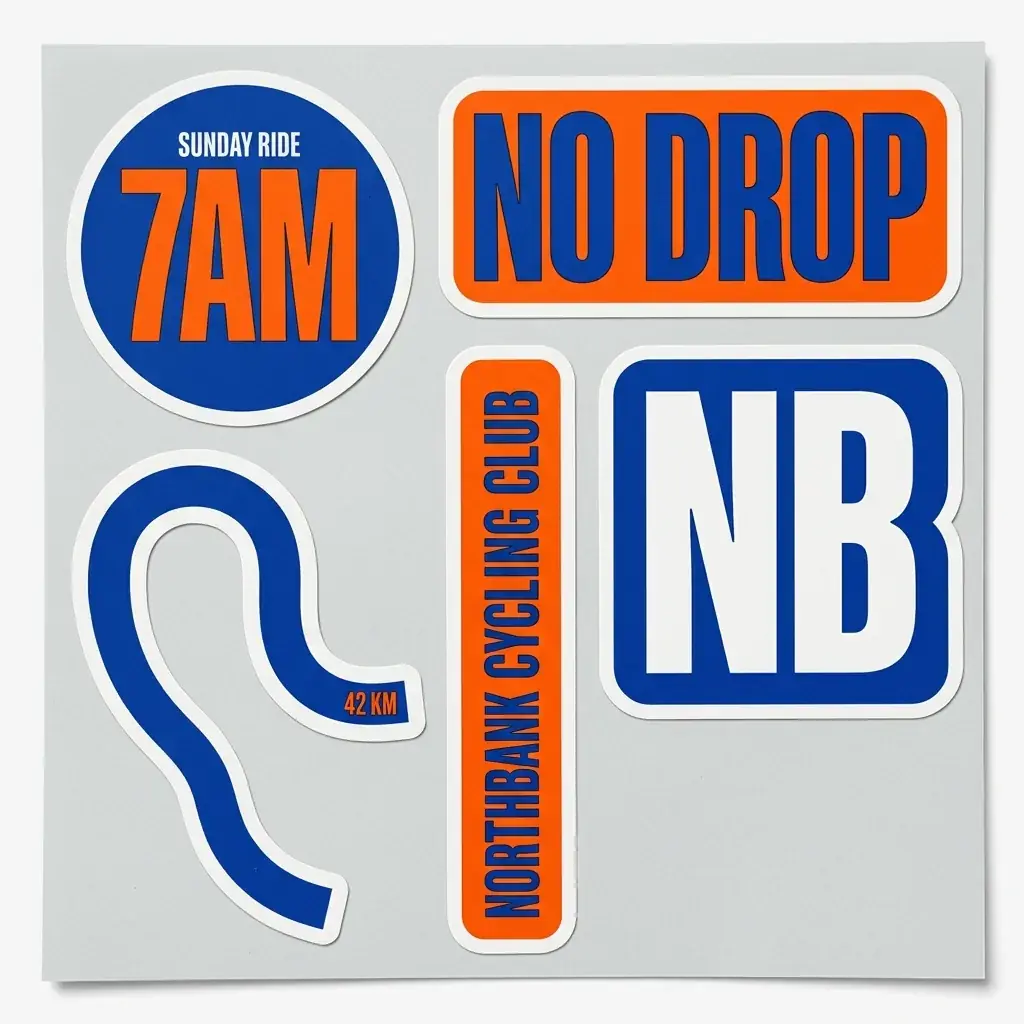 Use caseSticker sheetsDie-cut sticker packs from photos or descriptions, laid out on a printable sheet.Learn more
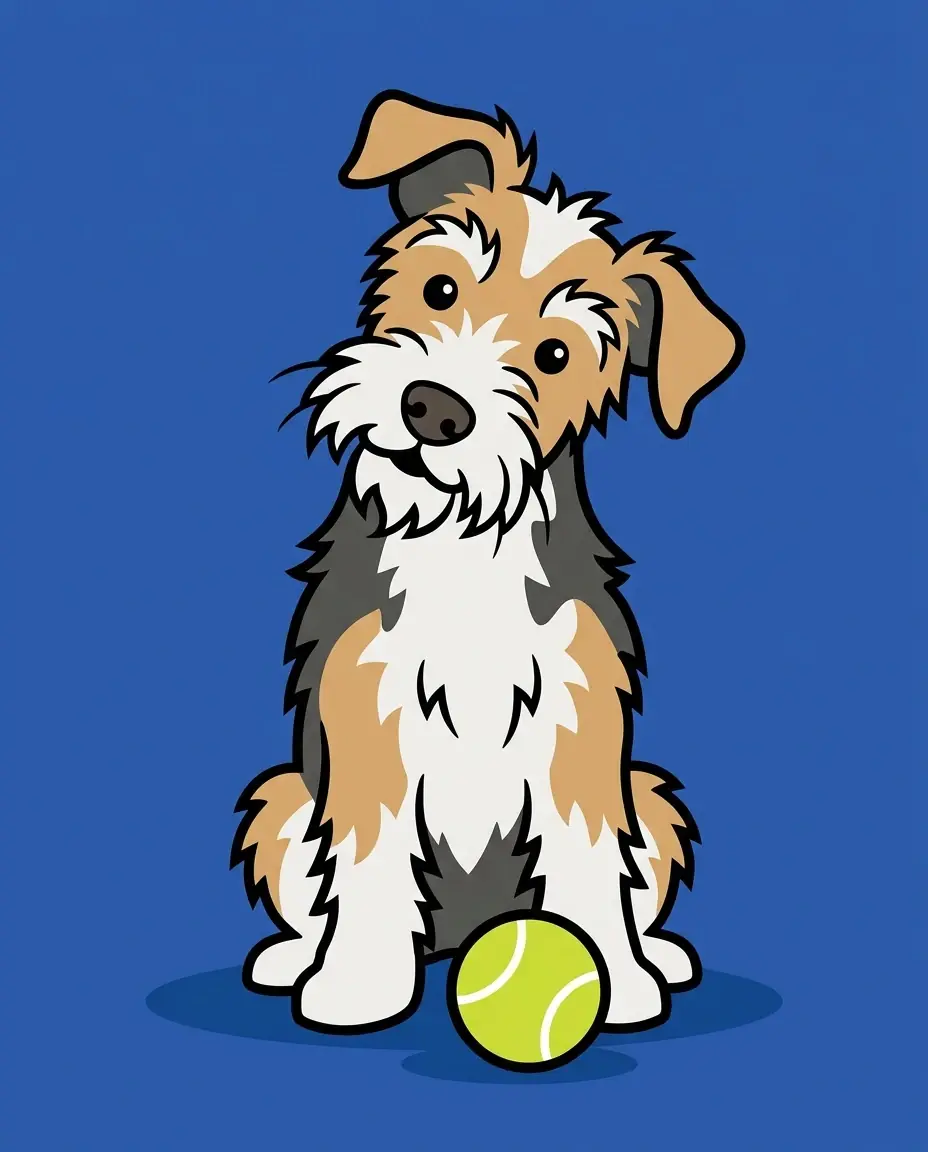 StyleCartoonBold outlines, flat color and simple shapes for characters, scenes, brand illustrations, mascots and pet portraits.Learn more
 StyleMascot logoBold badge mascots for esports teams, clubs and startups, with thick outlines and two or three flat colors.Learn more